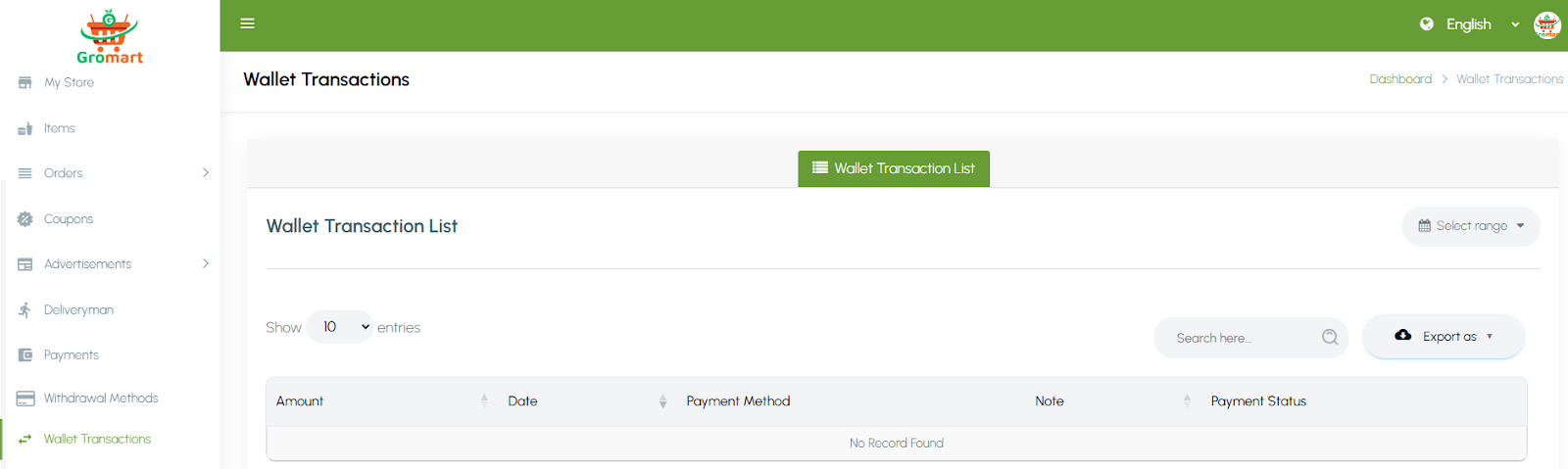
5. Admin Panel Menus Overview
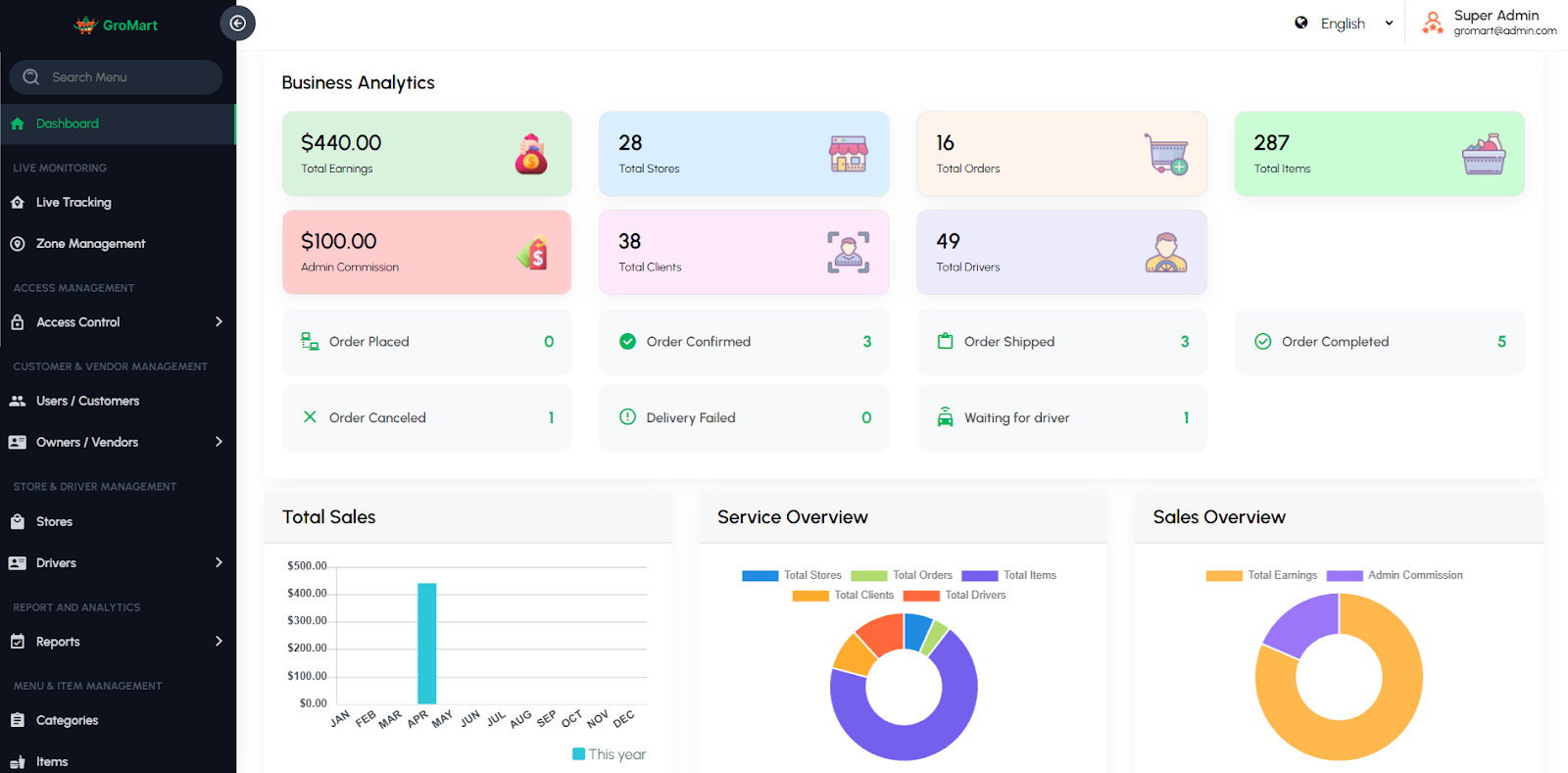
5.1. Dashboard
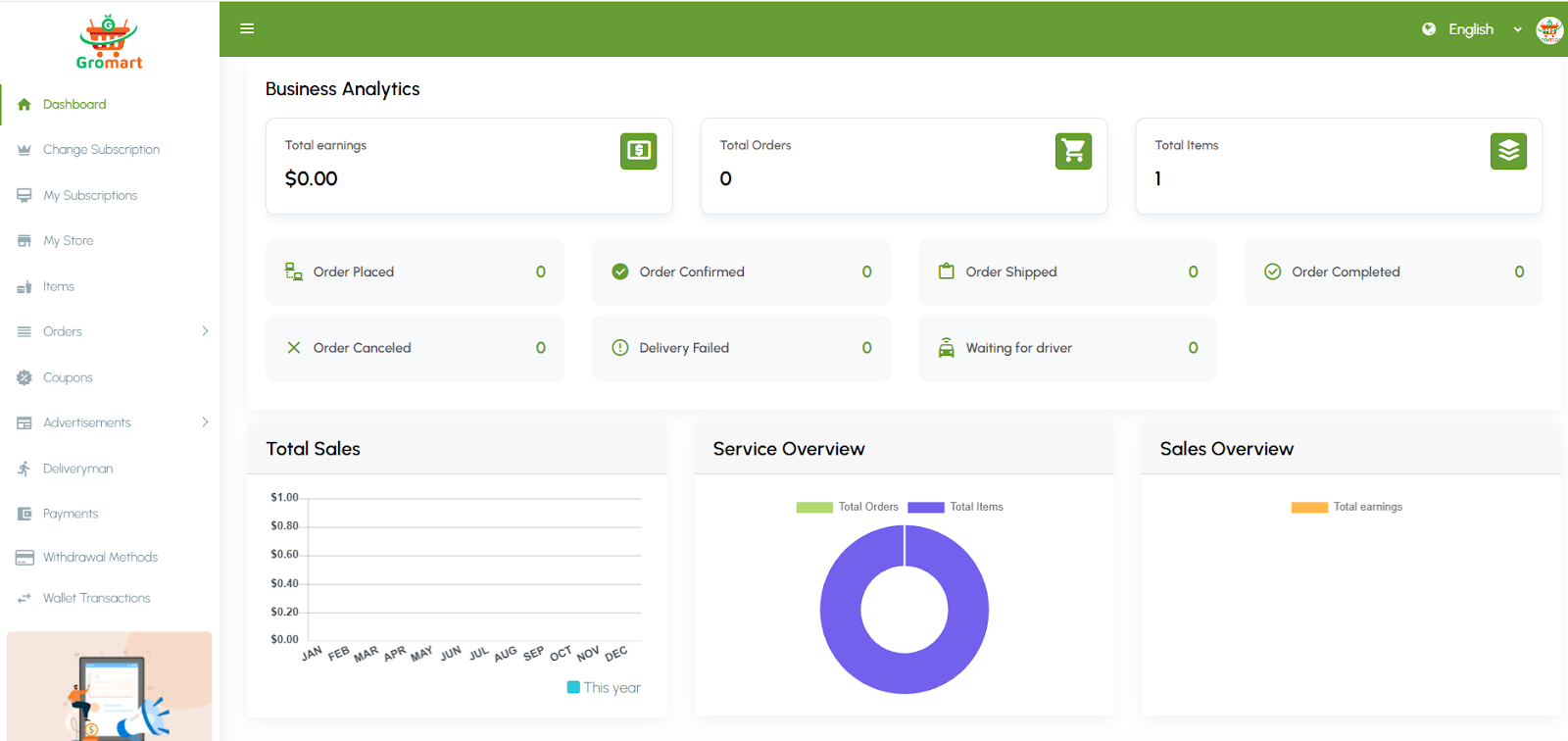
Provides an at-a-glance overview of the business. Displays analytics such as total customers, registered drivers, registered stores, recent orders, top drivers, and overall earnings overview. Helps admins quickly monitor performance.
5.2. Live Monitoring
Live Tracking
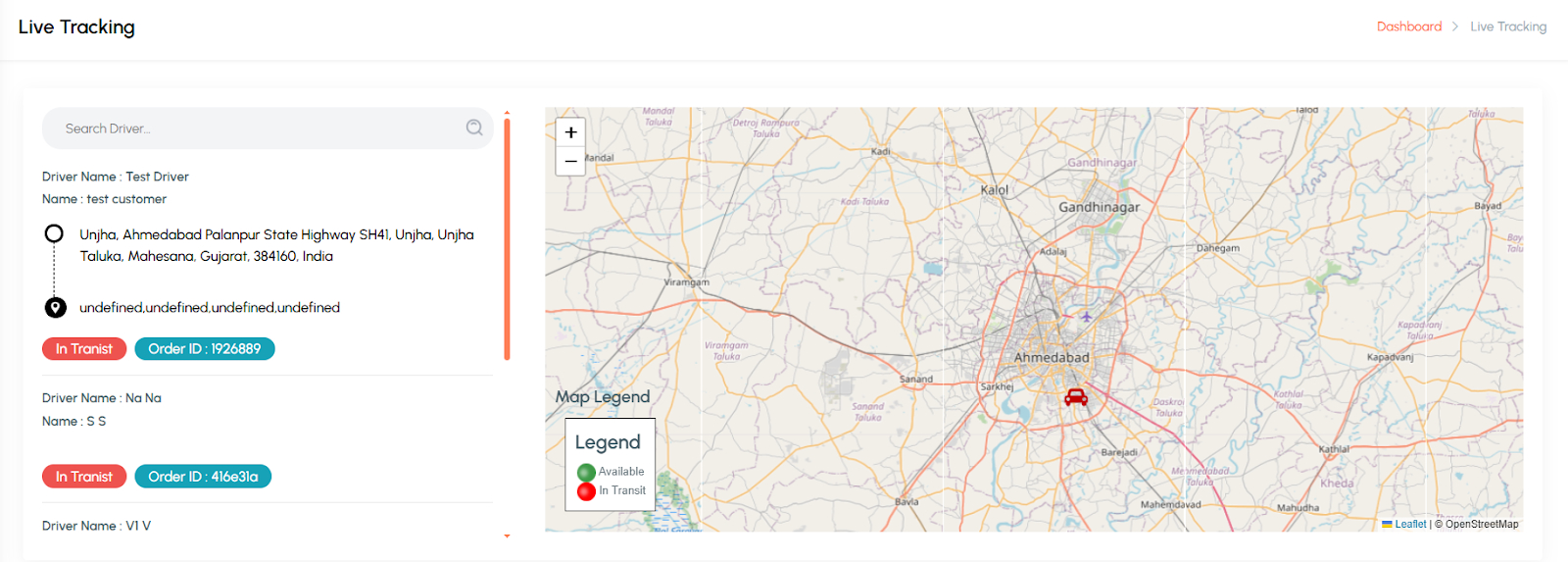
Monitor drivers and vehicles in real time on the map. Useful for managing orders, ensuring driver accountability, and providing live support.
Zone
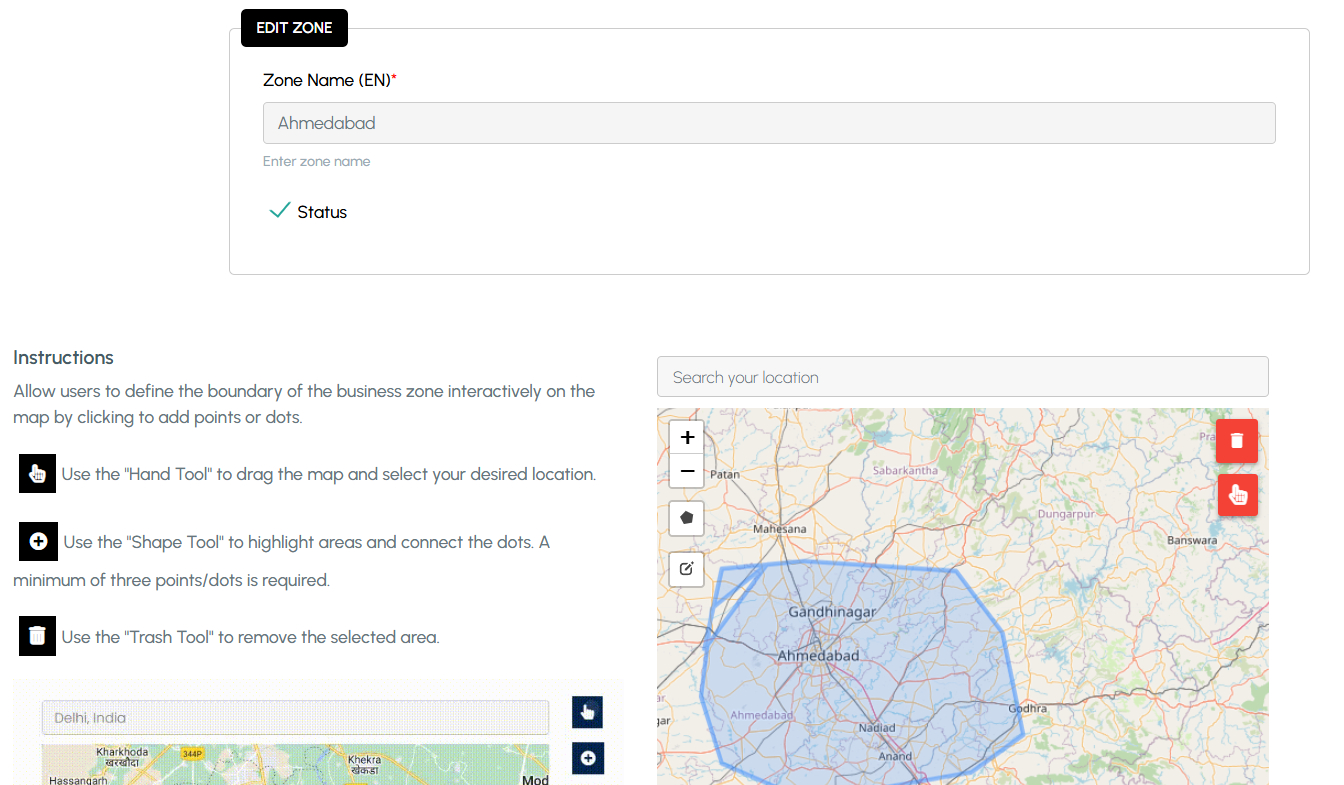
Service zones allow you to define the exact areas where your platform operates, such as specific cities, regions, or neighborhoods. Within each zone, Additionally, zone-based policies give you flexibility to apply different operational rules for each area, ensuring a more accurate, efficient, and localized service experience.
5.3. Access Management
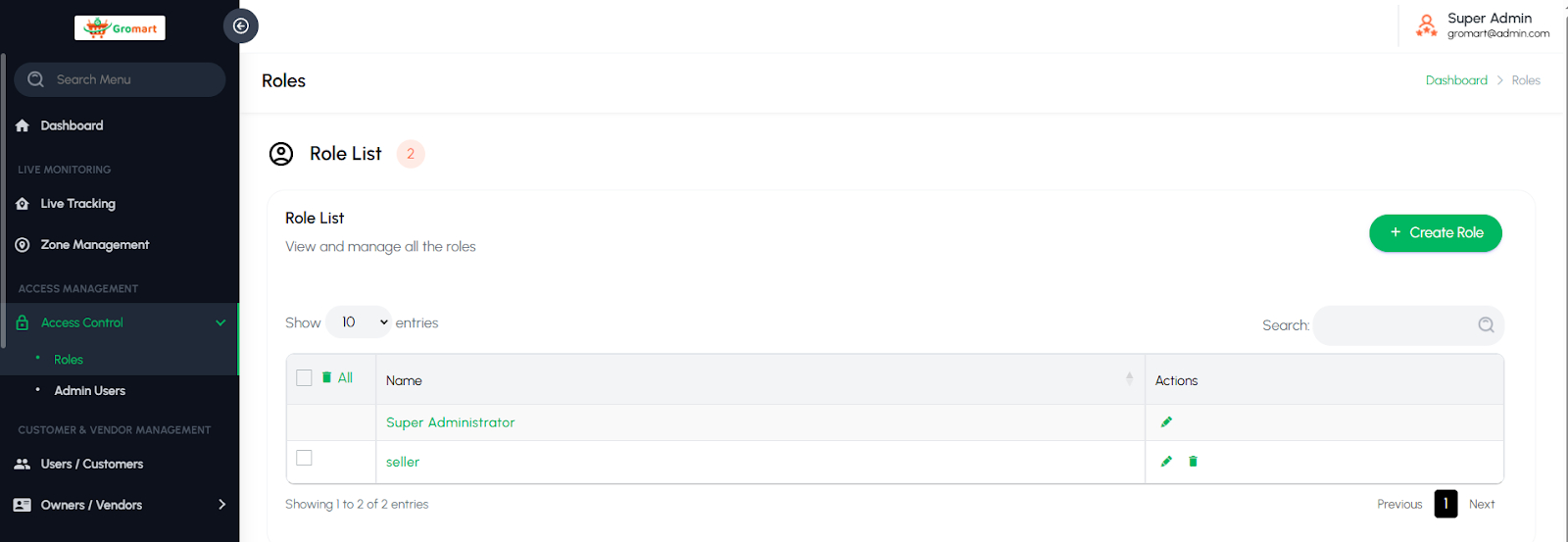
Access Control
Create and manage admin permission groups (e.g., Super Admin, Editor, Dispatcher). Control what each admin role can view or edit within the system.
5.4. Customer & Vendor Management
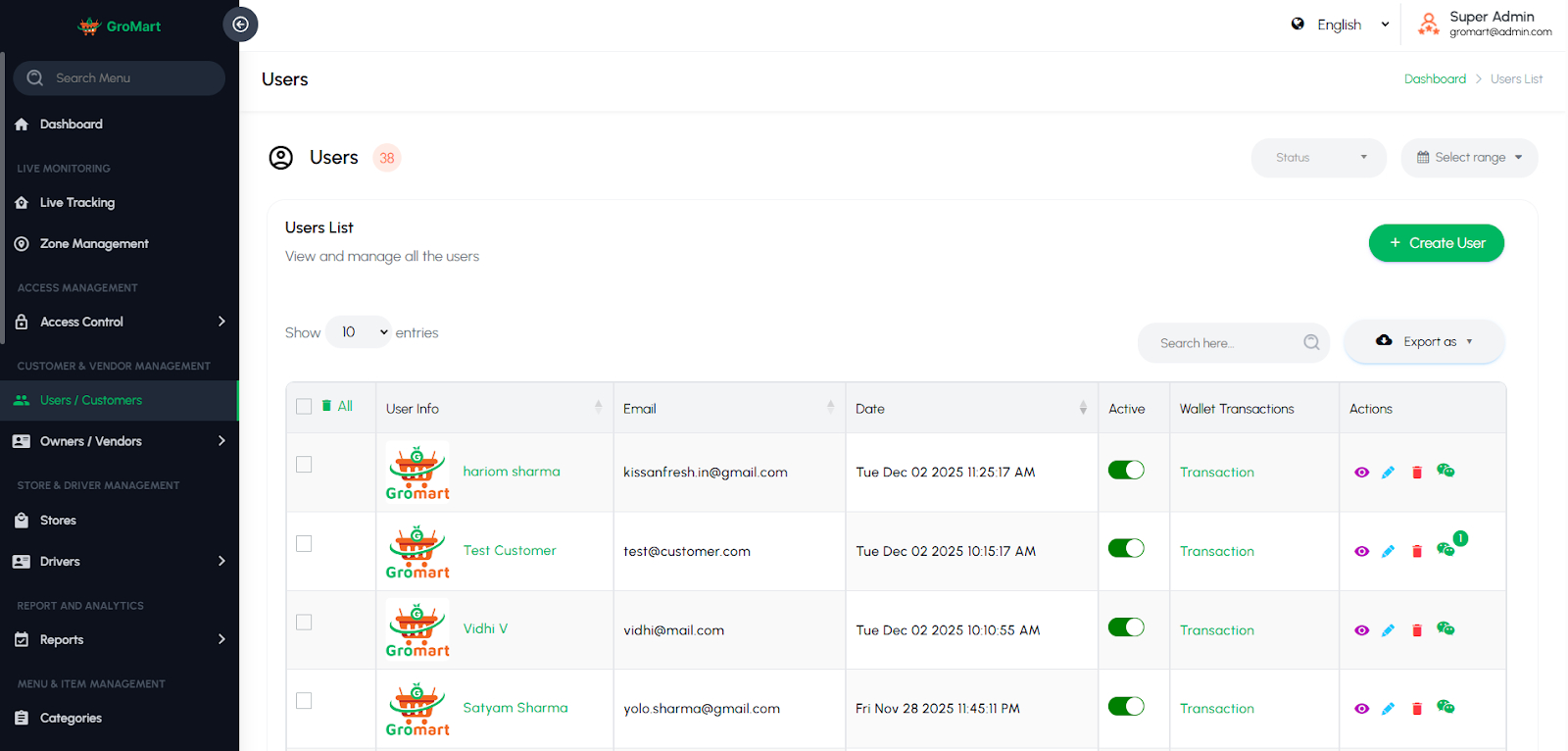
Customers / Users
The Customers page allows administrators to view and manage all customer accounts registered through the mobile application. Each profile displays essential details such as personal information, contact data, and account status. Admins can review a customer’s complete ride history, including completed, canceled, and ongoing orders, to monitor activity and resolve issues quickly. Ensuring better coordination and customer support. This page also provides the ability to edit or deactivate accounts, helping maintain a secure and well-managed user base.
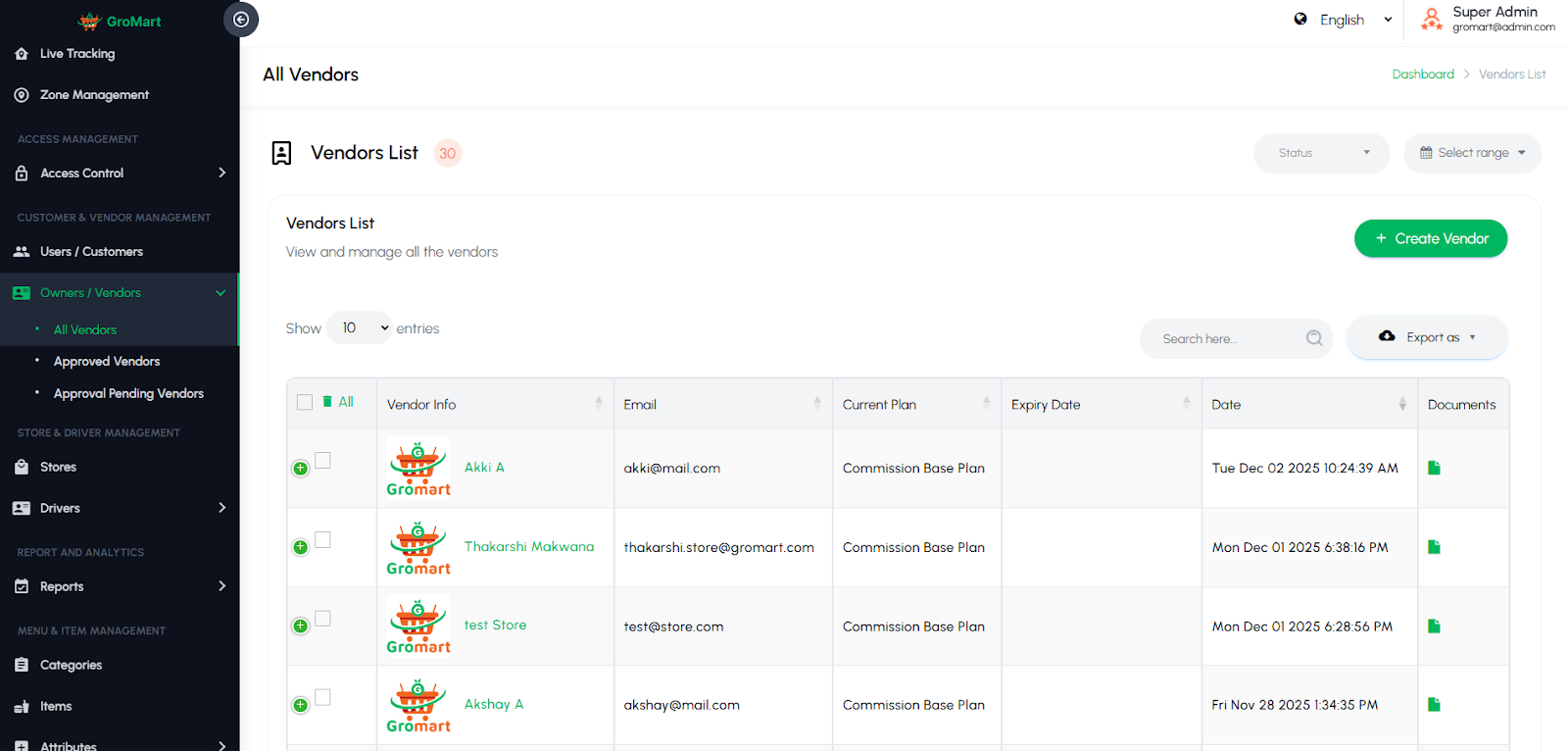
Owners / Vendors
This section enables administrators to manage all store owners or vendors on the platform. You can view, add, edit, or remove vendor profiles and verify their business details such as name, contact information, address, and commission setup. The module includes submenus like Approved and Pending, allowing admins to easily review new vendor requests and approve or reject them based on verification. Approved vendors are fully active on the platform, while pending ones await admin confirmation. This structure ensures smooth onboarding and efficient vendor management.
5.5. Store & Driver Management
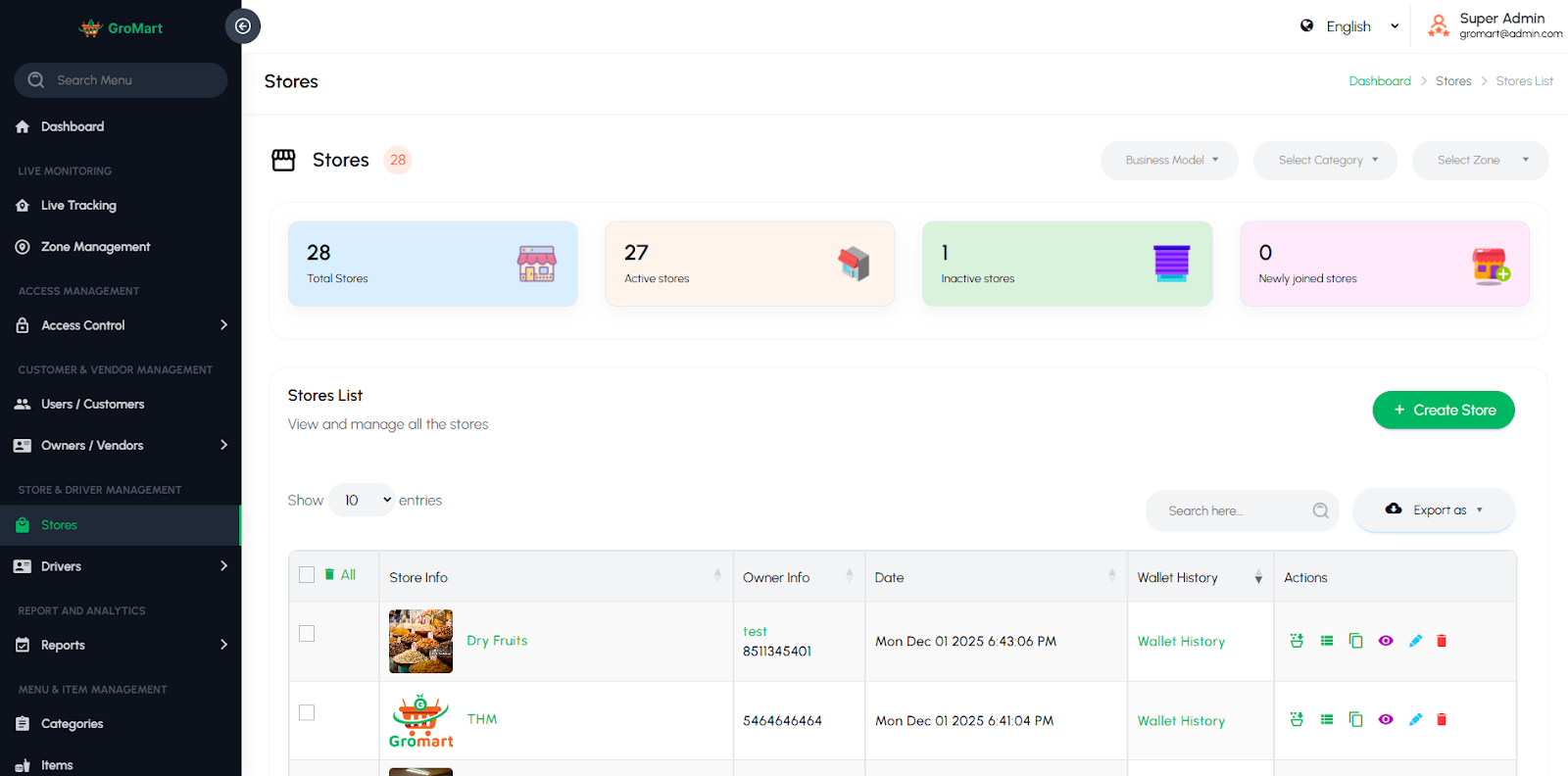
Store
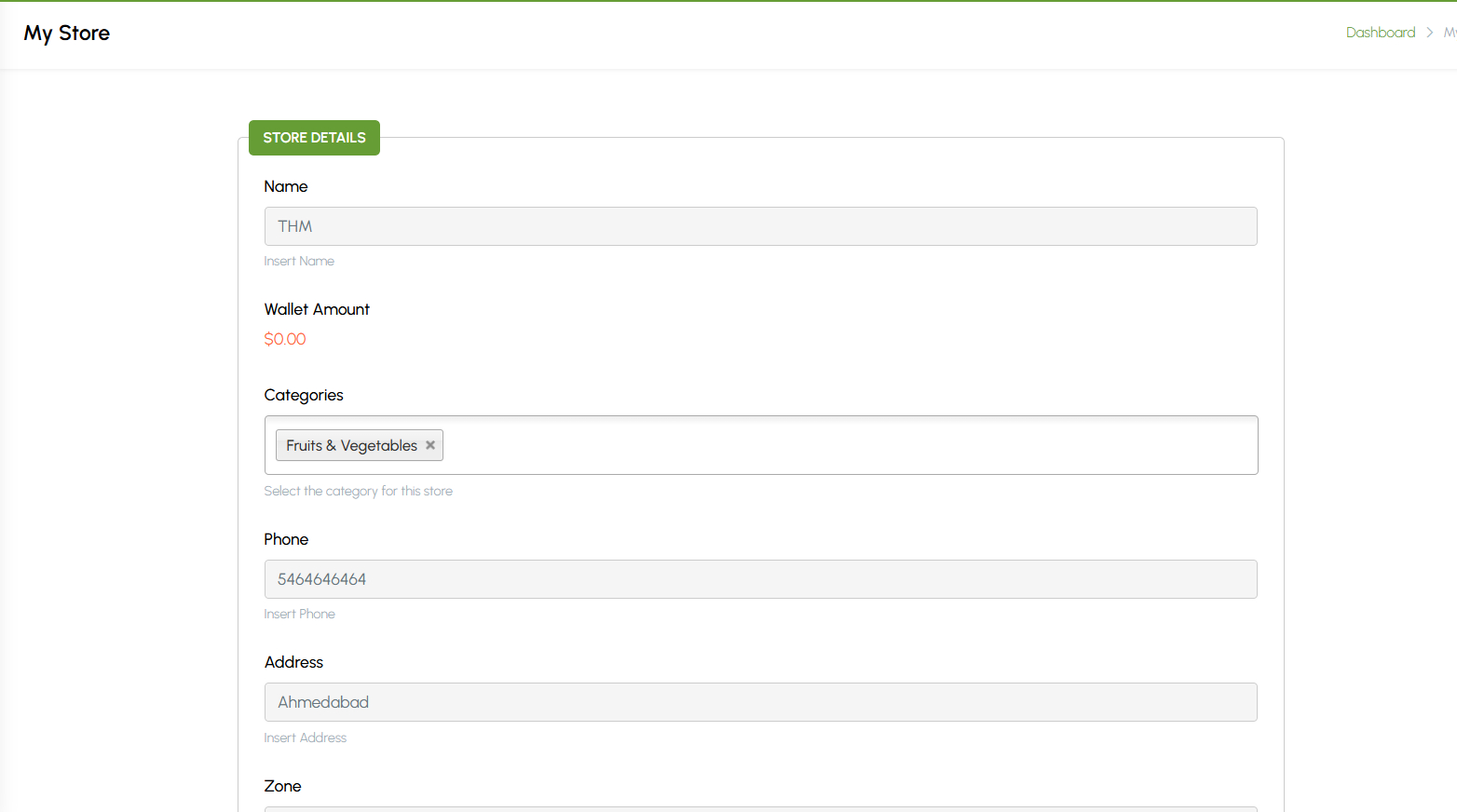
This section allows administrators to manage the item menus associated with each vendor. It displays all menu items added by vendors, including details such as item name, category, price, description, and availability status. Admins can add, edit, or remove items and ensure that each menu complies with platform standards. The menu list is organized by vendor, making it easy to manage specific stores individually. This helps maintain accurate and up-to-date menu information across all vendors.
Drivers
This section allows administrators to manage all delivery drivers associated with the platform. It includes options to view, add, edit, or remove driver profiles and verify essential details such as contact information, vehicle type, and license documents. Admins can monitor driver availability, track their activity, and manage their approval status. The module may also include submenus like Approved and Pending for easy driver verification and onboarding. This ensures a reliable and efficient delivery network for all orders.

5.6. Report & Analytics
Reports
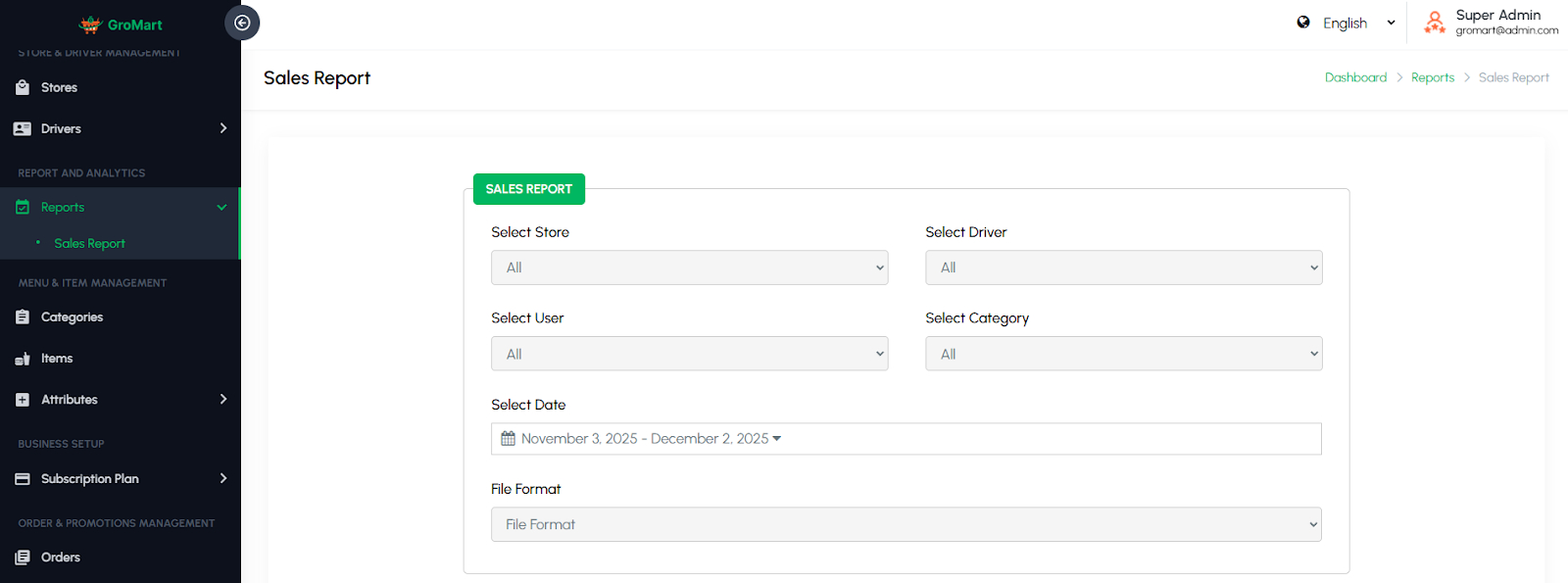
The Reporting and Analytics section in the admin panel provides comprehensive insights into platform activity, allowing administrators to monitor performance, make data-driven decisions, and identify trends. Reports can be customized using various filters and options to generate precise and actionable information. Key options include:
Store: Filter reports by the store.
Driver: Filter reports by the driver.
Date Options: Quickly generate reports based on preset time frames like Today, This Week, This Month, or This Year.
File Format: Export reports in multiple formats such as XLS, CSV, or PDF for offline analysis, record-keeping, or sharing with stakeholders.
Sales Reports
This section provides a detailed overview of the platform’s sales performance and transaction history. Administrators can track total orders, revenue, commissions, and payment summaries over specific date ranges. Reports can be filtered by vendor, customer, or delivery type for deeper insights. It helps analyze business trends, monitor growth, and identify top-performing vendors or menu items. The data can also be exported for accounting or financial analysis, ensuring complete transparency and accurate record-keeping.
5.7. Menu & Item Management
Categories
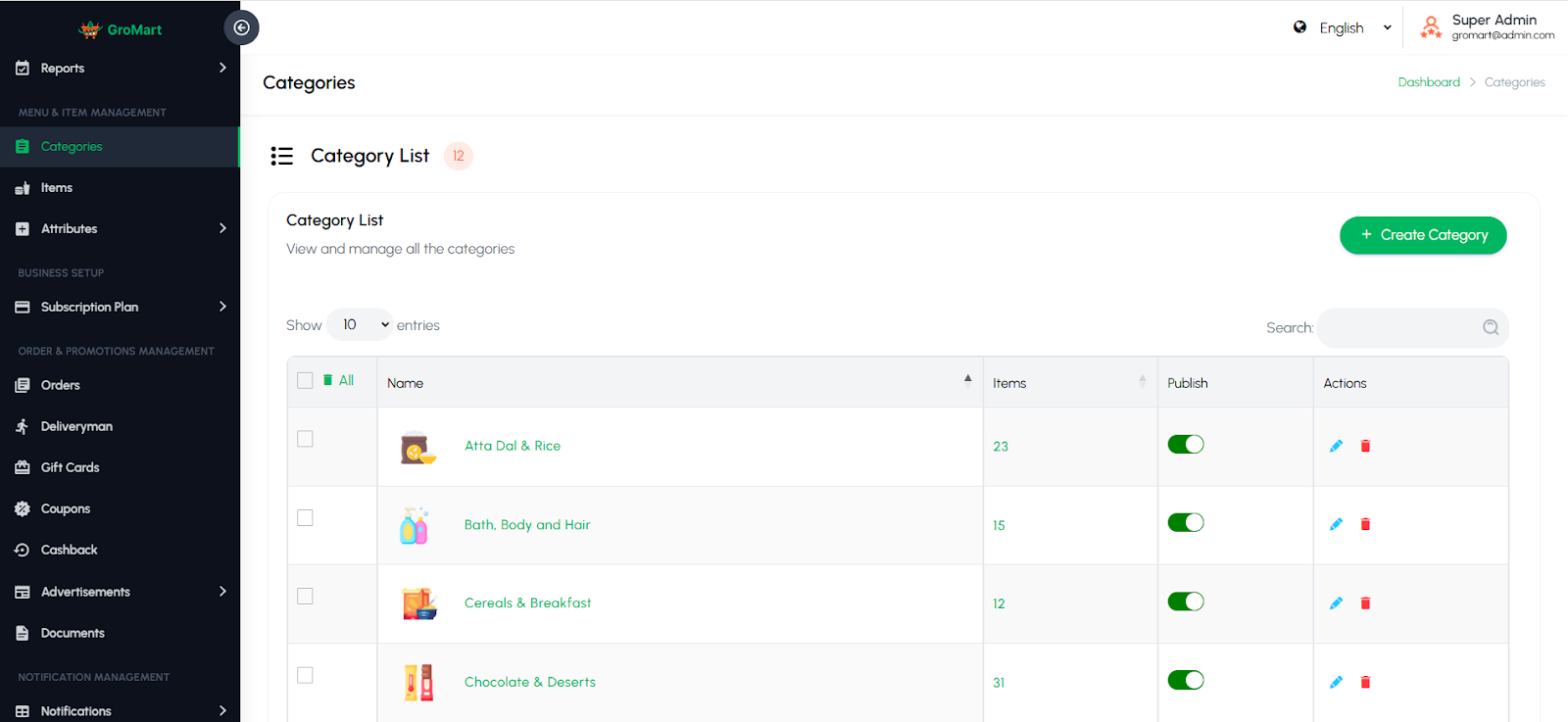
This section allows administrators to manage all item categories displayed on the platform. Admins can create, edit, or delete categories and assign them to specific vendors or menu items. Each category can include details such as name, image, and description to help organize the menu structure. Proper category management ensures a smooth browsing experience for users and helps vendors list their items under the right sections. It maintains consistency and easy navigation across all store menus.
Items
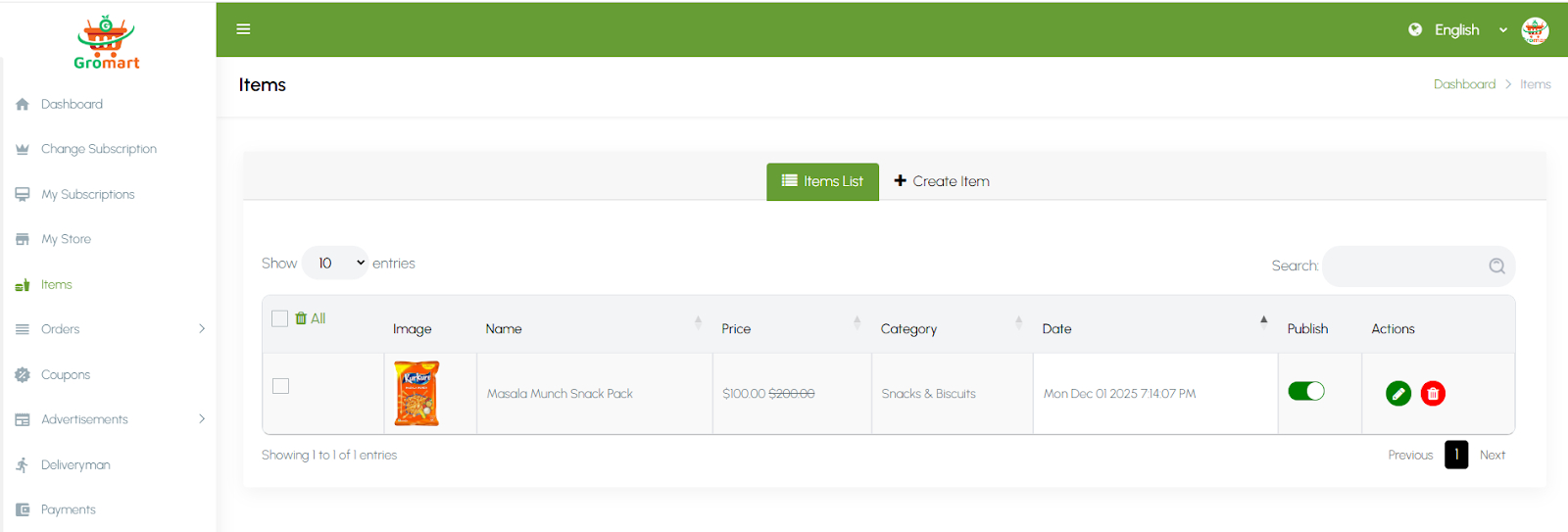
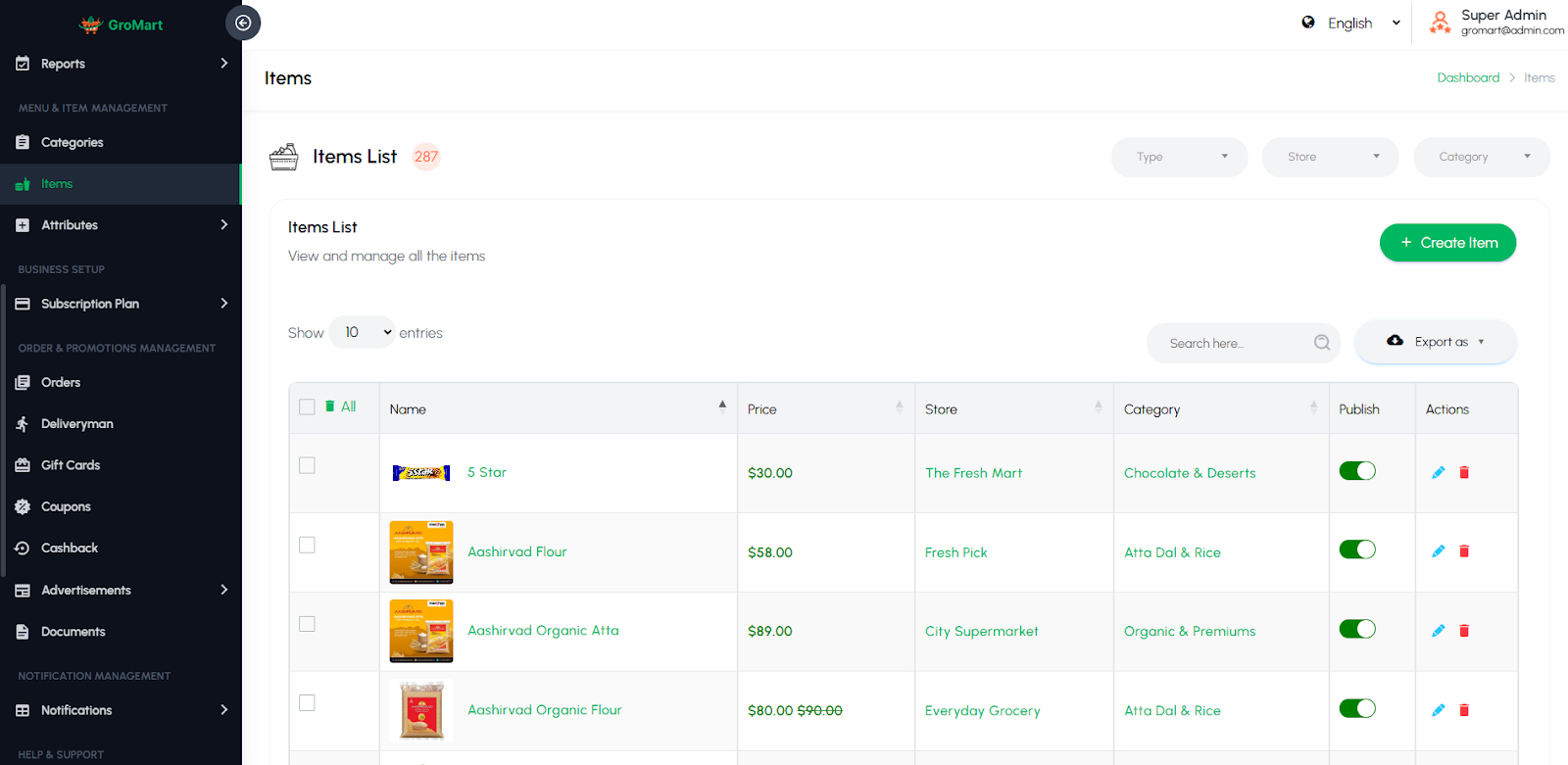
This section enables administrators to manage all item items added by vendors across the platform. Admins can view, add, edit, or delete item items and verify details such as name, category, price, description, and availability. Each item can be linked to a specific vendor and category for better organization. The section ensures that all listed items meet quality and platform standards. It helps maintain accurate, updated, and well-structured menus for users to browse and order from.
Attributes
This section allows administrators to manage both Item Attributes and Review Attributes used across the platform. Item Attributes define item variations such as size, flavor, spice level, or add-ons that enhance customization for customers. Review Attributes help categorize feedback criteria like taste, packaging, delivery, or service quality for more detailed user reviews. Admins can add, edit, or delete these attributes and assign them to specific item items or categories. This ensures better menu flexibility and more structured, insightful customer feedback.

5.8. Business Setup
Subscription Plan
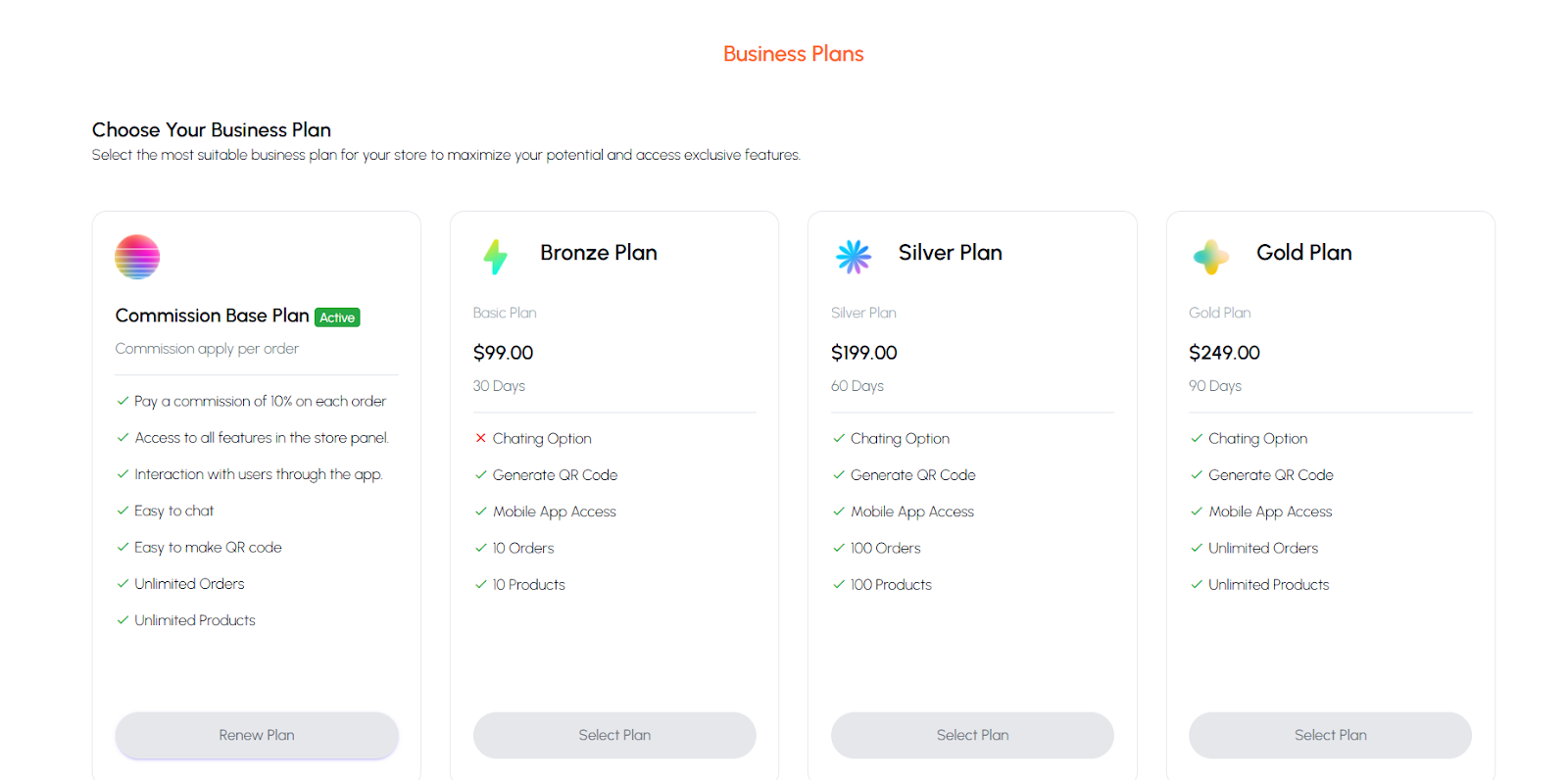
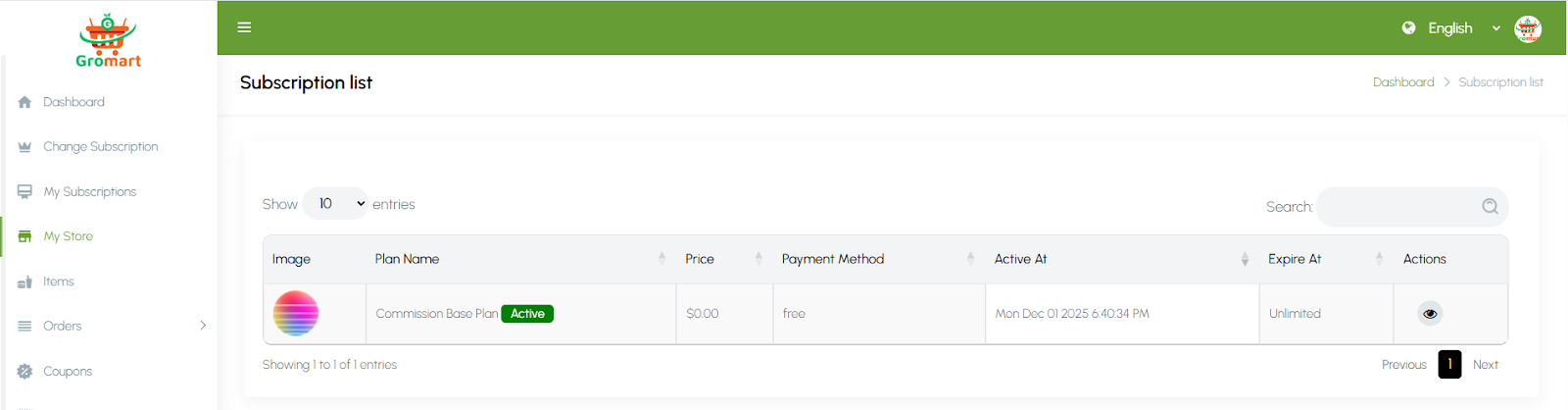
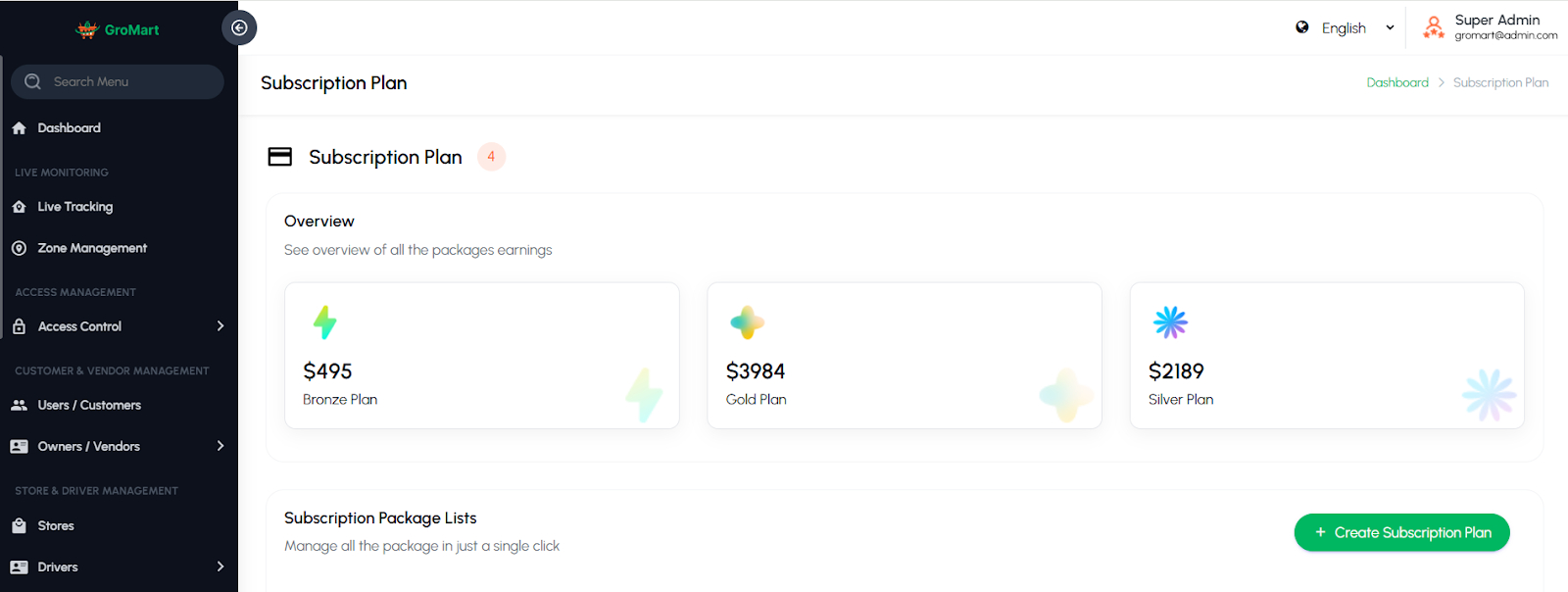
This section allows administrators to manage subscription plans specifically designed for vendors. Admins can create, edit, or delete plans and define details such as plan name, duration, price, and included features. Each plan may offer different benefits, such as the number of items a vendor can list, priority in search results, or reduced commission rates. This helps create a structured and scalable business model while giving vendors flexible options to choose from based on their needs.
5.9. Order & Promotions Management
Orders
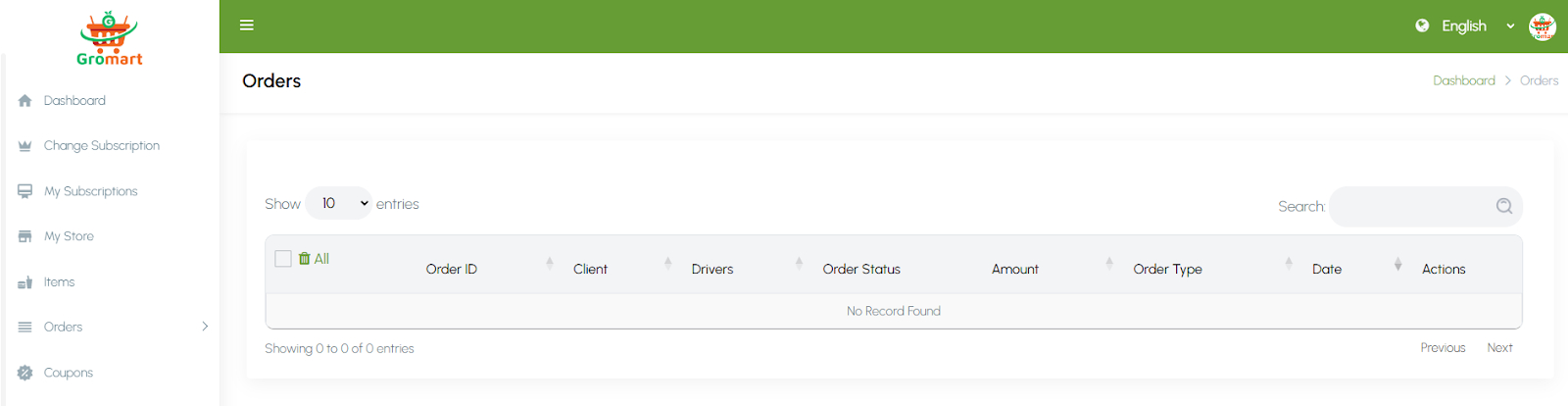
This section allows administrators to view and manage all customer orders placed through the platform. It provides detailed information such as order ID, customer details, vendor name, driver assignment, payment status, and delivery progress. Admins can track order statuses like pending, accepted, preparing, on the way, and completed. The section also includes options to update or cancel orders if necessary. This centralized order management ensures smooth coordination between vendors, drivers, and customers for timely and accurate deliveries.
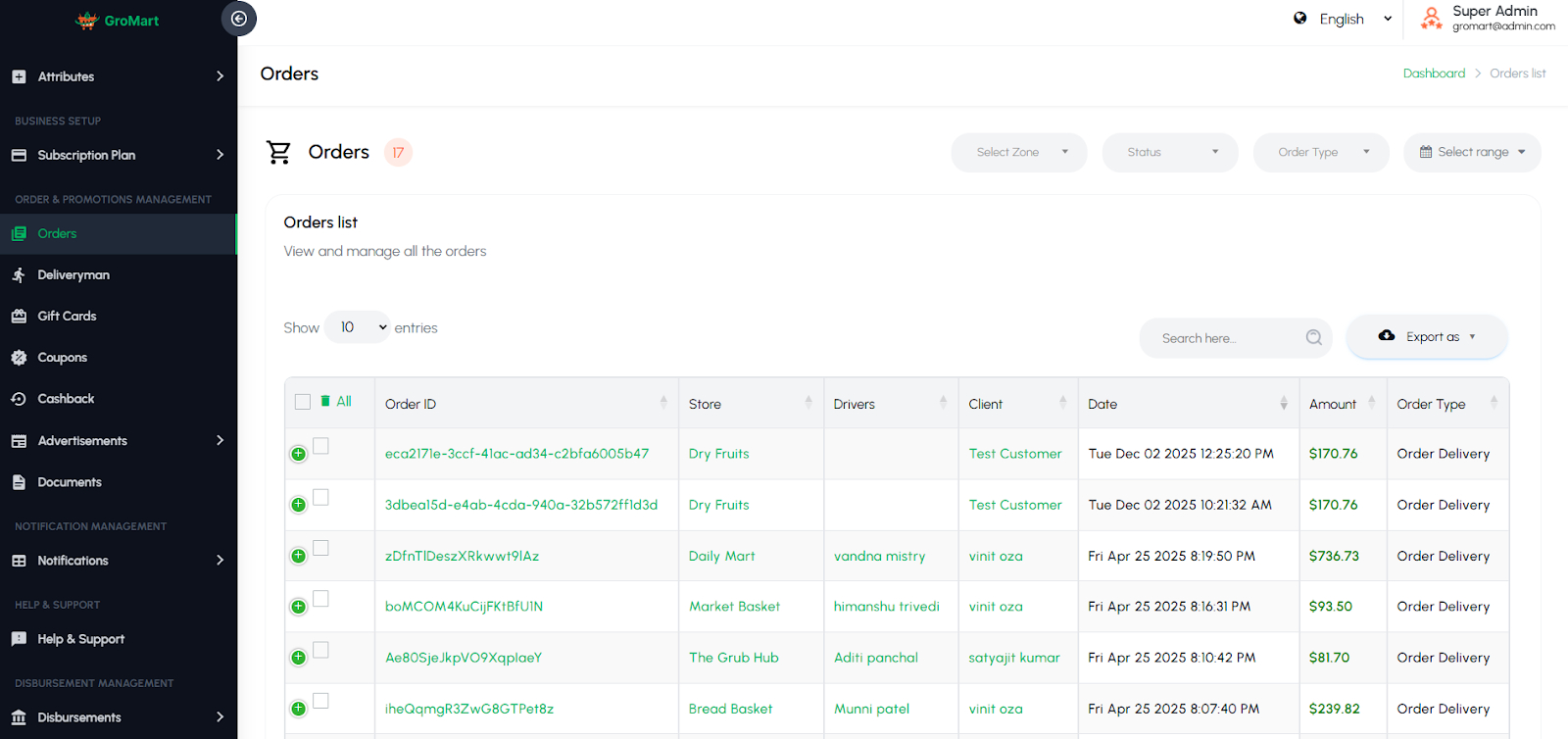
Deliveryman
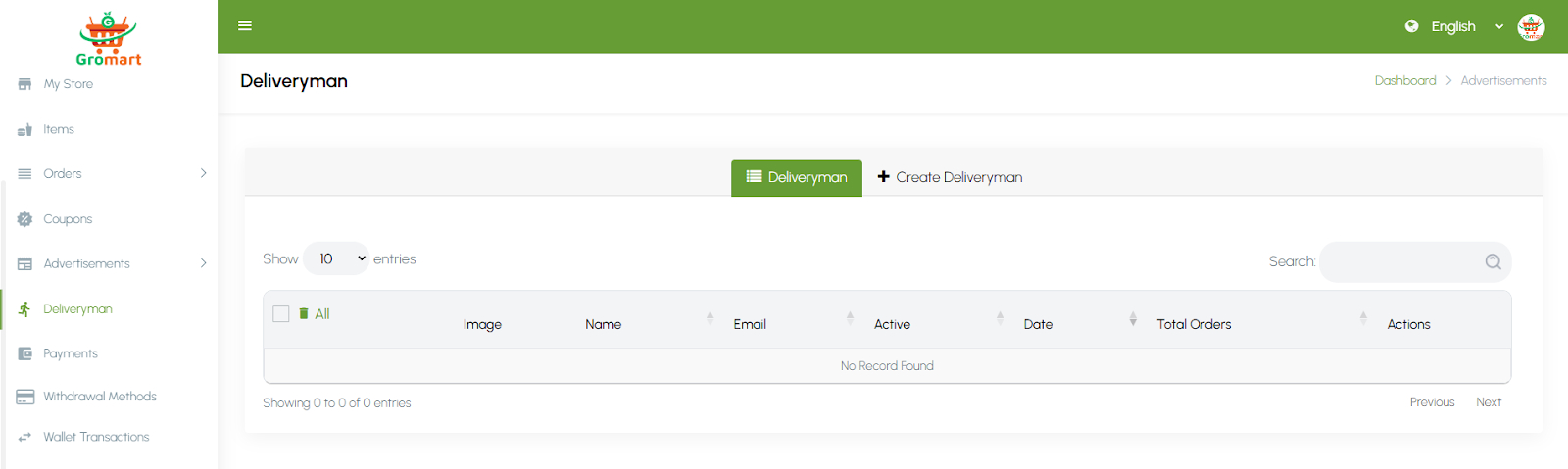
This section is dedicated to managing delivery personnel assigned directly by individual stores using the self-delivery feature. Admins can view, add, edit, or remove deliverymen linked to specific vendors. Each deliveryman profile includes details like name, contact information, and delivery status. This feature allows stores to handle their own deliveries instead of relying on platform-wide drivers. It ensures flexibility for vendors who prefer managing their own delivery operations while still maintaining visibility and control through the admin panel.

Giftcards
This section allows administrators to manage digital gift cards available on the platform. Admins can create, edit, or delete gift cards and set details such as card value, validity period, and usage limits. Customers can purchase these cards and use them as a payment method or share them with others. The system tracks each gift card’s balance and redemption history for transparency. This feature helps boost customer engagement, encourage repeat purchases, and provide users with a convenient gifting option.

Coupons
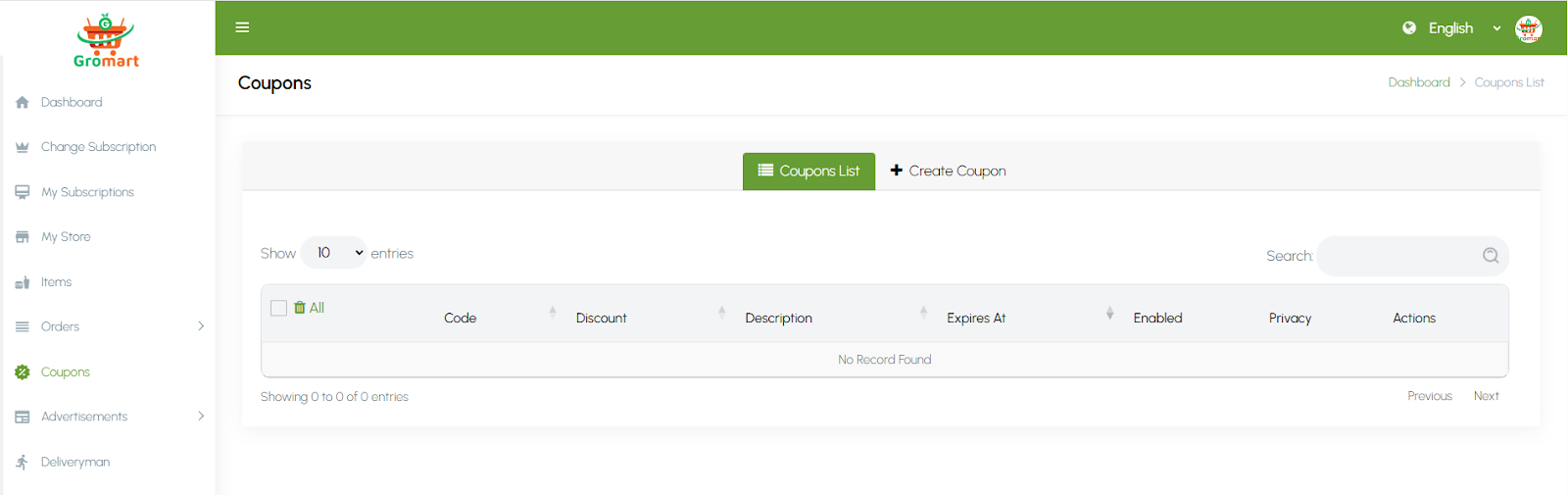
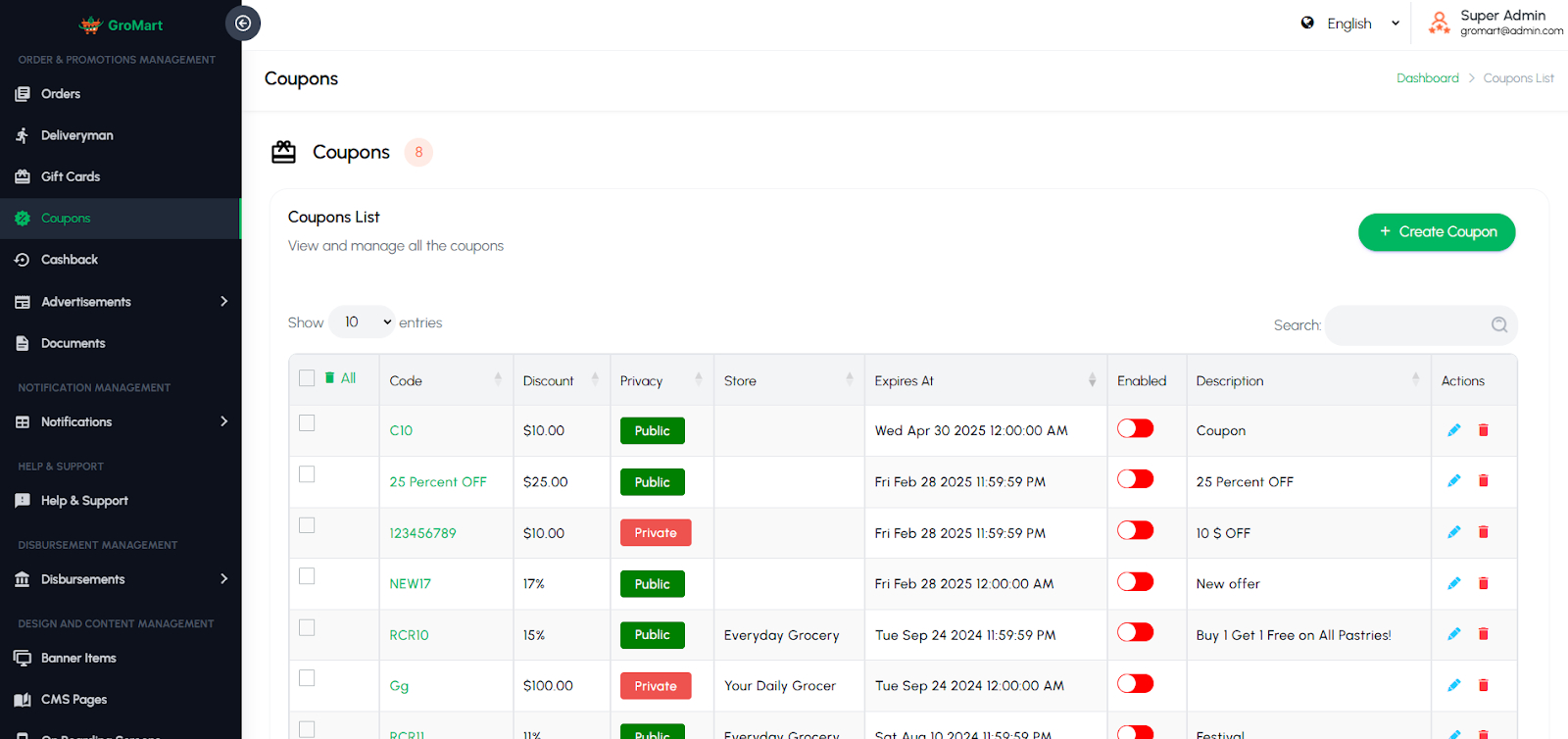
This section enables administrators to create and manage discount coupons that customers can apply during checkout. Admins can define coupon codes, discount types (percentage or fixed amount), validity dates, usage limits, and applicable vendors or categories. Coupons can be used to promote sales, attract new customers, or reward loyal users. The system automatically validates coupon eligibility during order placement. This feature helps improve customer retention and boost overall sales through targeted promotional offers.
Cashback
This section allows administrators to manage cashback offers and rewards for customers based on their orders or specific promotions. Admins can set cashback percentage or fixed amounts, define eligibility criteria, and configure minimum order values or vendor-specific campaigns. Once an order qualifies, the cashback amount is automatically credited to the customer’s wallet. This feature encourages repeat purchases, enhances user satisfaction, and helps drive customer loyalty through rewarding incentives.

Advertisements
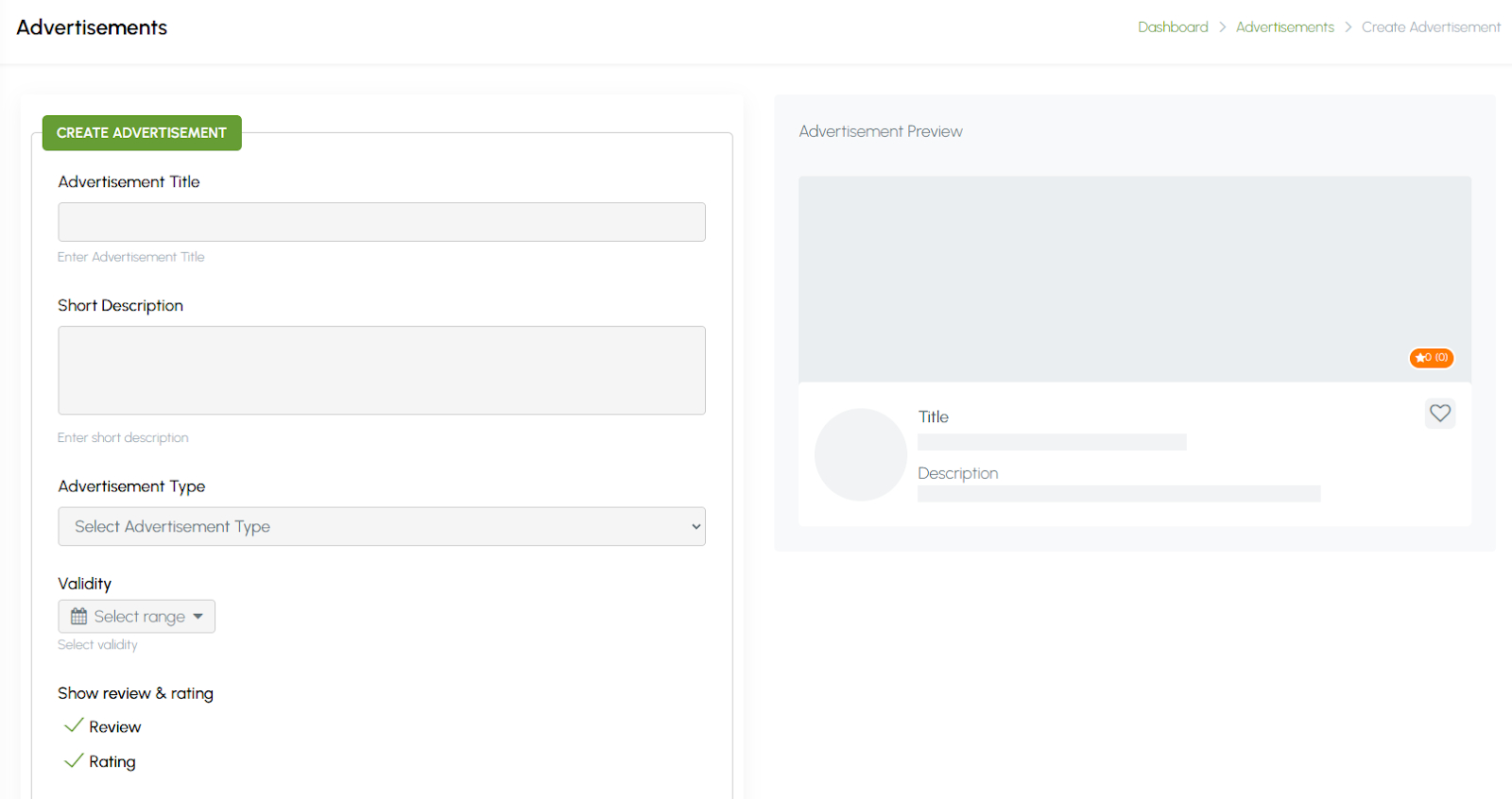
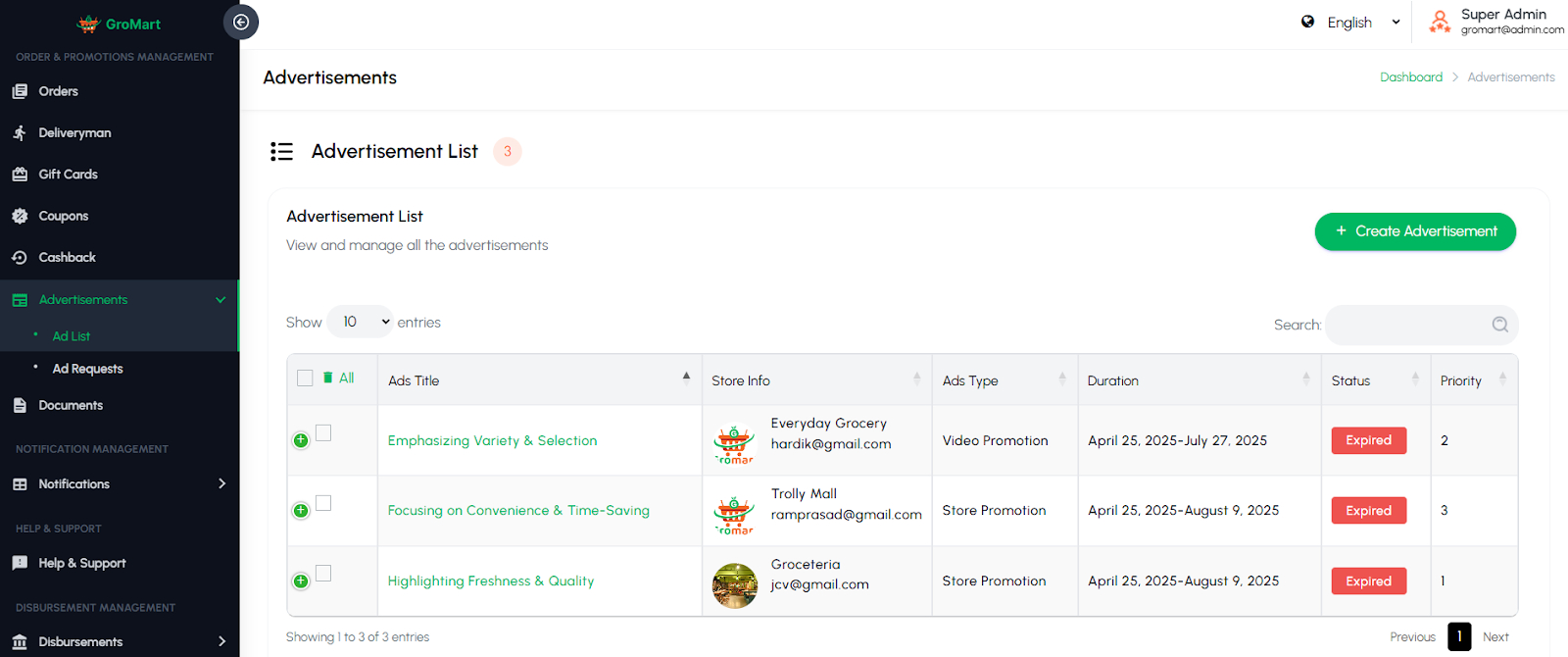
This section allows administrators to manage promotional advertisements displayed across the platform. Admins can create, edit, or remove ads and define details such as title, banner image, duration, and display position (e.g., homepage). Advertisements can be linked to specific vendors, offers, or products to drive visibility and engagement. This feature helps generate additional revenue and provides vendors with opportunities to promote their businesses effectively.
Documents
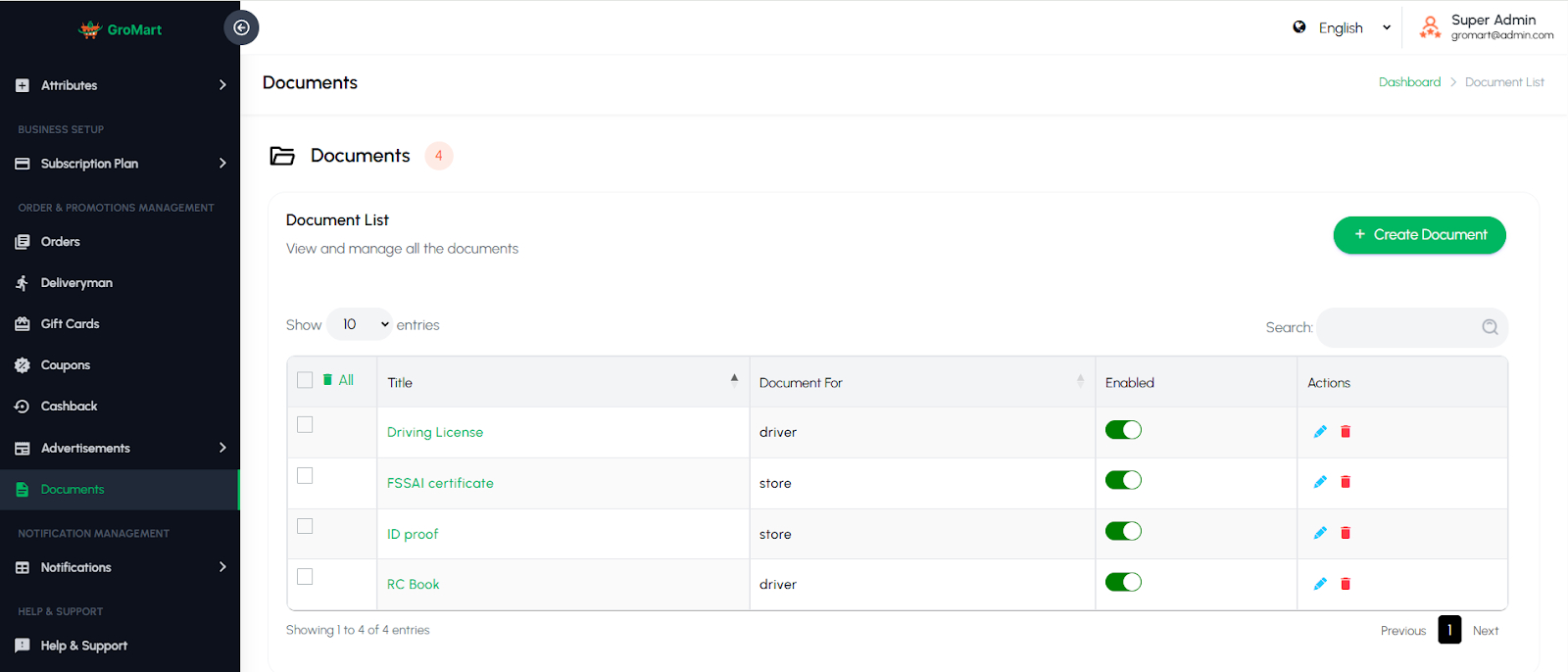
The Driver Documents page allows administrators to define and manage the documents required for verification of individual drivers and stores. Admins can add new document types, such as Aadhaar Card, PAN Card, Driver License, or other ID proofs, and specify which documents must be uploaded during verification. This ensures that all necessary documentation is collected to maintain compliance, authenticity, and safety on the platform.
5.10. Notifications Management
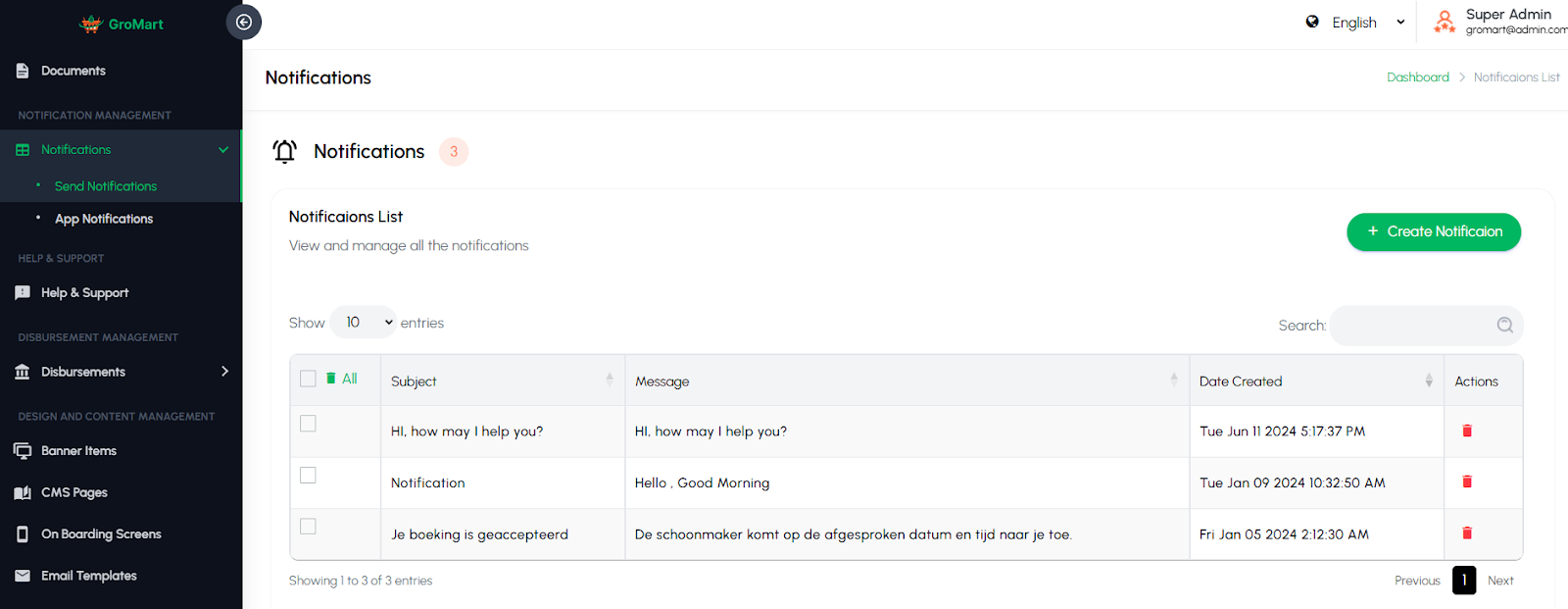
This section allows administrators to manage and send notifications to users, vendors, or drivers across the platform. Admins can create, edit, or schedule notifications for important updates, promotions, or system alerts. Notifications can be sent via push, email, or in-app messages, ensuring timely communication. The module also allows filtering by user type or region for targeted delivery. This feature helps keep all participants informed and engaged with the latest announcements and offers.
5.11. Help & Support
This section provides a centralized space for managing user inquiries, complaints, and support requests. Admins can view, respond to, and resolve tickets submitted by customers, vendors, or drivers. It may include categories such as general queries, order issues, payments, or technical assistance. The system helps track the status of each request to ensure timely resolutions. This feature enhances user satisfaction by maintaining effective communication and reliable customer support across the platform.
5.12. Disbursements
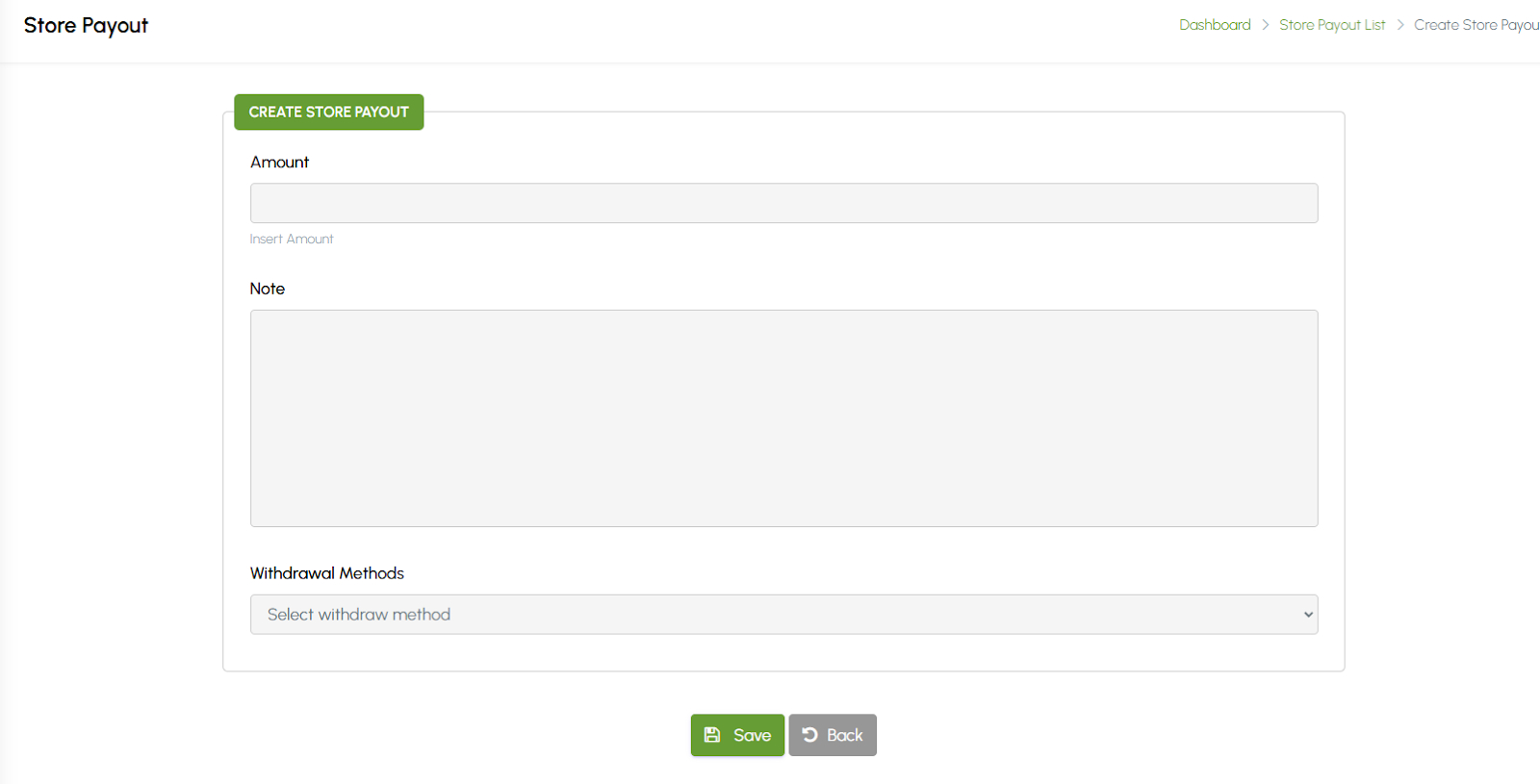
This section allows administrators to manage and track payment disbursements made to vendors and drivers. Admins can view payout details such as total earnings, commission deductions, payment status, and transaction history. The system supports both manual and automated payouts, ensuring accurate and timely settlements. Separate records for vendors and drivers help maintain clear financial tracking. This feature ensures transparency, simplifies financial management, and builds trust among platform partners.

5.13. Design and Content Management
Banner Items
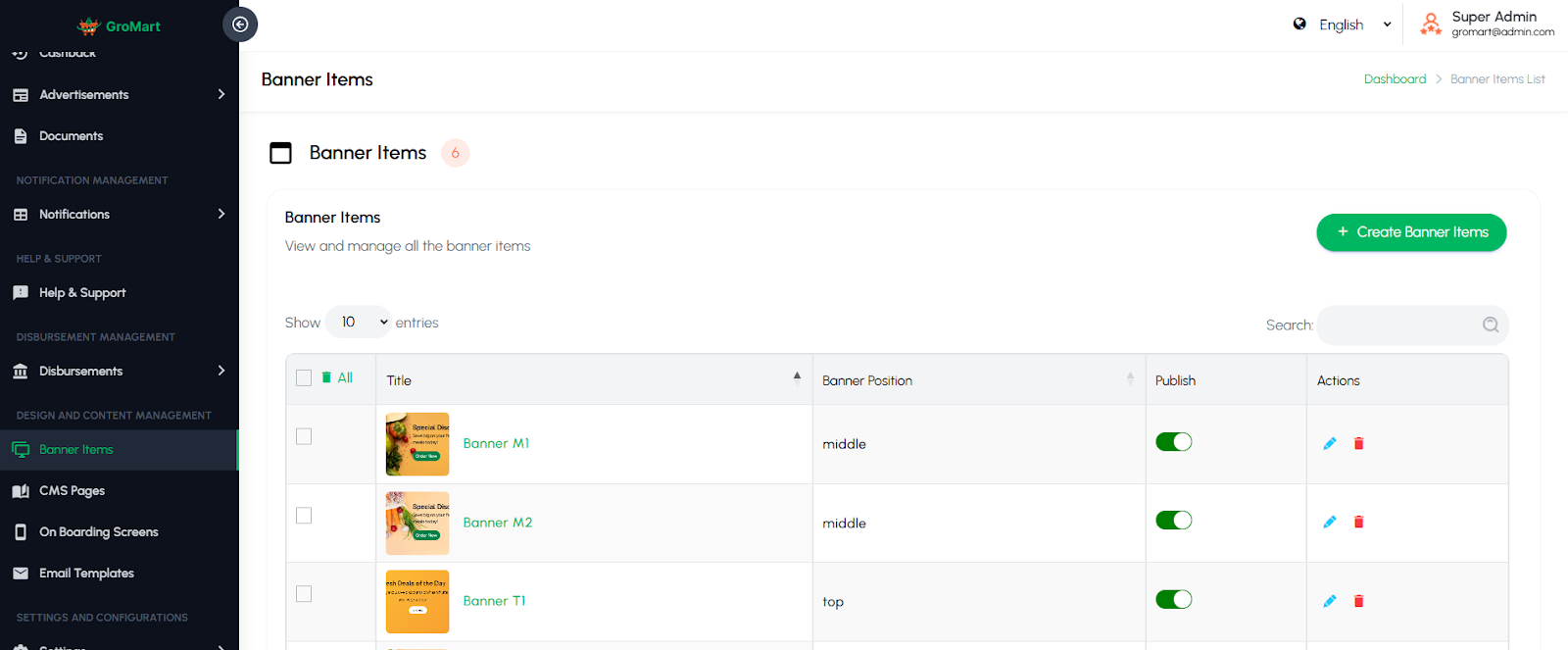
This section allows administrators to manage promotional banners displayed across the platform, such as on the homepage or category pages. Admins can create, edit, or delete banner items and define details like title, image, link type (vendor, item item, or custom URL), and display order. Banners help highlight featured stores, special offers, or seasonal promotions. This feature enhances the platform’s visual appeal and drives user engagement by directing customers toward key deals and listings.
CMS Pages
This section allows administrators to create and manage static content pages across the platform, such as About Us, Privacy Policy, Terms & Conditions, or FAQs. Admins can easily add, edit, or delete pages using a built-in editor and control where each page appears on the website or app. The system ensures that important informational content remains up-to-date and consistent. This feature helps maintain transparency, improve user trust, and provide essential details for customers, vendors, and drivers.

Onboarding Screens
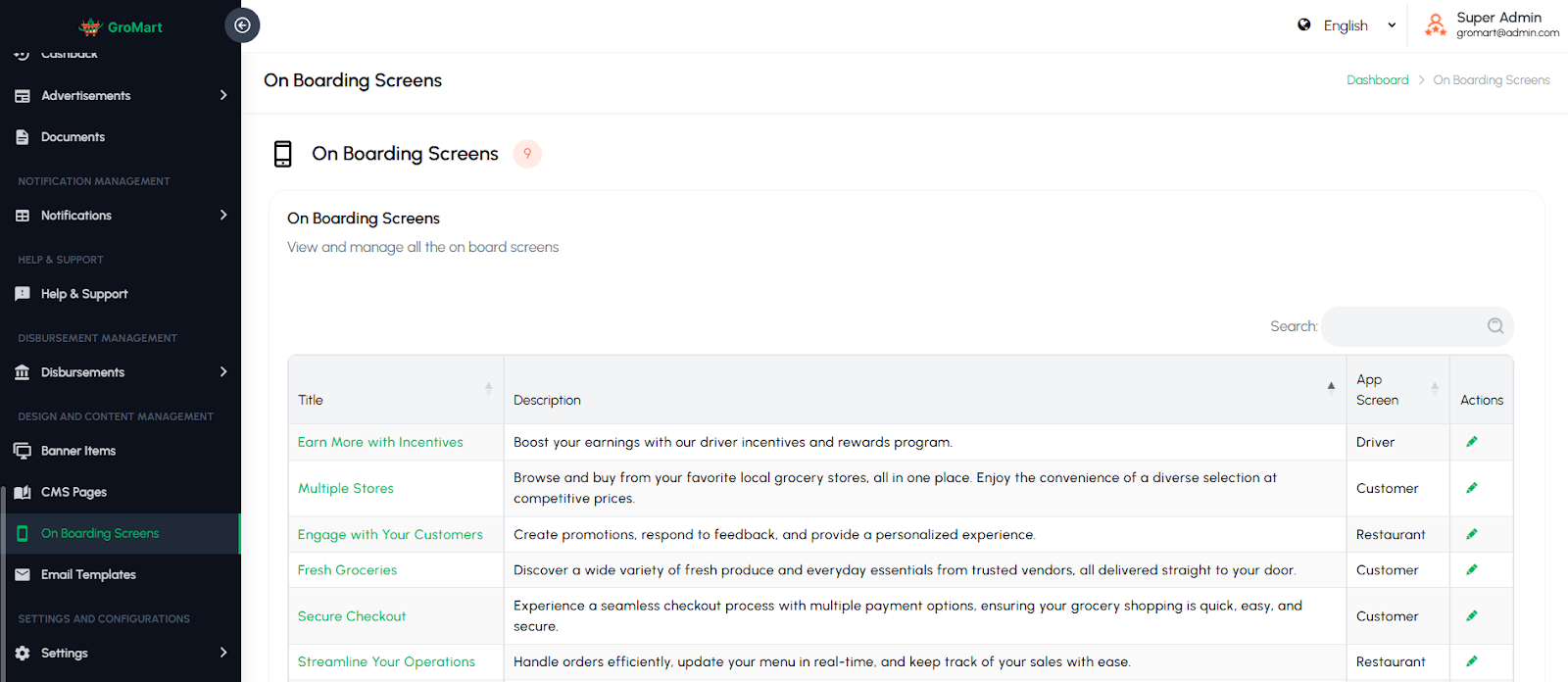
This section allows administrators to manage the introductory screens displayed to users when they first open the app. Admins can create, edit, or delete onboarding slides and define content such as titles, descriptions, and images. These screens help introduce key features, explain app functionality, and guide new users through the platform. The section ensures a smooth and engaging first-time experience, helping users understand the app’s value and navigation before they start using it.
Email Templates
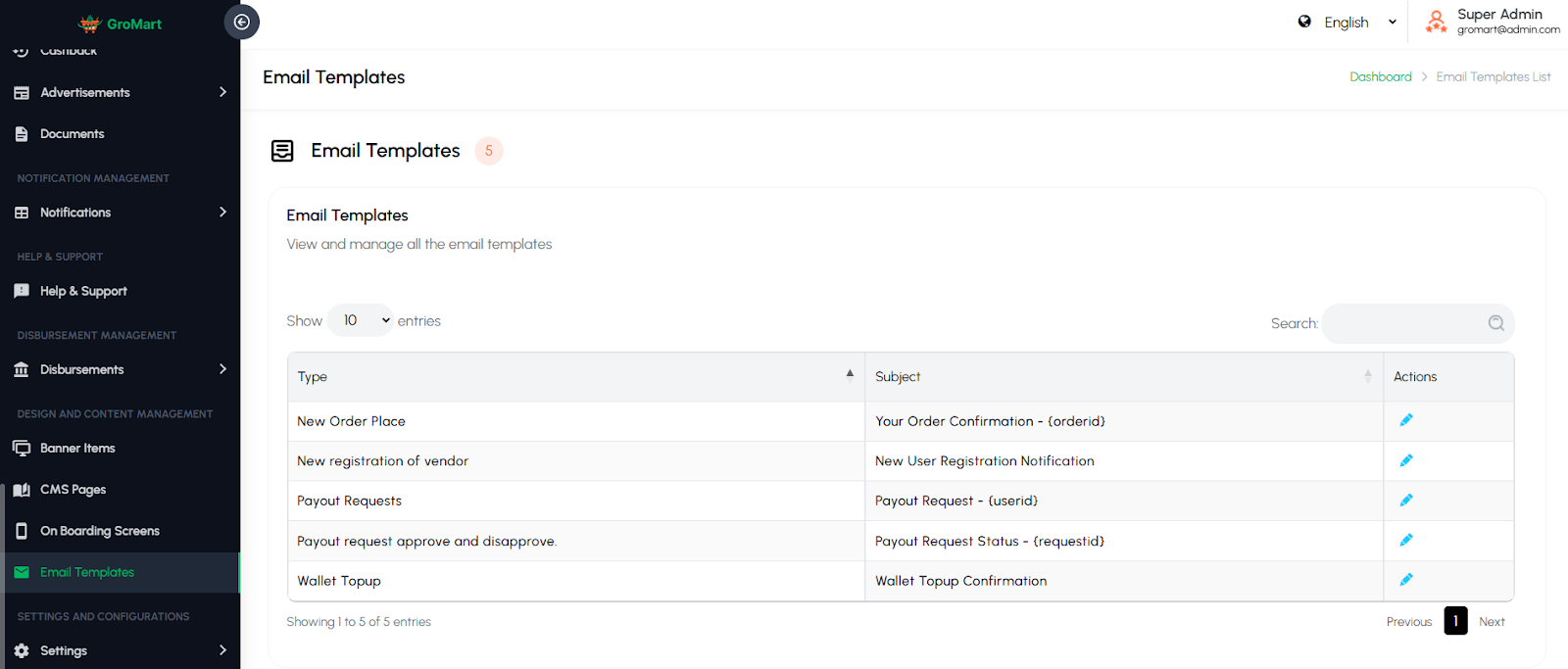
This section allows administrators to manage predefined email templates used for automated communication across the platform. Admins can create, edit, or customize templates for various events such as user registration, order updates, password resets, vendor approvals, or promotional offers. Each template can include dynamic variables to personalize the content. This feature ensures consistent, professional, and efficient communication with users, vendors, and drivers, enhancing engagement and maintaining a unified brand tone.
5.14 Settings
Global Settings
The Global Settings page allows administrators to configure all core settings for the app and overall platform operations. These settings ensure the platform runs smoothly, maintains consistent branding, and meets operational requirements.
Admins can define the basic platform appearance and identity:
Title & Footer: Customize the platform’s name and footer text.
App Color, Admin Panel Colors: Set color schemes for both mobile app and admin panel for consistent branding.
Radius: Configure service coverage radius for orders.
Logo: Upload platform or company logo for display across app and admin panel.
etc.
Currencies Settings
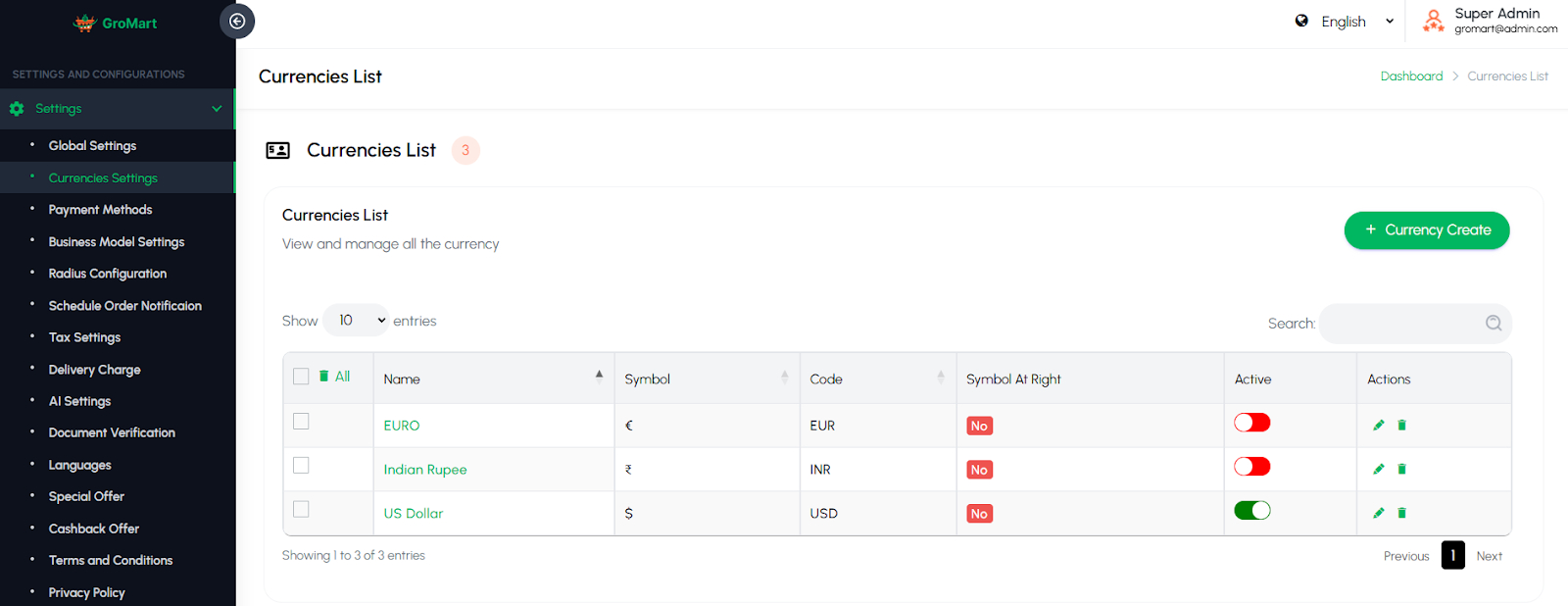
This section allows administrators to manage the currency configuration used across the platform. Admins can add, edit, or delete currencies and define details such as currency code, symbol, exchange rate, and default status. The system ensures that all prices and transactions are displayed in the correct currency format. This feature is especially useful for platforms
operating in multiple regions, ensuring accurate and consistent financial representation throughout the system.
Payment Method
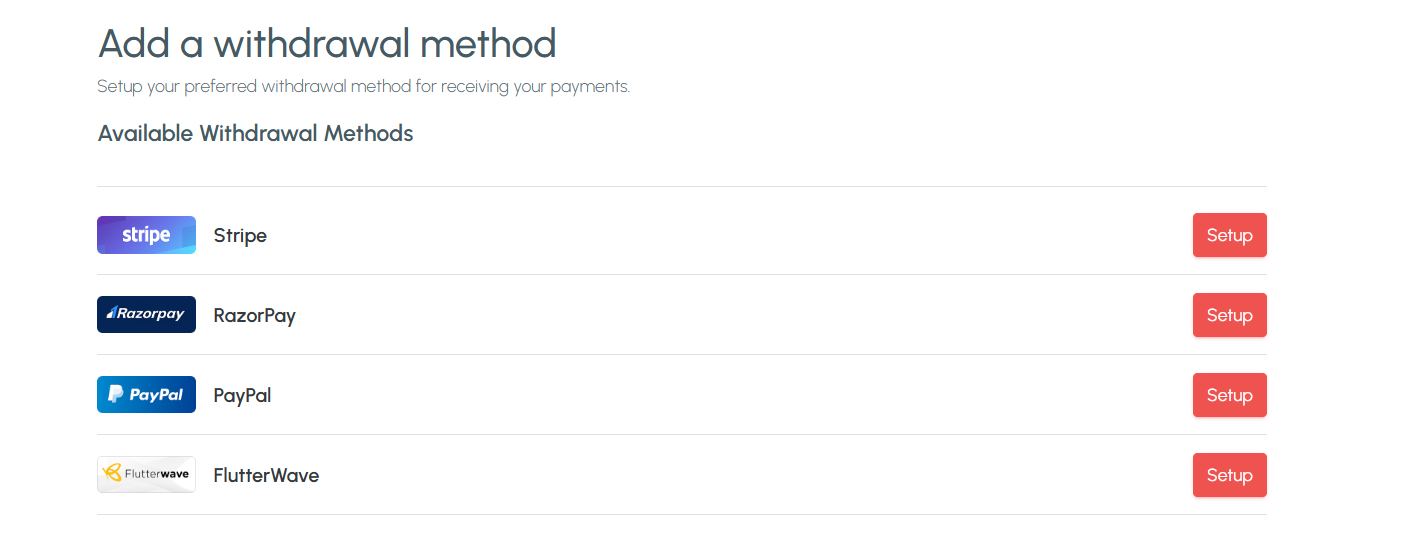
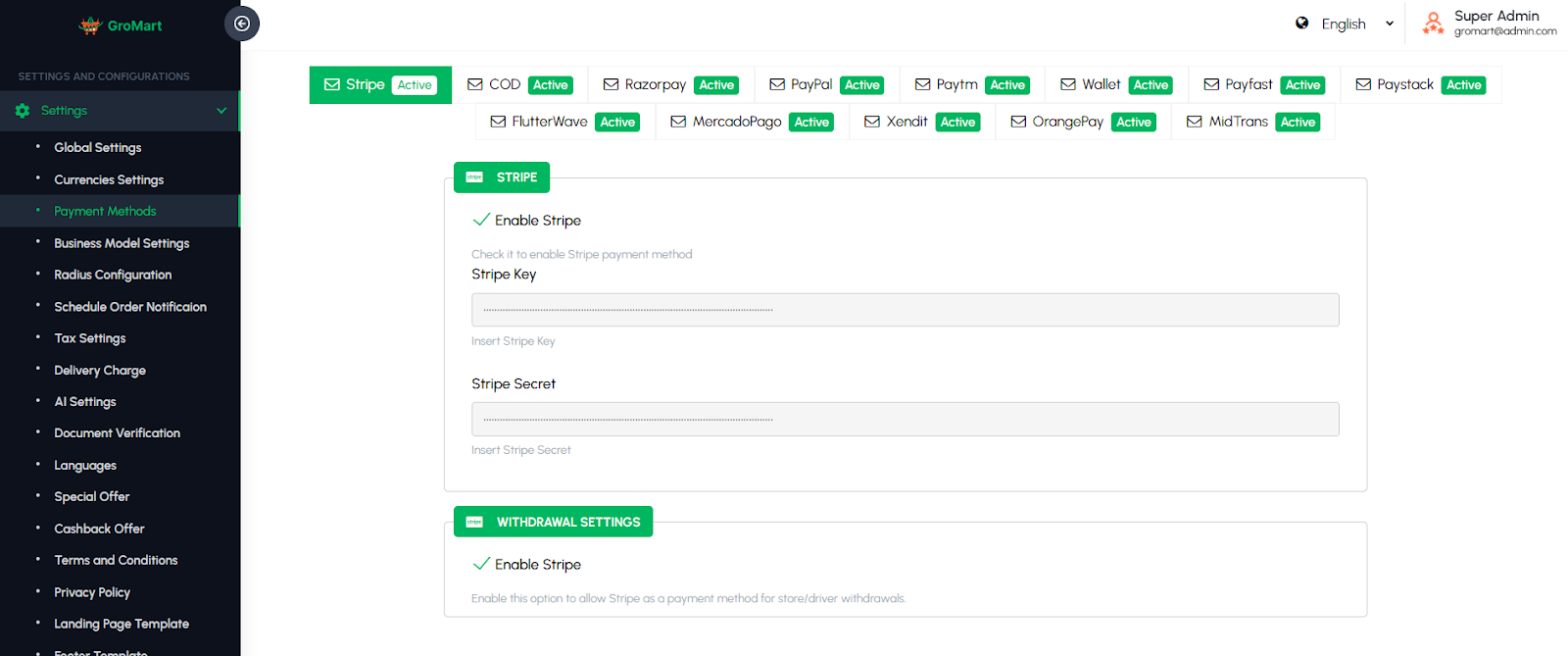
The Payment Methods page allows administrators to configure and manage the payment options available on the platform. Admins can enable or disable various gateways, including Cash, Stripe, PayPal, Razorpay, and Wallet payments, ensuring flexibility for both customers and drivers. This page ensures secure and seamless transactions, helps accommodate user preferences, and provides control over which payment methods are active for orders. Proper configuration also enables smooth reconciliation of payments and supports accurate financial reporting.
Business Model Settings
The Business Model Settings page allows administrators to define how the platform generates revenue from drivers and fleet owners. Admins can choose between different earning models:
Commission Model: The platform earns a percentage of each completed ride transaction.
Subscription Model: Drivers or fleet owners pay a recurring subscription fee to access the platform’s services.
Hybrid Model: Combines both commission and subscription-based earnings, allowing flexible revenue strategies.
This page ensures that the platform’s revenue model aligns with business objectives and provides flexibility to adapt to market demands or strategic changes. Administrators can adjust settings easily to implement the chosen model across all services.

Radius Configurations
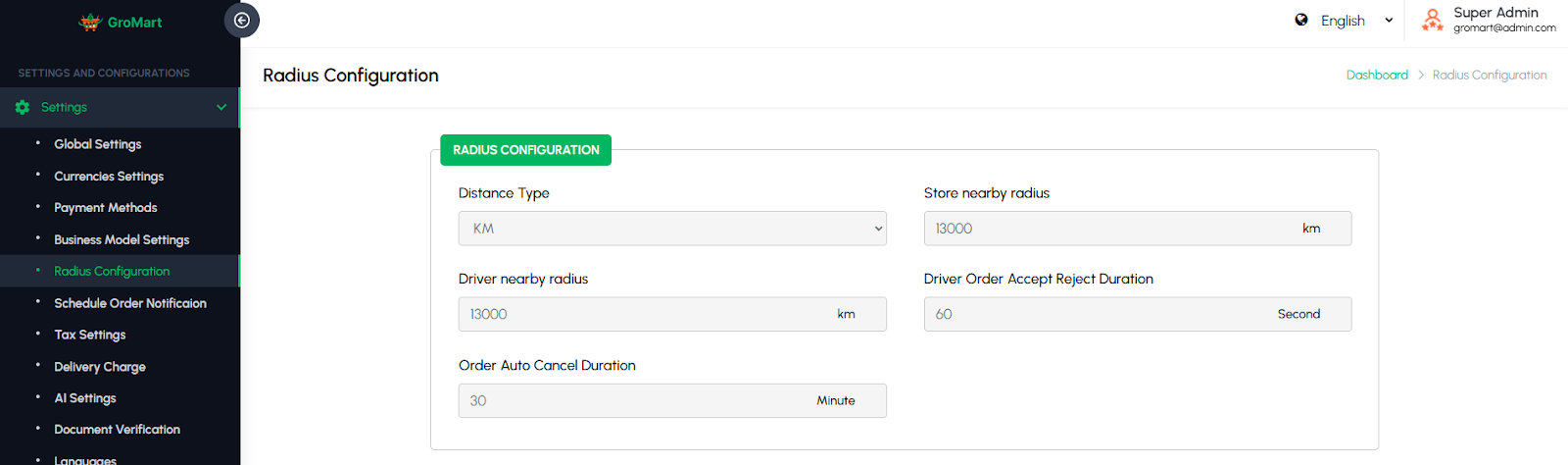
This section allows administrators to define the delivery and service radius settings for vendors and drivers. Admins can set the maximum distance within which orders can be accepted or deliveries can be made. This helps control service coverage areas and ensures efficient delivery operations. The configuration can also be adjusted based on vendor location or city requirements. This feature optimizes order management, reduces delivery delays, and maintains a smooth user experience by limiting service to feasible distances.
Schedule Order Notification
Schedule Notification Settings allow administrators to configure automated notifications for upcoming orders. They can set the timing of alerts to be sent to users and drivers, such as 1 day, several hours, or minutes before the ride. This ensures timely reminders, reduces missed bookings, and enhances overall communication and service reliability.

Tax Settings
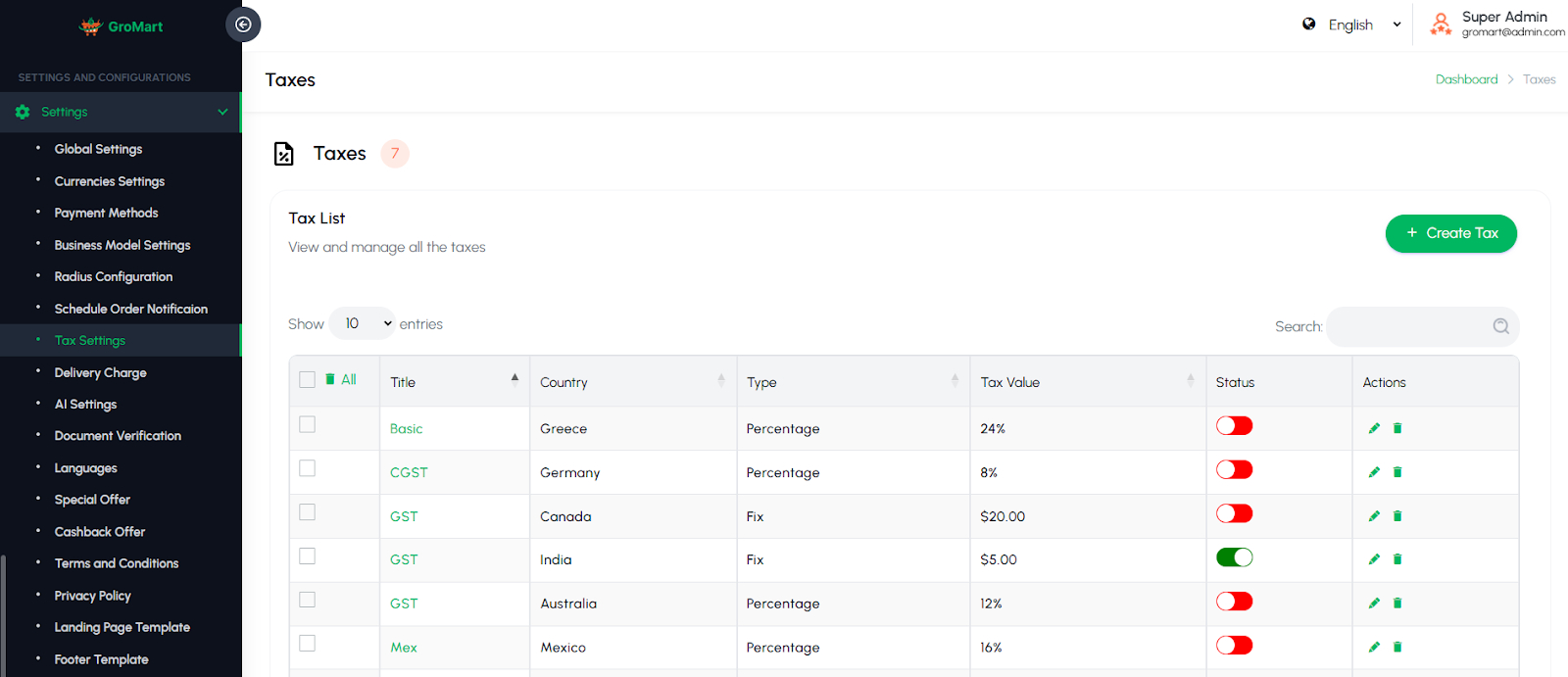
The Tax Settings page allows administrators to configure taxes applicable across all services. Admins can define tax types such as GST, VAT, or other local taxes and specify rates for each service category. This page ensures that all fare calculations include accurate tax amounts, maintains compliance with local tax regulations, and provides transparency for customers and drivers. Proper tax configuration also helps in generating accurate financial reports and simplifies accounting and regulatory reporting.
Delivery Charge
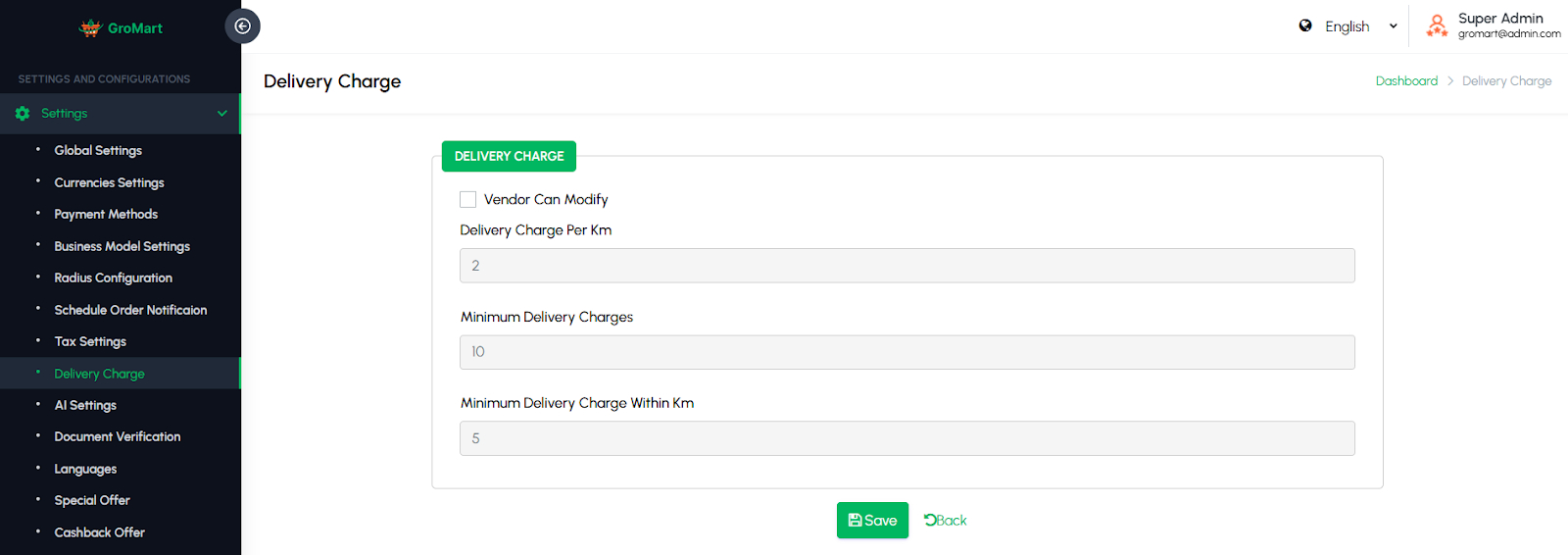
This section allows administrators to configure how delivery charges are calculated across the platform. Admins can set fixed delivery fees, distance-based rates, or vendor-specific charges depending on business needs. Additional options may include minimum order value for free delivery. These settings help maintain fairness and flexibility in pricing for both customers and vendors. This feature ensures transparent delivery cost management while optimizing logistics and profitability.
AI Settings
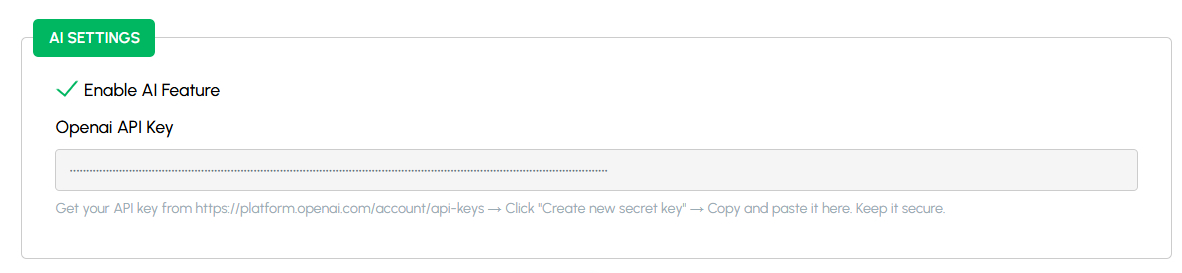
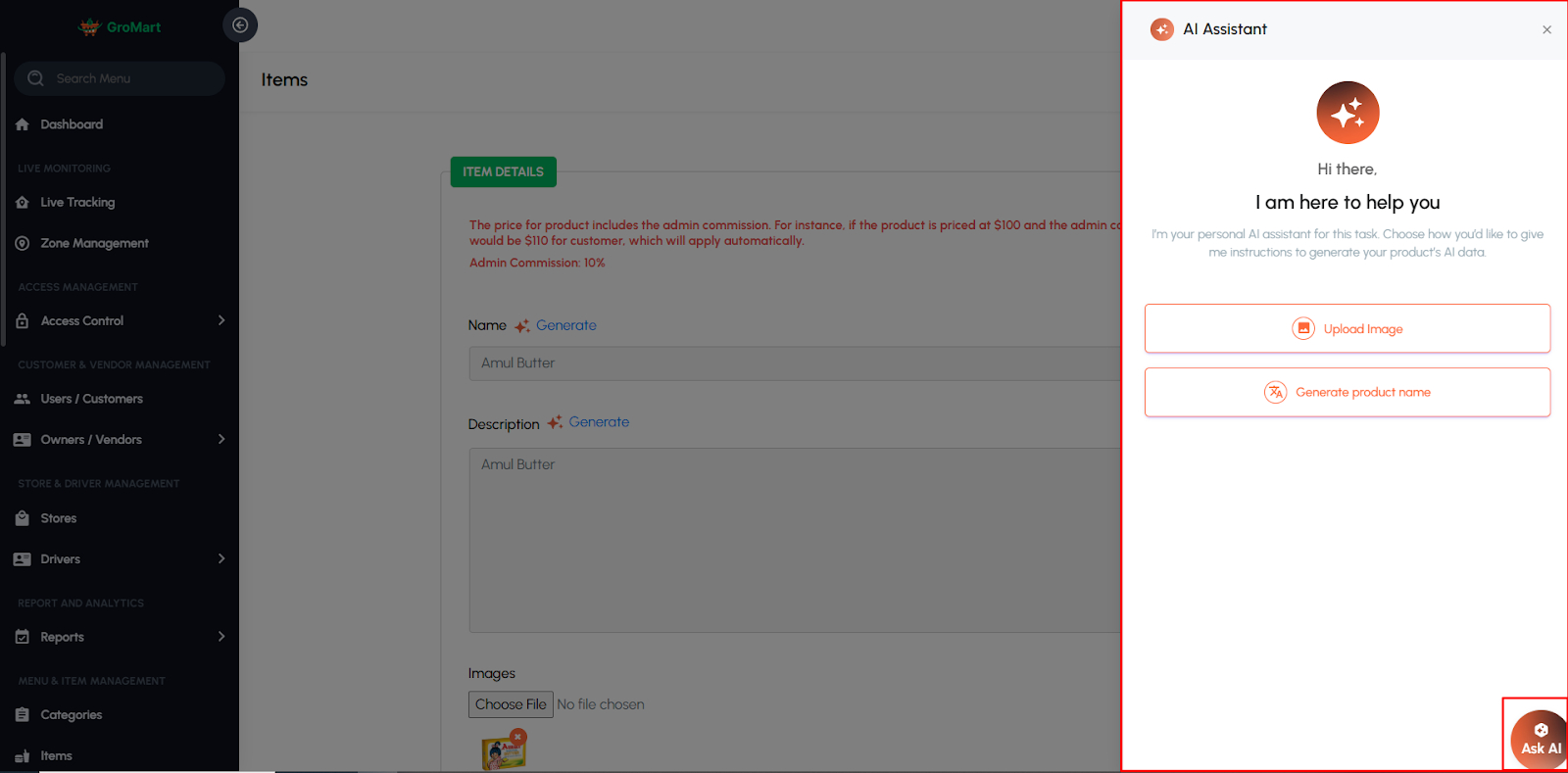
This section allows administrators to manage AI-powered features integrated into the platform using OpenAI. It enables the automatic generation of complete product details — including descriptions, keywords, and specifications — based on the product title and an uploaded image. Admins can configure the API key, control AI usage limits, and adjust feature availability. This feature streamlines the product creation process, saving time for vendors while ensuring high-quality and consistent product data across the platform.

Document Verification
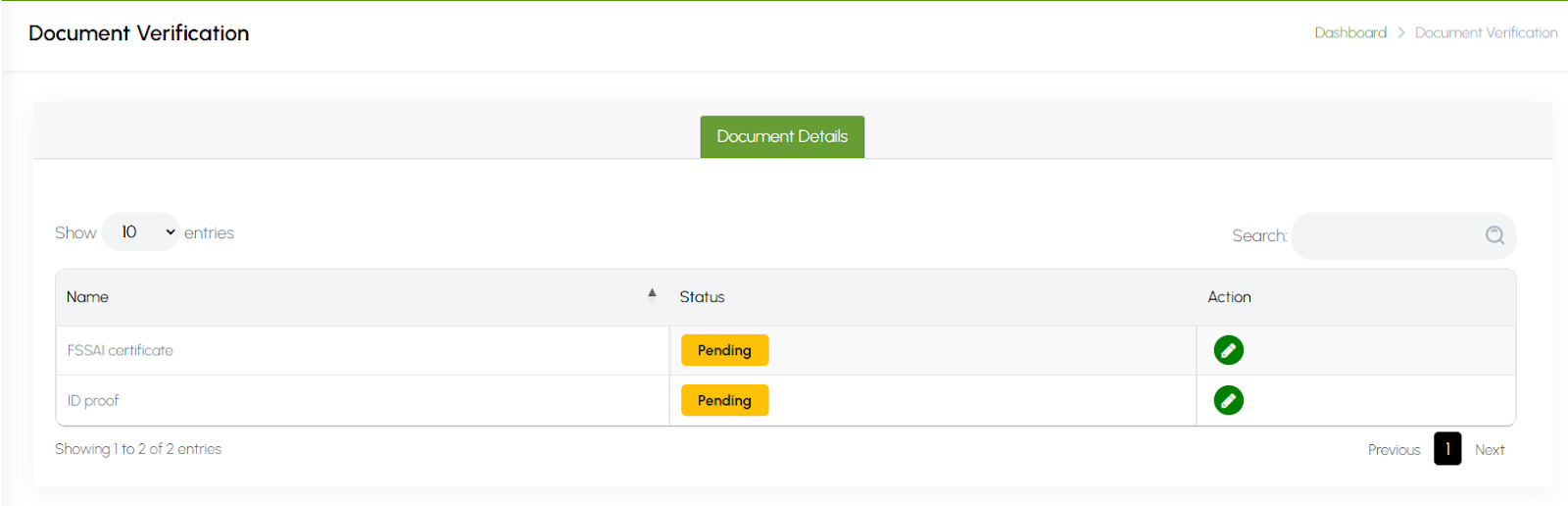
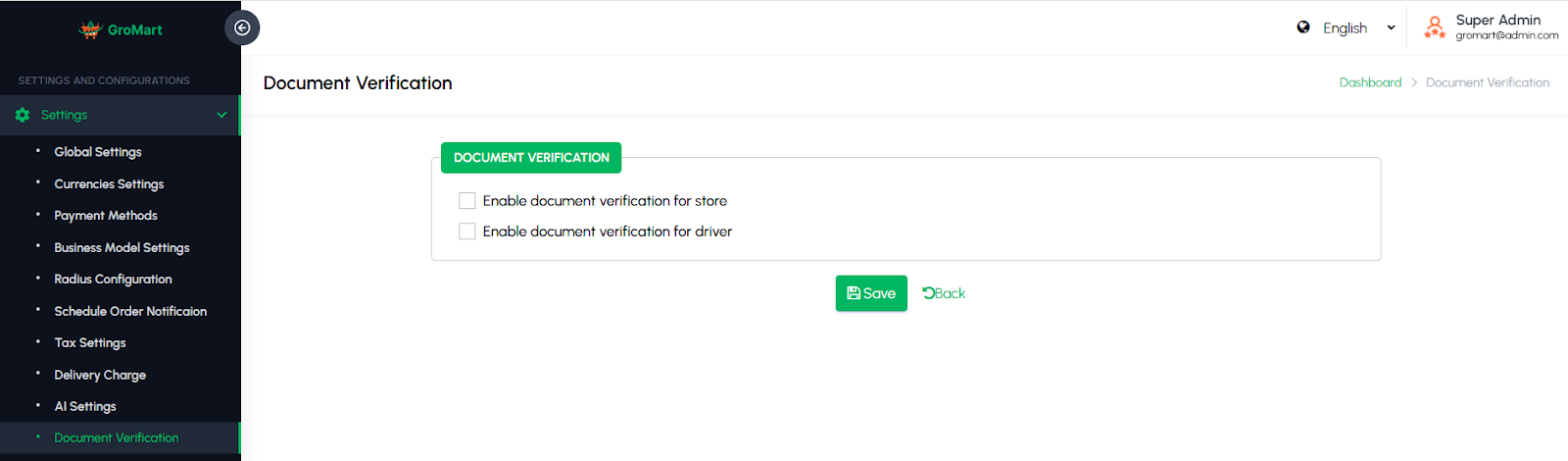
This section allows administrators to enable or disable the document verification requirement for vendors and drivers. When enabled, vendors and drivers must upload mandatory documents such as ID proof, licenses, or certifications before their accounts can be approved. Admins can configure verification rules separately for each user type and review uploaded files from the admin panel. This feature ensures platform authenticity and compliance while offering flexibility to simplify onboarding when verification is not required.
Languages
The Languages page allows administrators to manage the languages available in the admin panel. Admins can add new languages, edit existing translations, and update labels or messages to ensure the interface is accessible to a diverse team. This page helps maintain consistency across the admin panel, supports multi-lingual operations, and ensures that administrators can efficiently manage the platform in their preferred language.

Special Offer
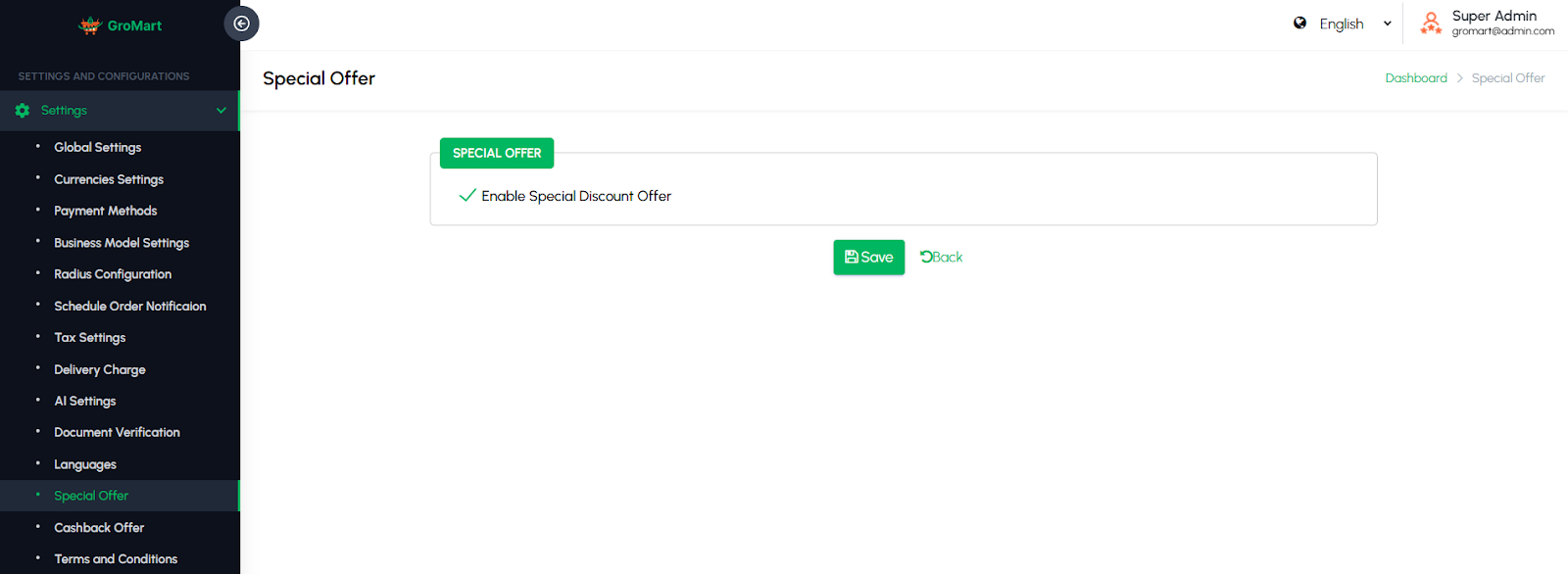
This section allows administrators to manage promotional offers and limited-time deals available to customers. To manage special offers and define details such as discount percentage, validity period, and applicable vendors or menu items. This feature helps boost sales, promote specific stores or products, and enhance customer engagement through exclusive discounts and time-sensitive promotions.
Cashback Offer Setting
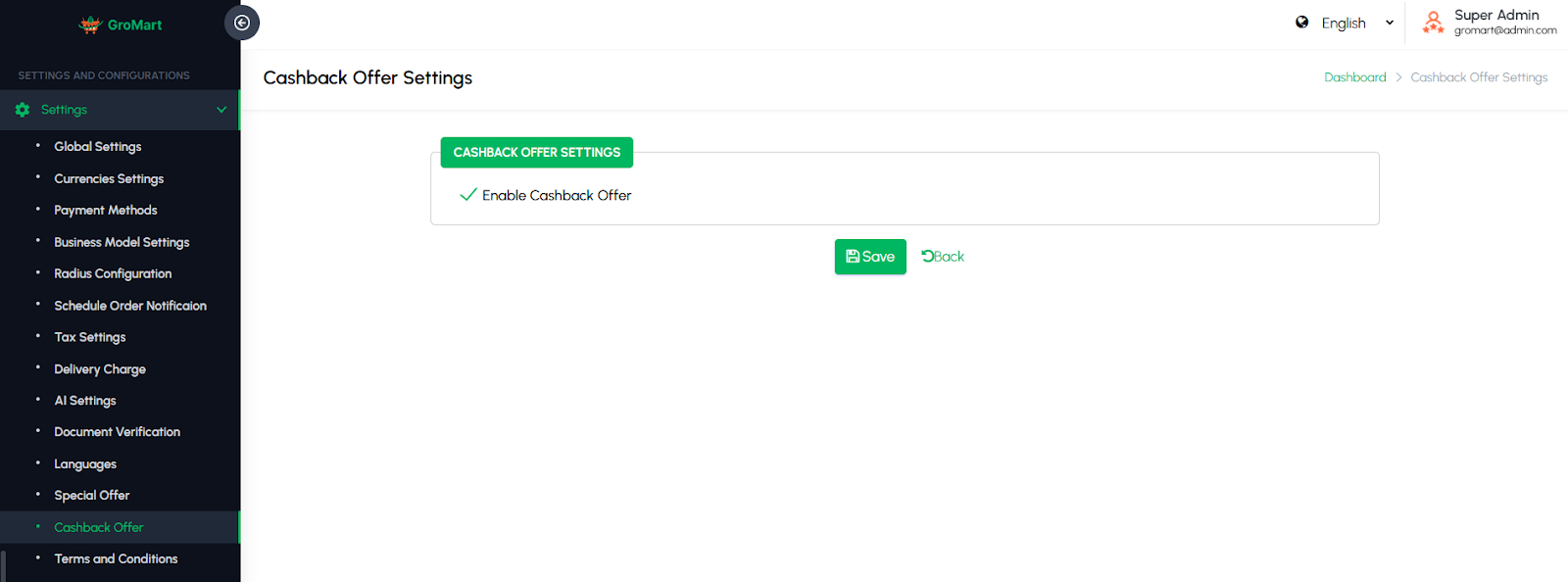
This section allows administrators to configure cashback offers and promotional reward settings for customers. Admins can define cashback type (percentage or fixed amount), minimum order value, maximum cashback limit, and eligible vendors or categories. The system automatically credits the cashback to the customer’s wallet after a successful order. This feature helps increase user retention, encourage repeat purchases, and drive more engagement by rewarding customers with attractive cashback incentives.
Terms & Conditions
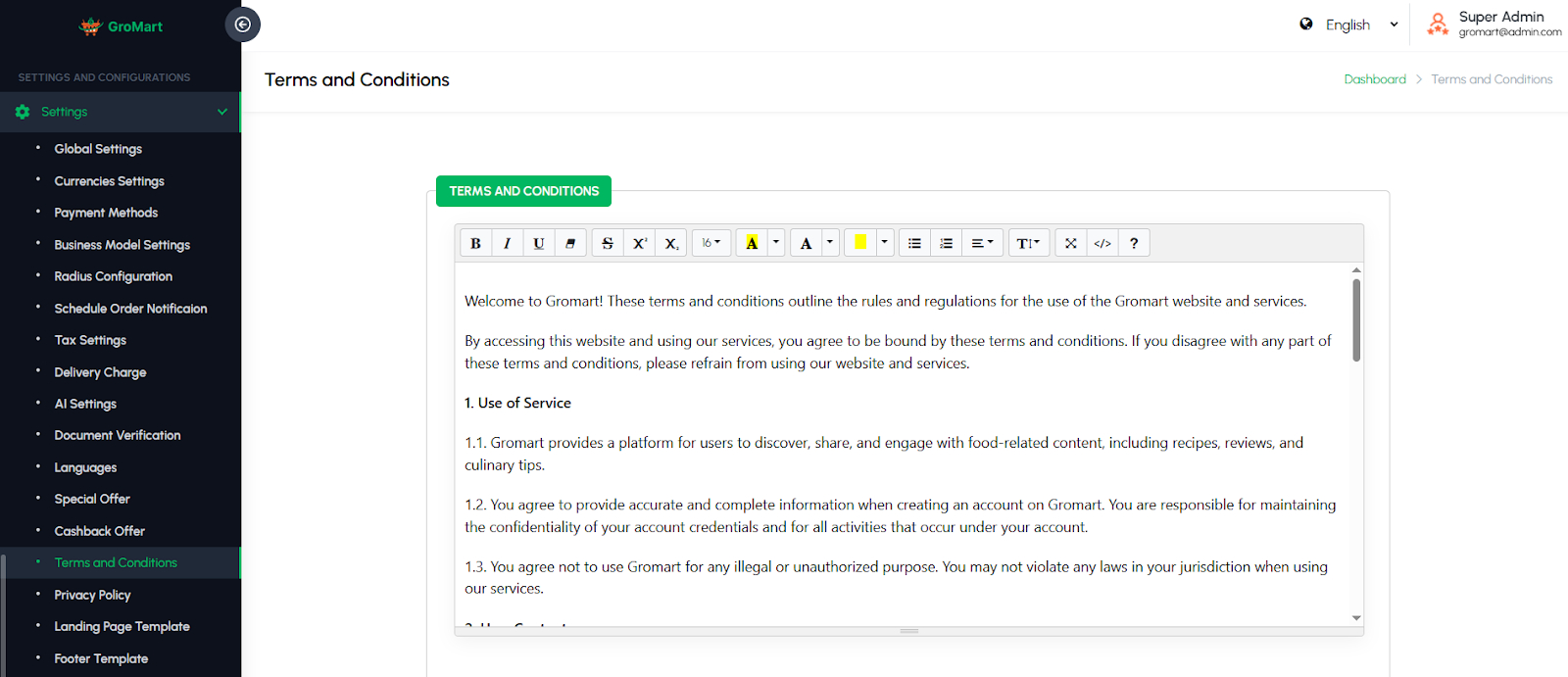
The Terms & Conditions page allows administrators to create, update, and maintain the legal agreements displayed to users within the app. Admins can edit content to reflect company policies, service rules, and regulatory requirements, ensuring that users are informed about their rights and obligations. This page helps maintain legal compliance, provides transparency, and protects both the platform and its users by clearly communicating the terms of service.
Privacy Policy
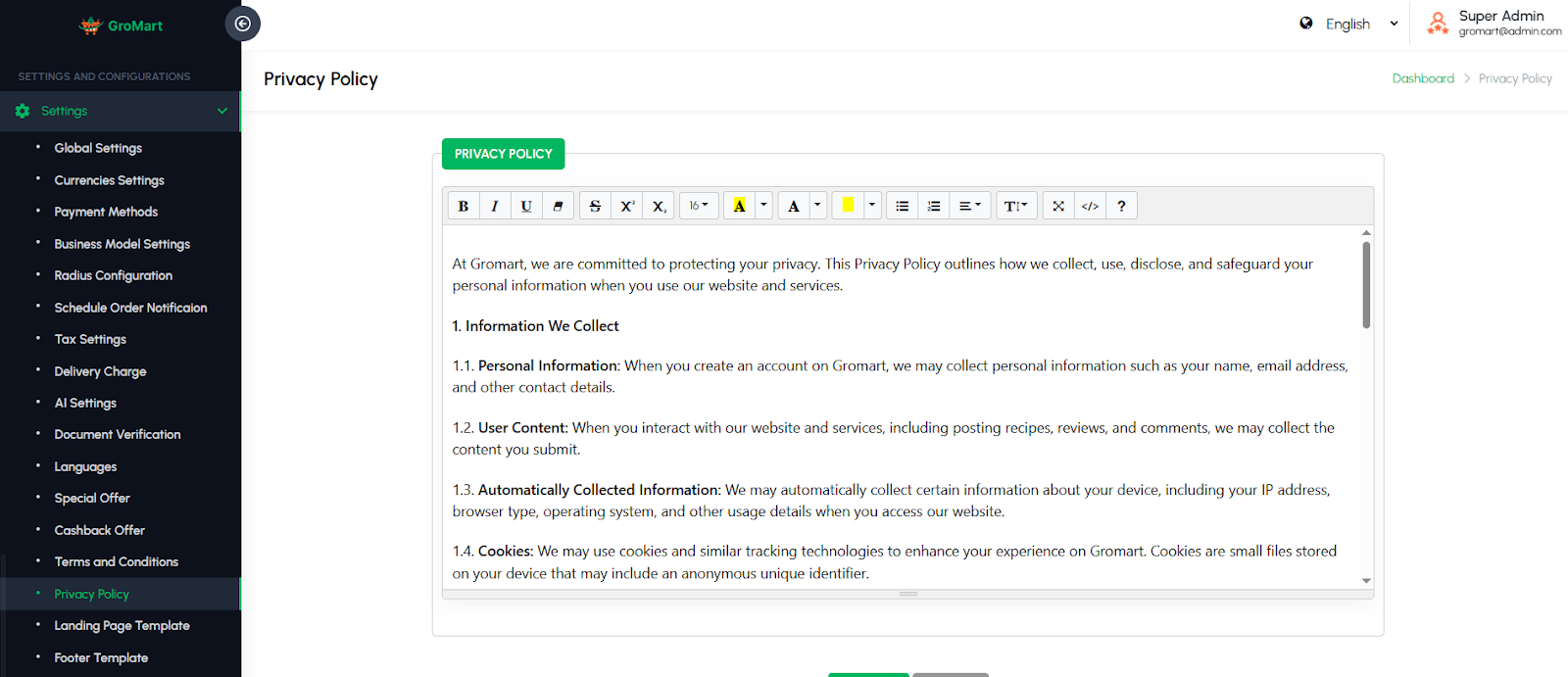
The Privacy Policy page allows administrators to create, update, and maintain the privacy policy content displayed to users within the app. Admins can ensure the policy complies with regulations such as GDPR and local data protection laws, clearly explaining how user data is collected, stored, and used. This page helps build trust with users, maintain legal compliance, and provide transparency regarding data privacy and security practices.
Landing Page Template
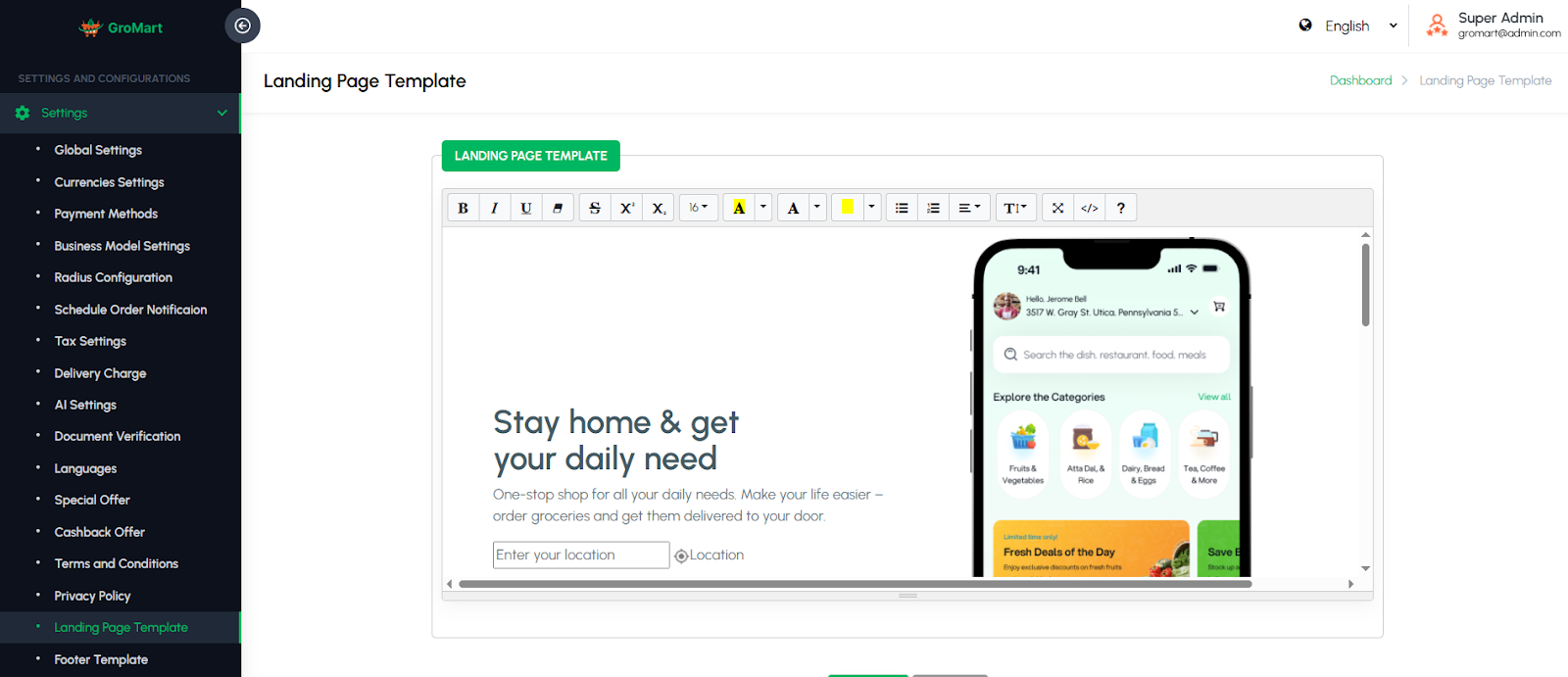
The Landing Page Template page allows administrators to manage and customize the public-facing landing page of the web panel. Admins can update banners, text content, images, and branding elements to reflect current promotions, company identity, or seasonal campaigns. This page provides control over the look and feel of the landing page, ensuring it is visually appealing, informative, and aligned with marketing objectives. It helps attract new users, communicate key messages effectively, and maintain a professional online presence.
Footer Template
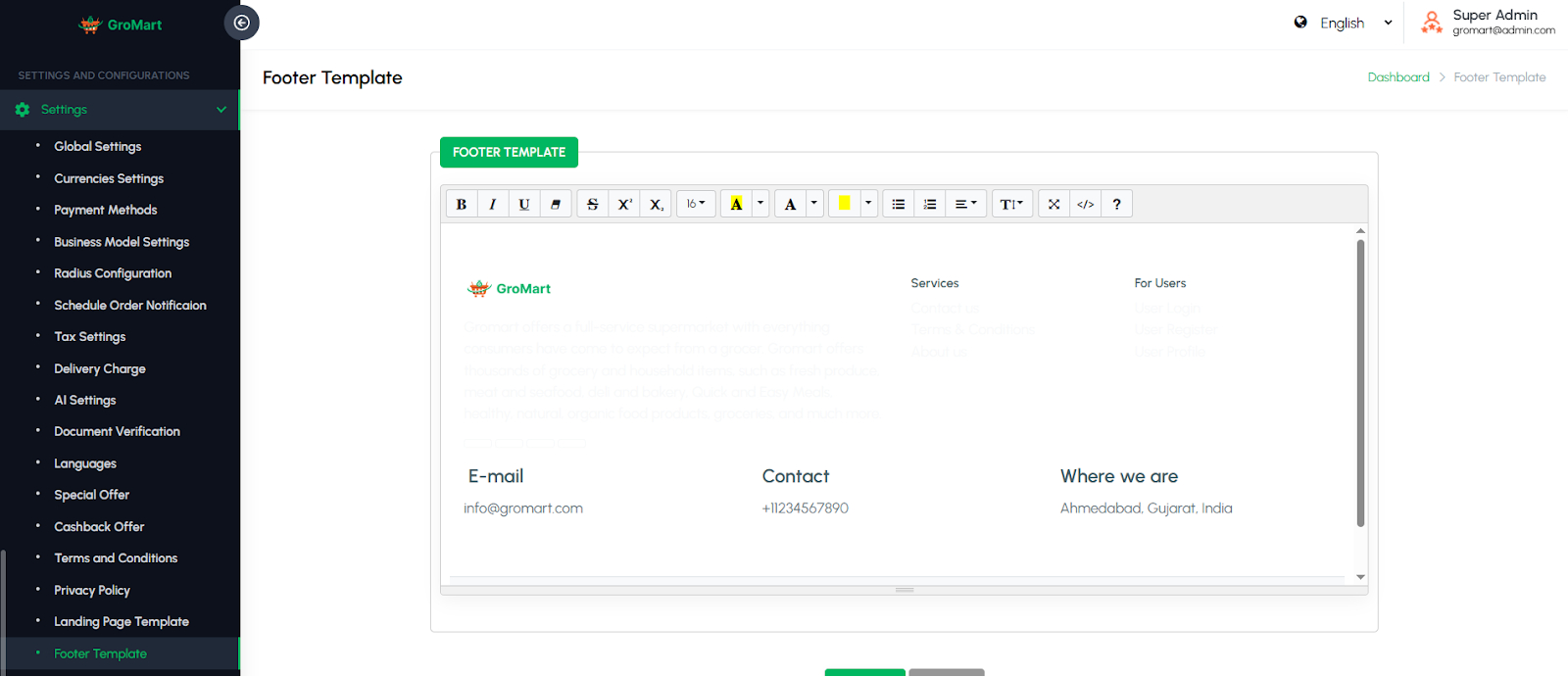
Footer Template allows administrators to customize the bottom section of the web application. This includes configuring links, contact information, social media icons, copyright text, and other elements visible to users. It ensures a consistent, branded interface and provides easy access to important information and resources across the website.