5. Admin Panel Menus Overview
5.1. Dashboard
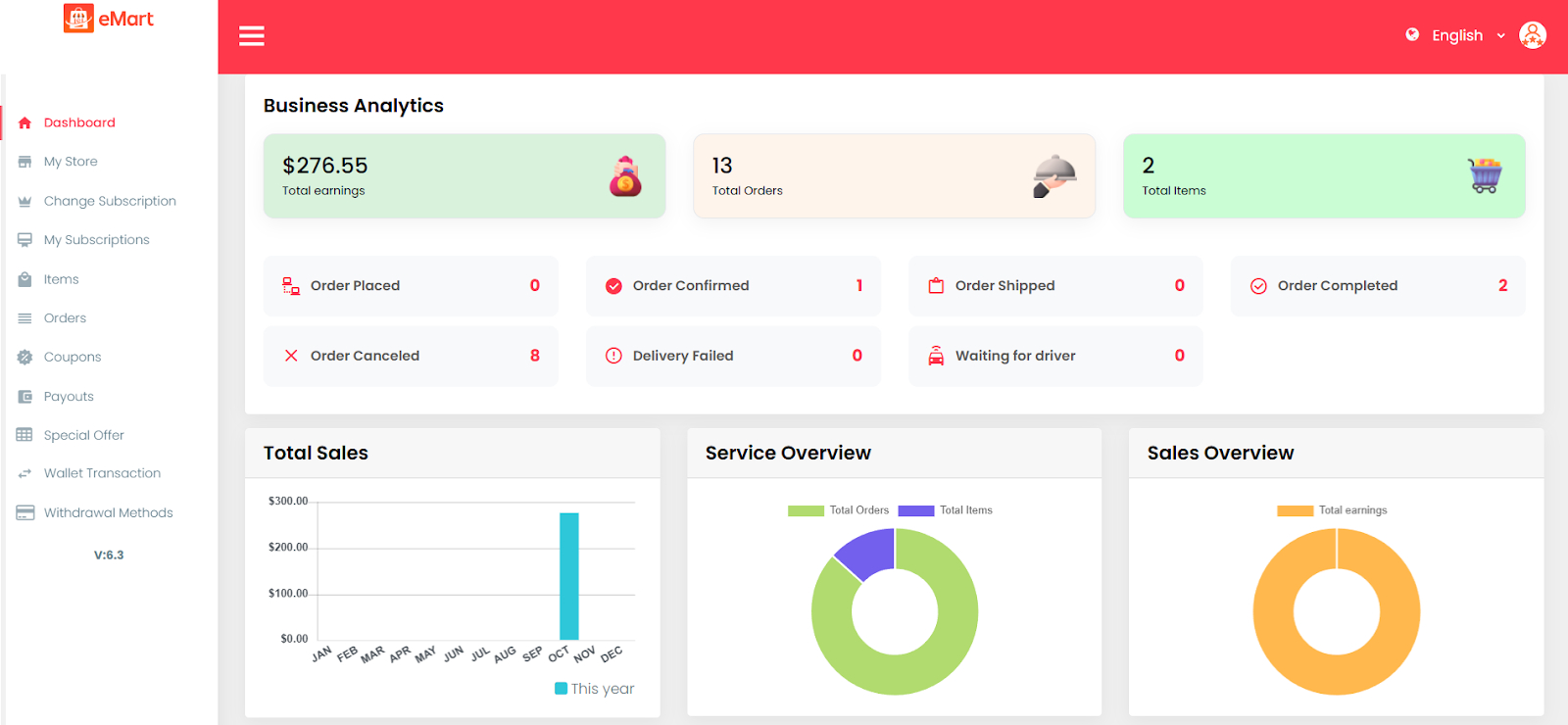
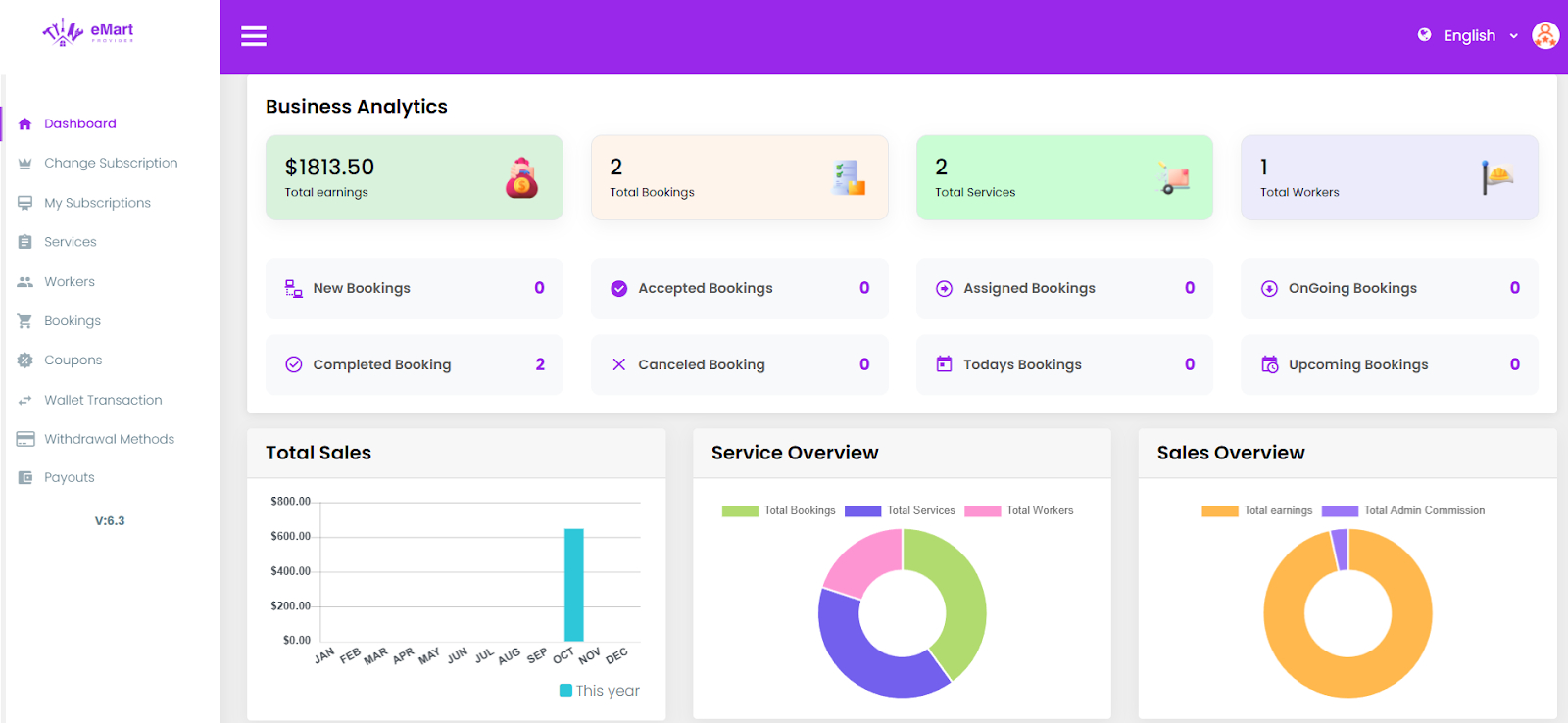
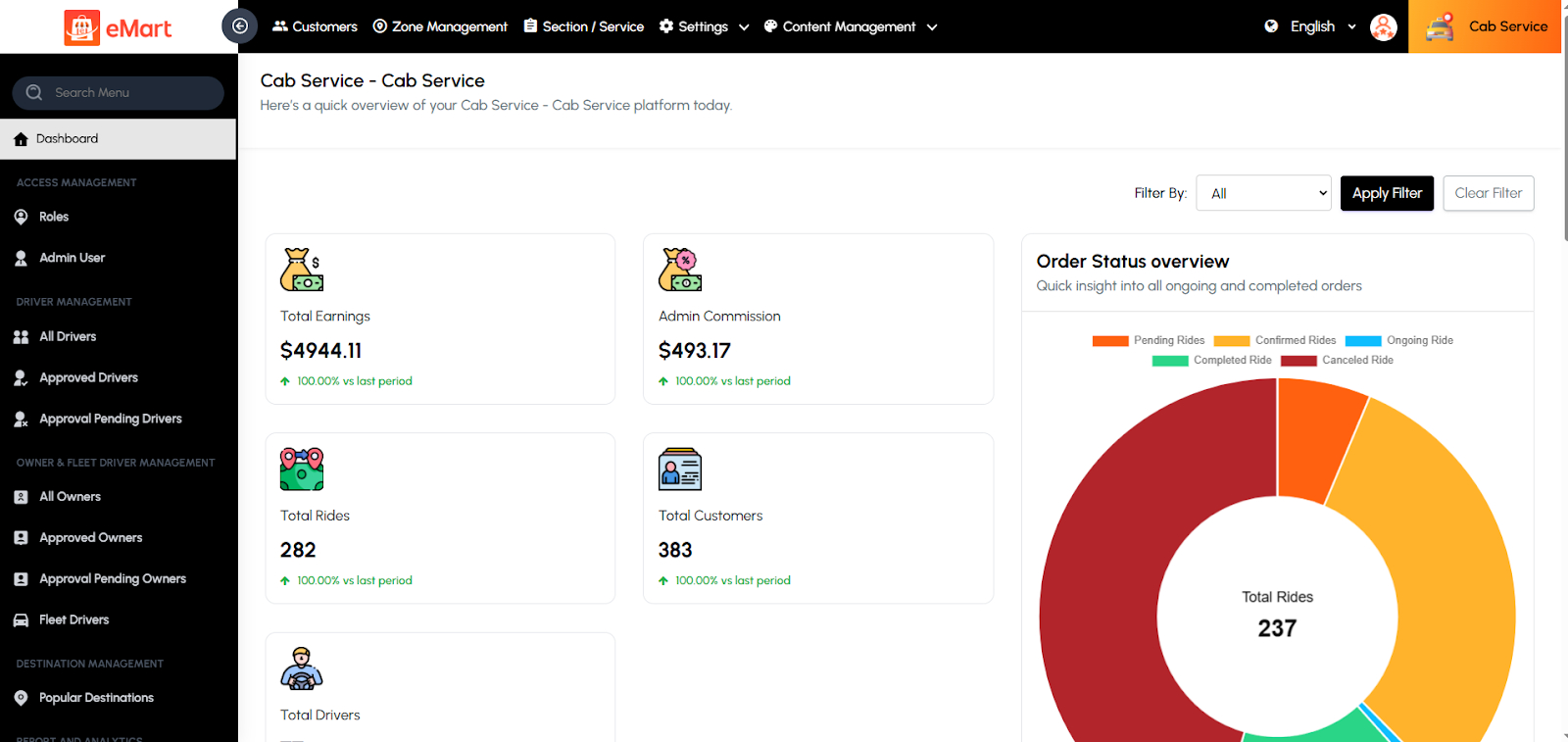
The Dashboard provides a summarized view of the platform’s key metrics and activities. It helps the admin monitor business performance in real time.
5.2. Point of Sale
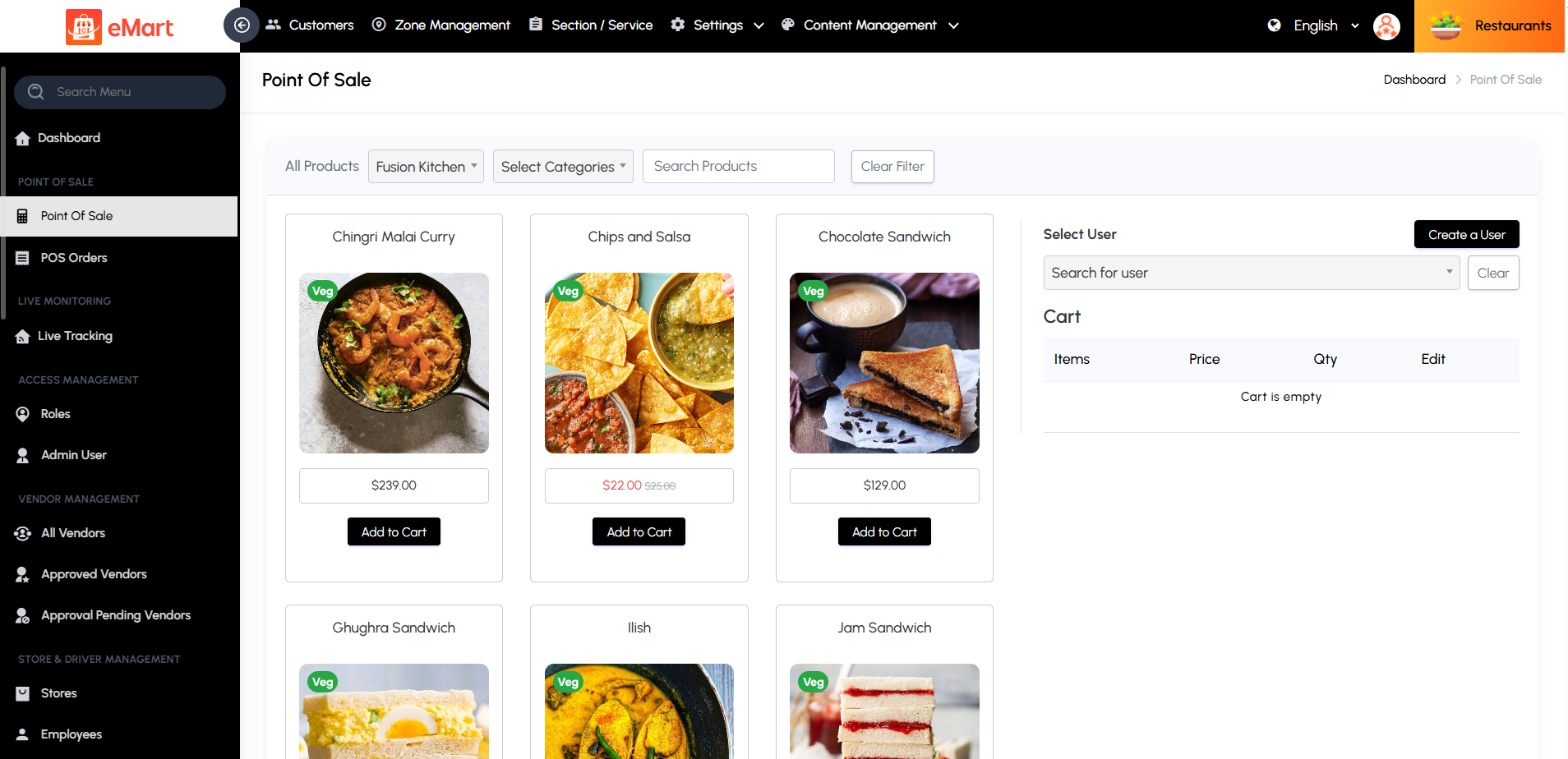
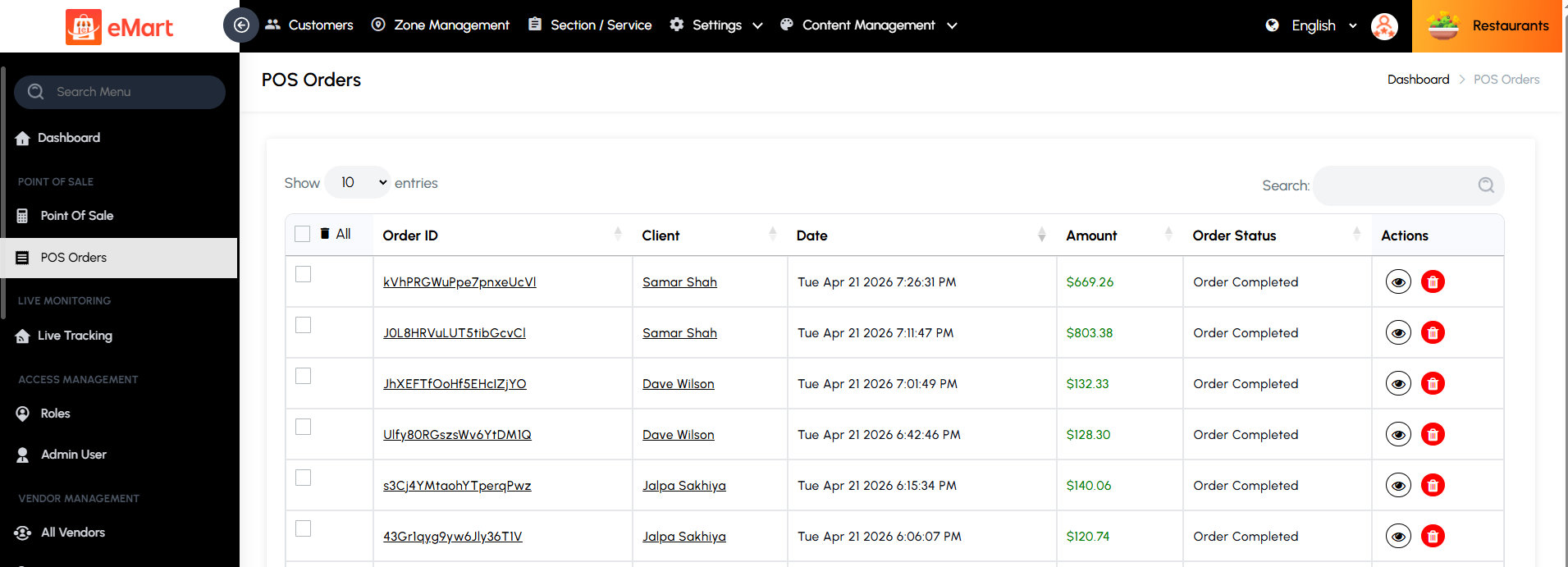
Manage in-person or counter sales using the Point of Sale system. This feature allows staff to quickly create orders, add products or services, apply taxes, and process payments in real time. It’s ideal for handling walk-in customers, improving checkout efficiency, and keeping all transactions synchronized with platform order records.
POS Orders
View and manage all orders generated through the Point of Sale system. This section provides access to order details, item breakdowns. It helps track sales activity, resolve disputes, generate reports, and maintain accurate records.
5.3. Access Management
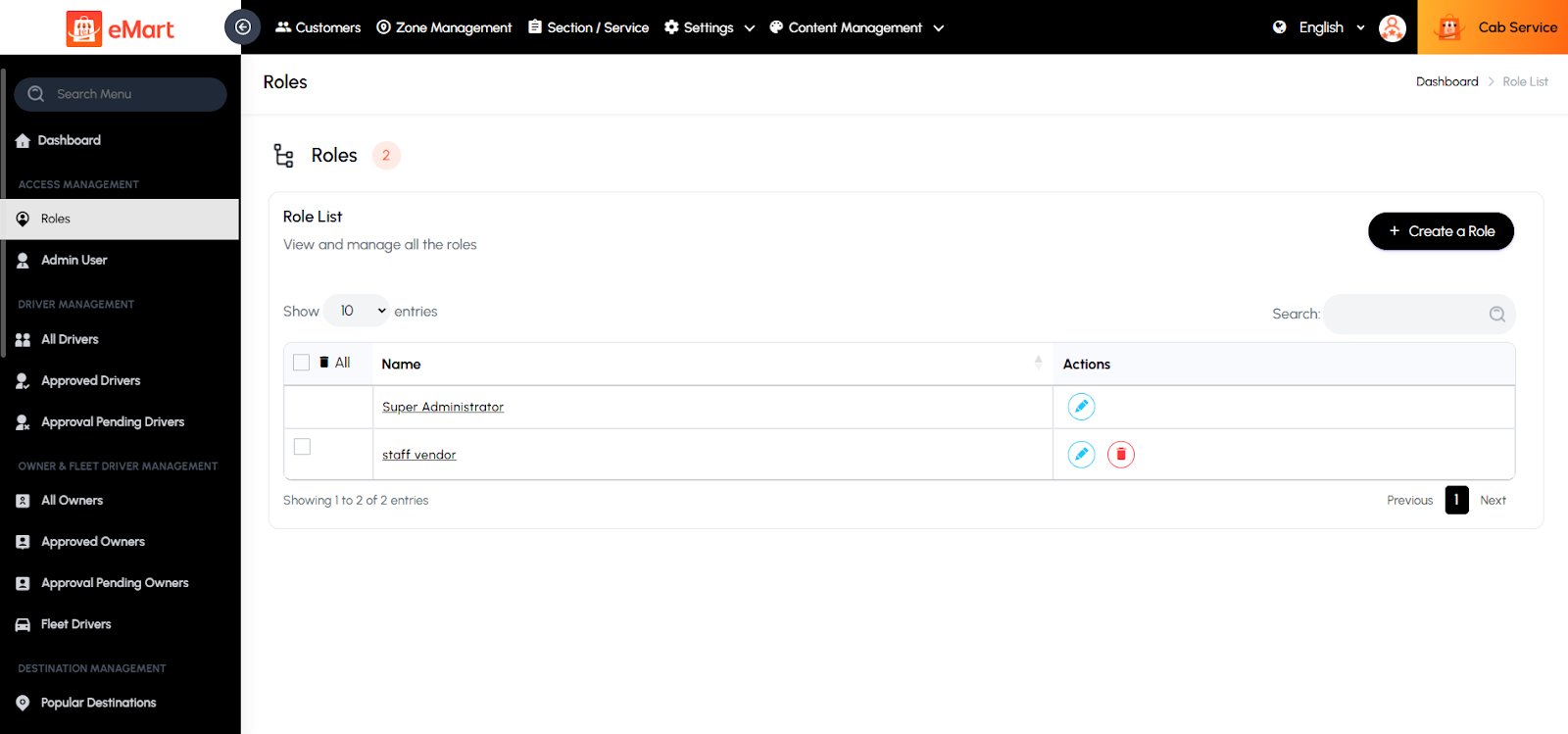
Create and manage admin permission groups (e.g., Super Admin, Editor, Dispatcher). Control what each admin role can view or edit within the system
5.4. Driver Management
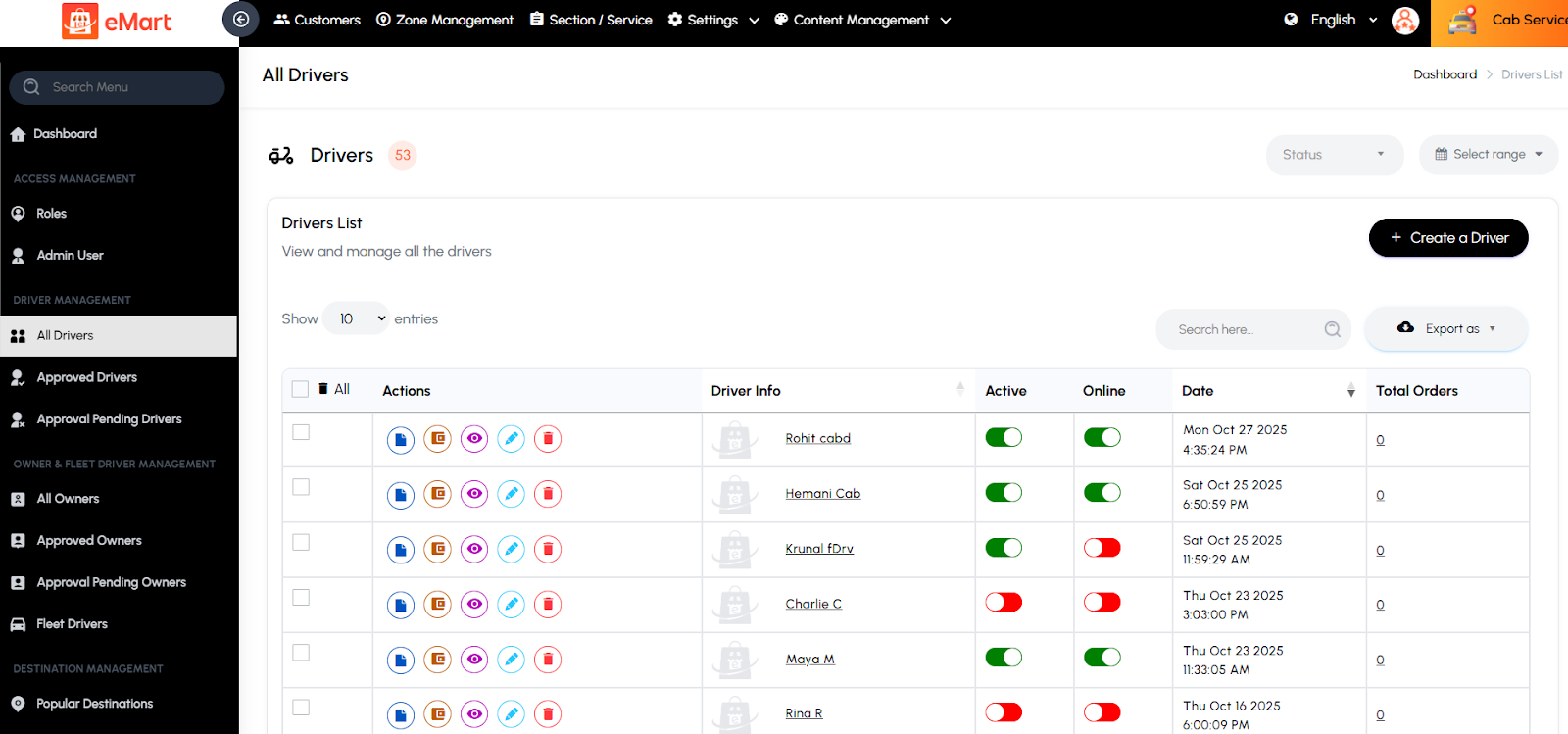
Used to manage all drivers who handle deliveries or rides on the platform, including individual drivers and fleet drivers associated with registered fleet owners. From this section, the admin can add new drivers, review and approve registrations, verify driver and vehicle documents, track their real-time location and activity, manage payouts, and monitor performance metrics such as completed trips, ratings, and earnings. It ensures that only verified, active, and reliable drivers and fleets operate efficiently within the system.
5.5. Vendor Management
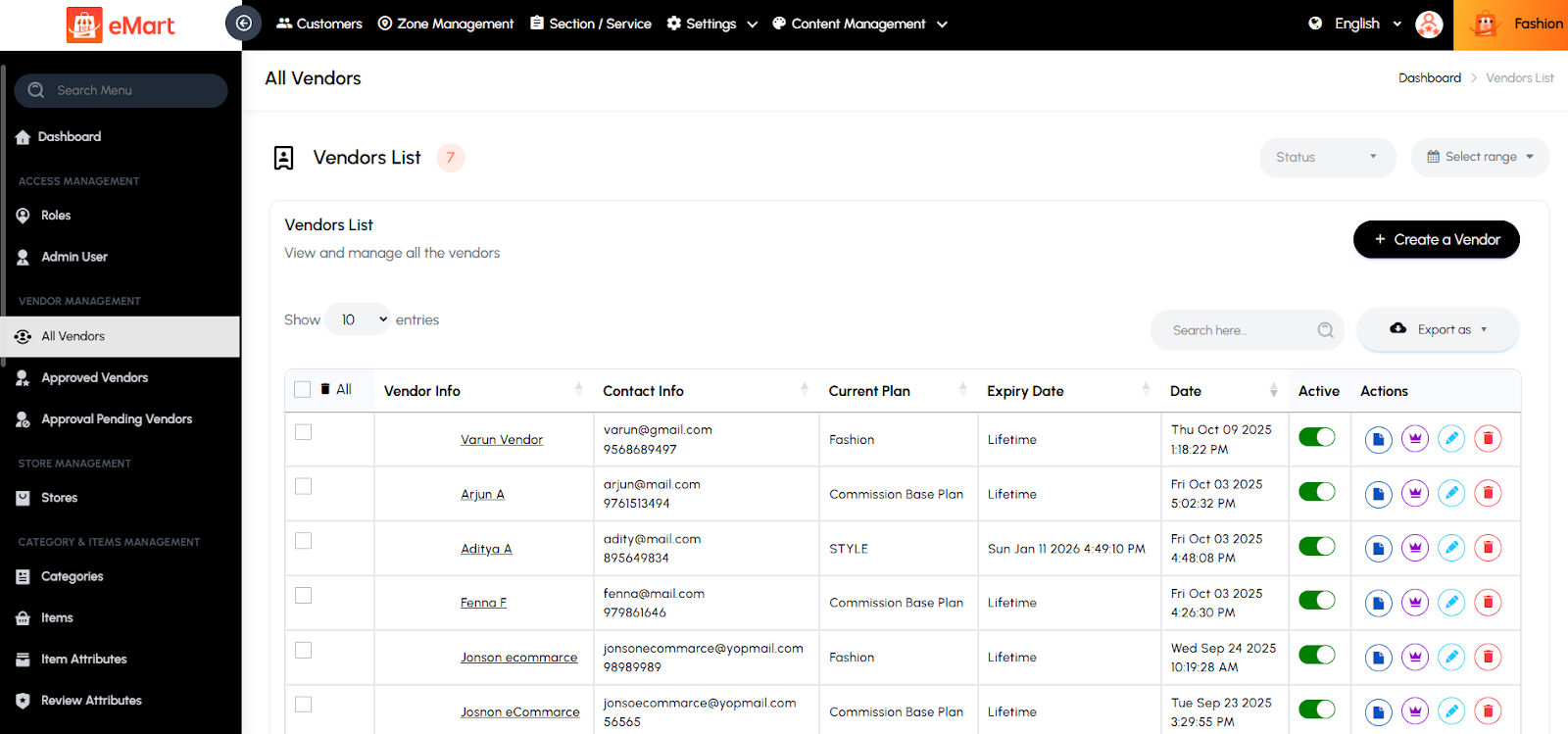
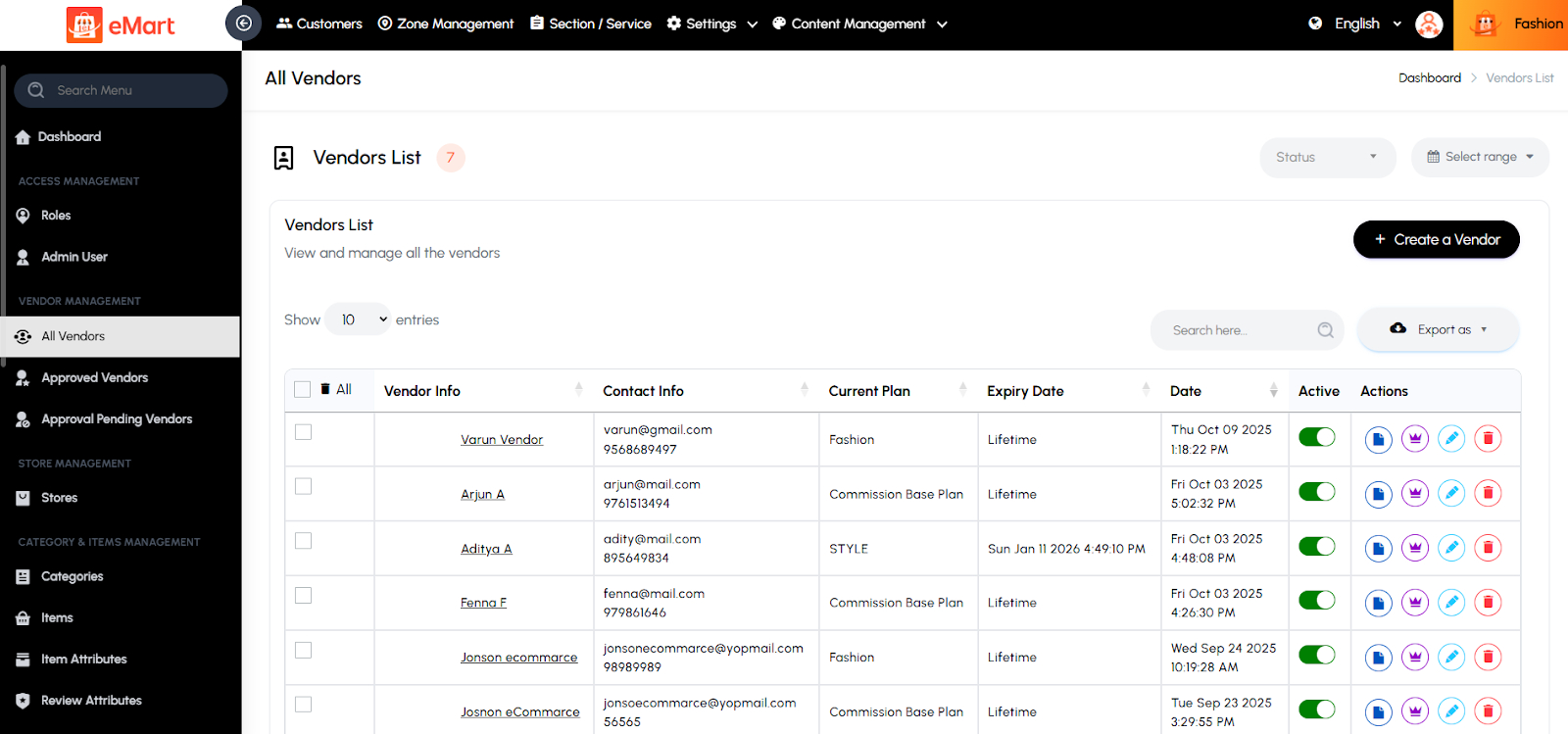
Used to manage all vendors or businesses registered on the platform. From this section, the admin can add new vendors, verify their details, approve or reject registrations, update business information, set commission rates, and monitor their sales, orders, and overall performance. It helps ensure that only verified and active vendors operate on the platform while maintaining quality and compliance.
5.6. Store Management
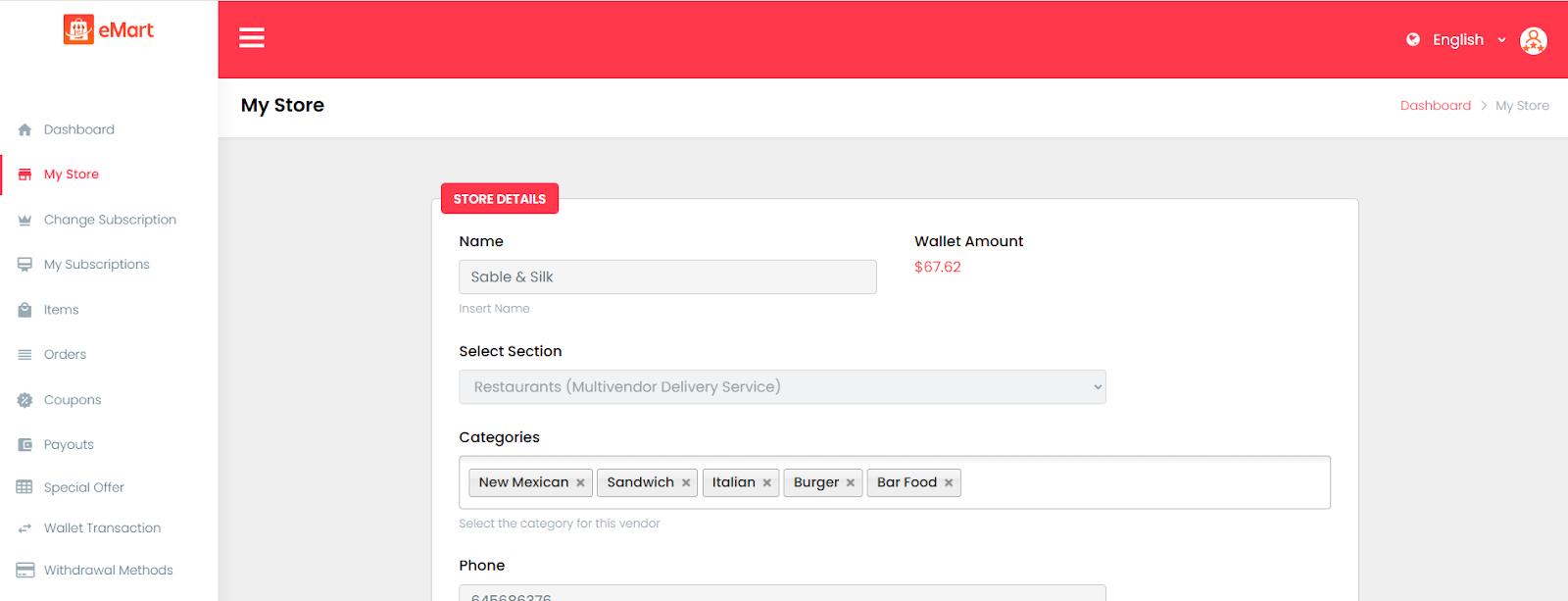
Used to manage all stores or branches associated with vendors on the platform. From here, the admin can create new stores, edit existing details, update business hours, manage delivery areas, and monitor performance metrics such as orders, earnings, and ratings. It ensures each store operates correctly within its assigned vendor account and follows platform policies.
5.7. Customer Management
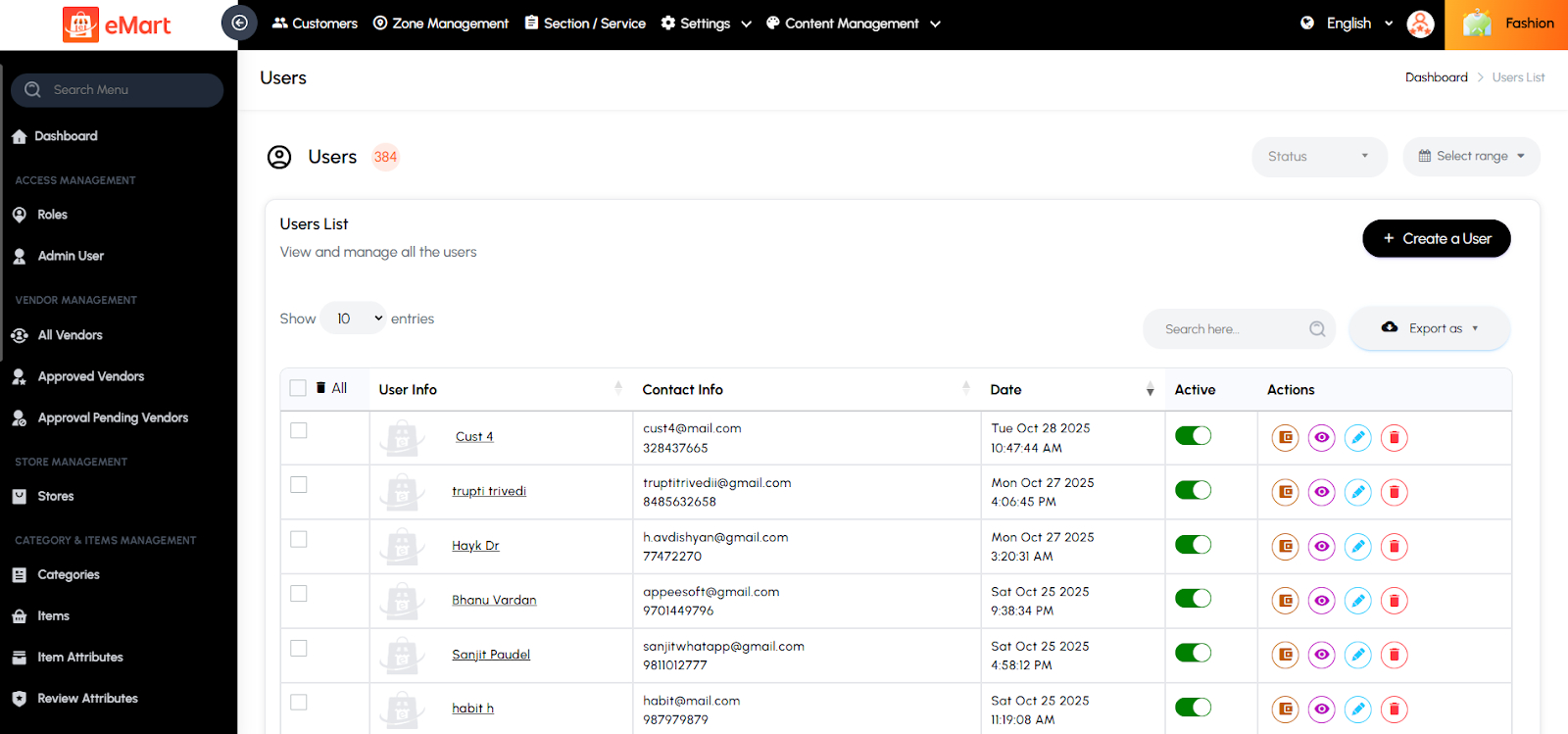
Used to manage all customer accounts registered on the platform. From this section, the admin can view customer profiles, contact details, order history, wallet balance, and activity status. It allows the admin to verify users, handle support issues, manage account status (active or blocked), and monitor user engagement across different services. This helps maintain a secure and well-managed customer base.
5.8. Zone Management
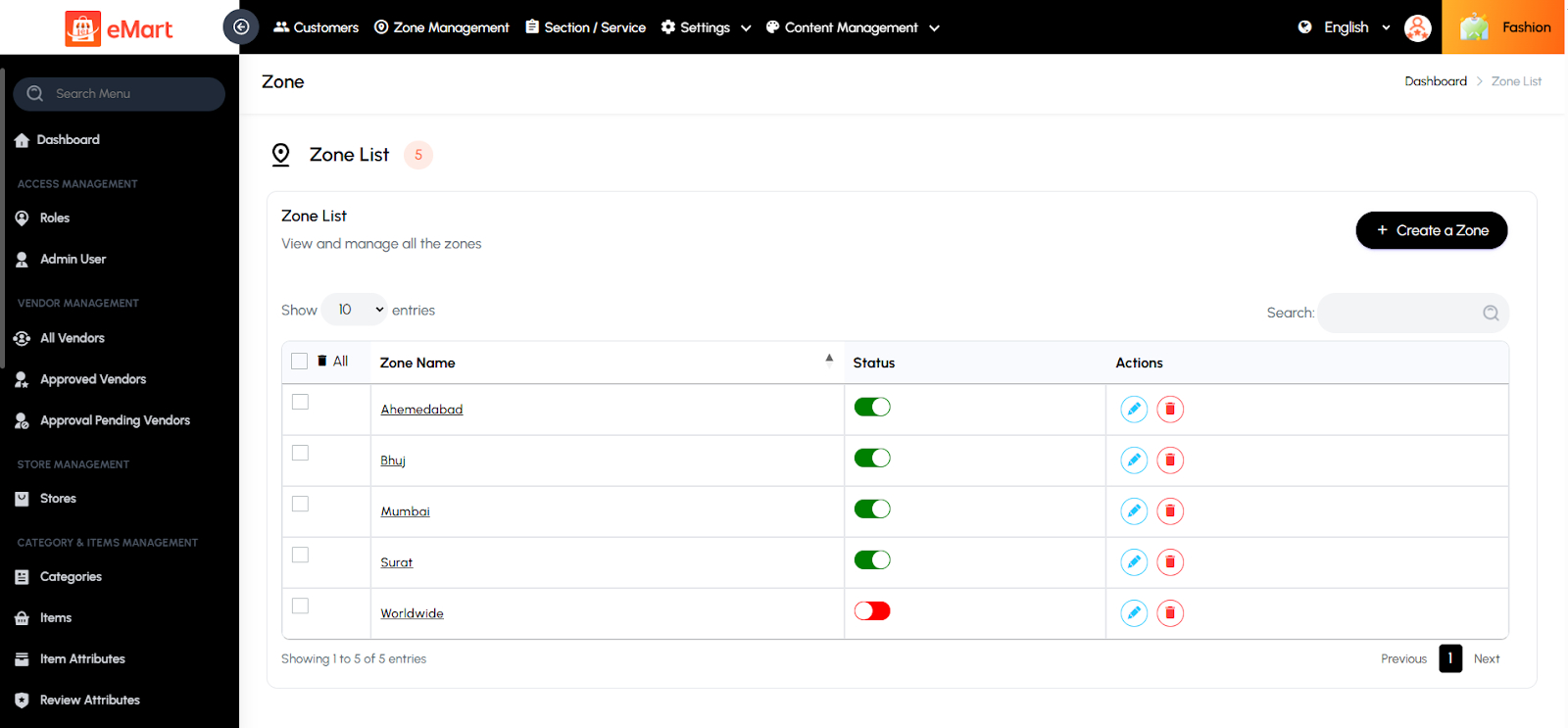
Used to define and manage geographic zones or service areas where the platform operates. From this section, the admin can create, edit, or remove zones by setting map boundaries or pin locations. It helps assign vendors, drivers, and delivery coverage based on specific regions, ensuring efficient order allocation and accurate service availability for users within defined areas.
5.9. Section / Service Management
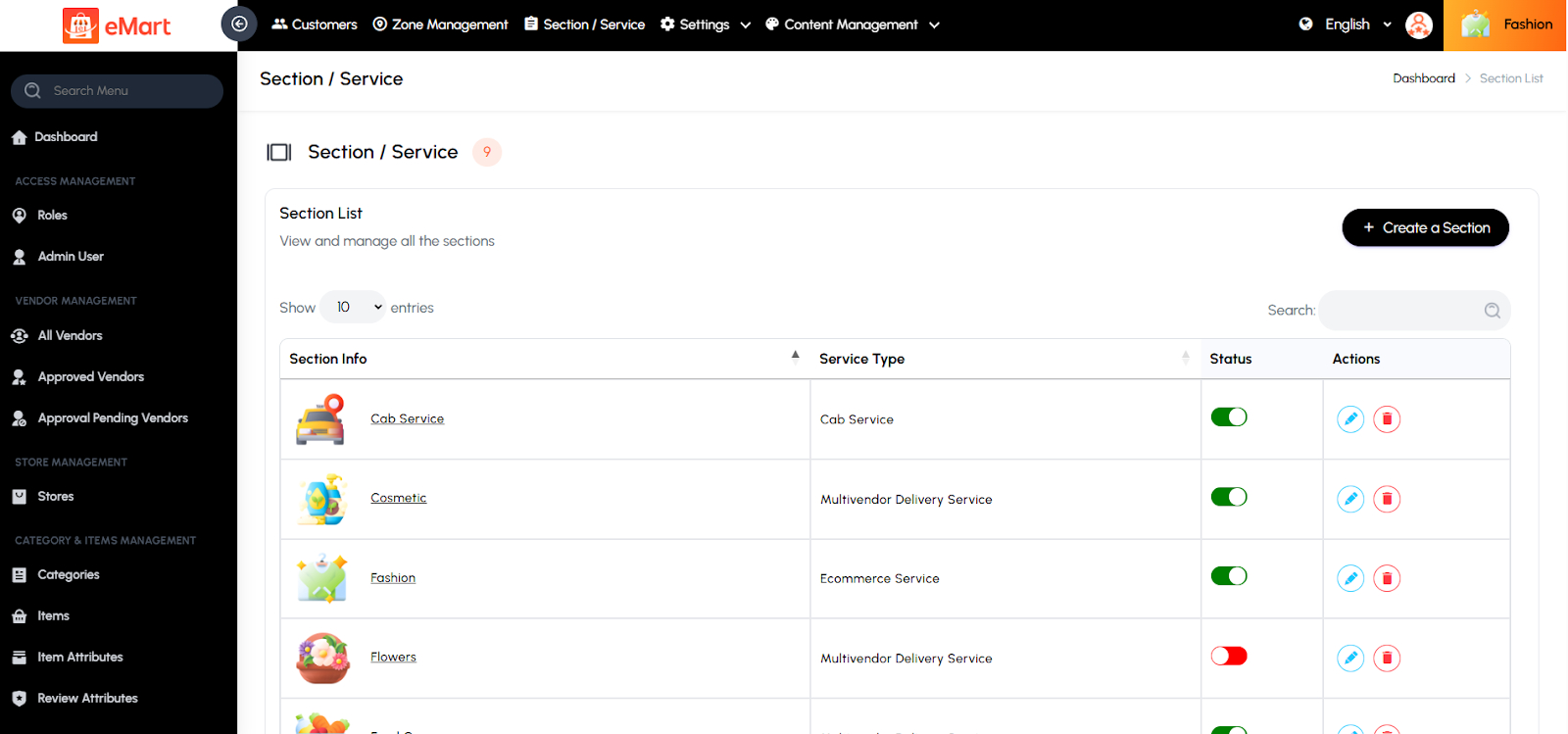
Used to manage different service sections or business types available on the platform, such as restaurants, groceries, pharmacies, or salons. From this section, the admin can create and configure sections, assign them to specific service types (e.g., Multivendor Delivery, On-Demand, etc.), and customize related settings like categories, menus, and delivery options. It helps control which services are active on the platform and how their data and menus appear in the admin and user apps.
5.10. Settings
Used to configure and control all core features and operational settings of the platform. This section allows the admin to define system-wide preferences such as business logic, currency, taxes, payments, delivery configurations, and application content. It ensures the platform runs smoothly and aligns with business requirements, branding, and policies.
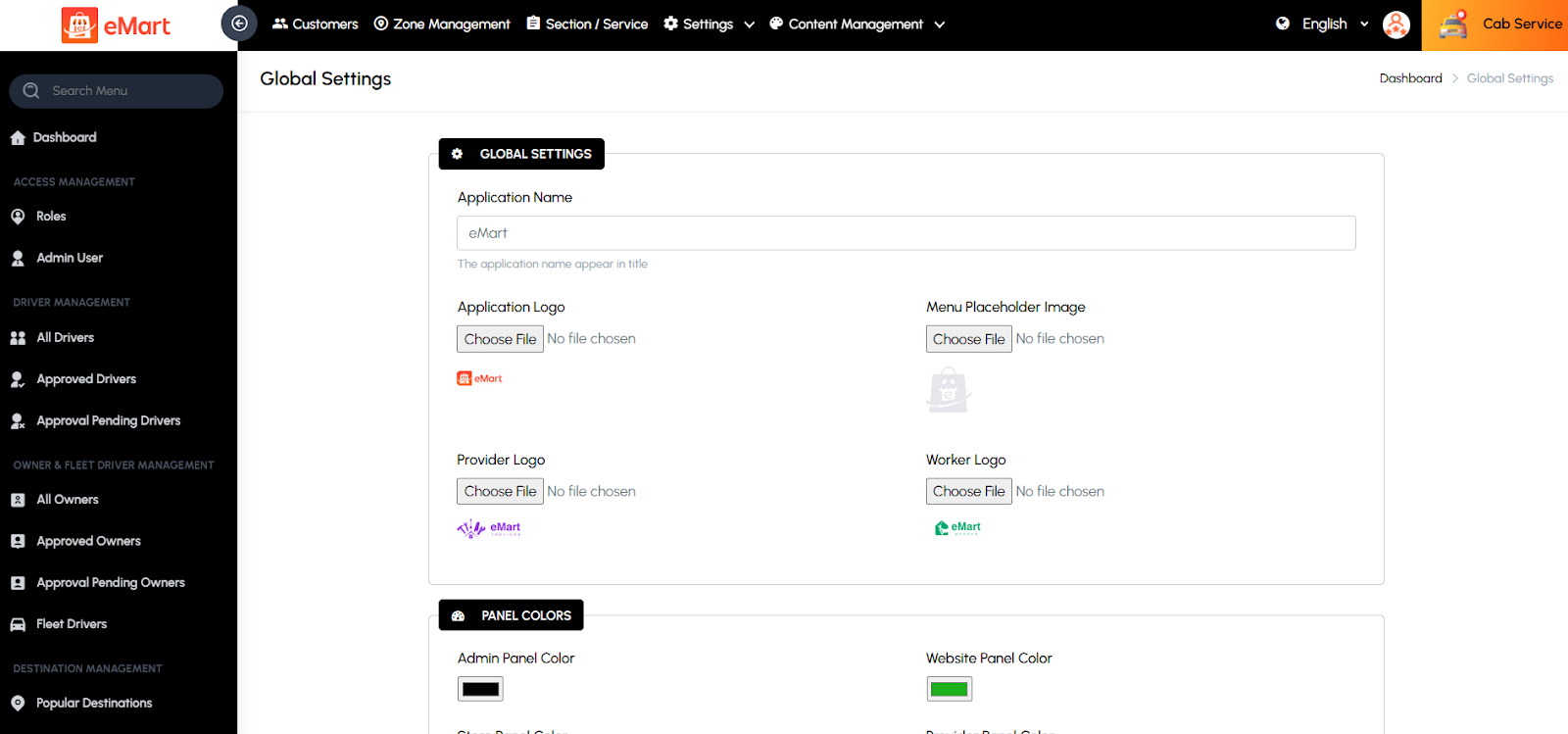
Global
Used to set general platform configurations such as app name, logo, contact information, and default preferences applied across all services.
Currency
Used to manage supported currencies on the platform. The admin can add or update currency codes, symbols, and conversion rates for multi-country operations.

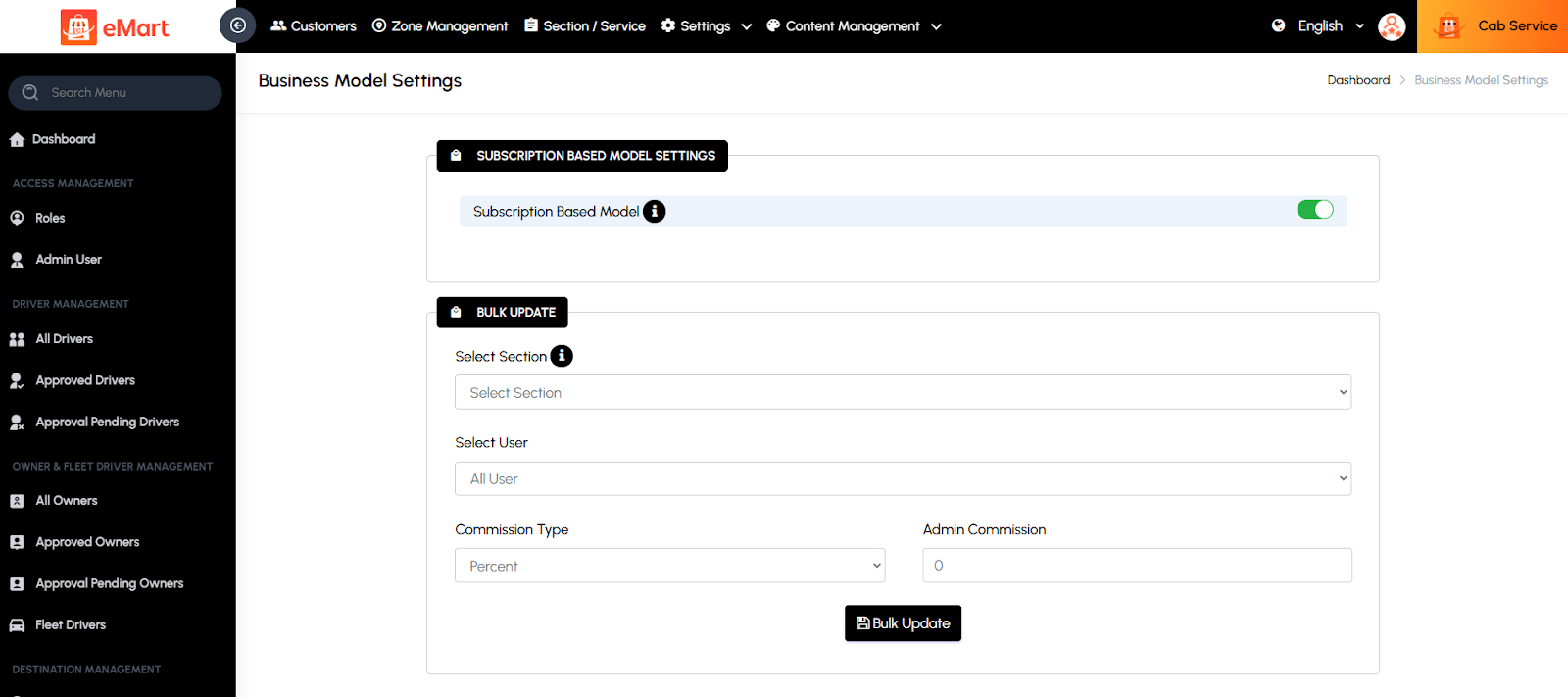
Business Model
Used to define the platform’s operational model—such as commission-based, subscription-based, or hybrid—determining how revenue is generated from vendors and drivers.
Tax
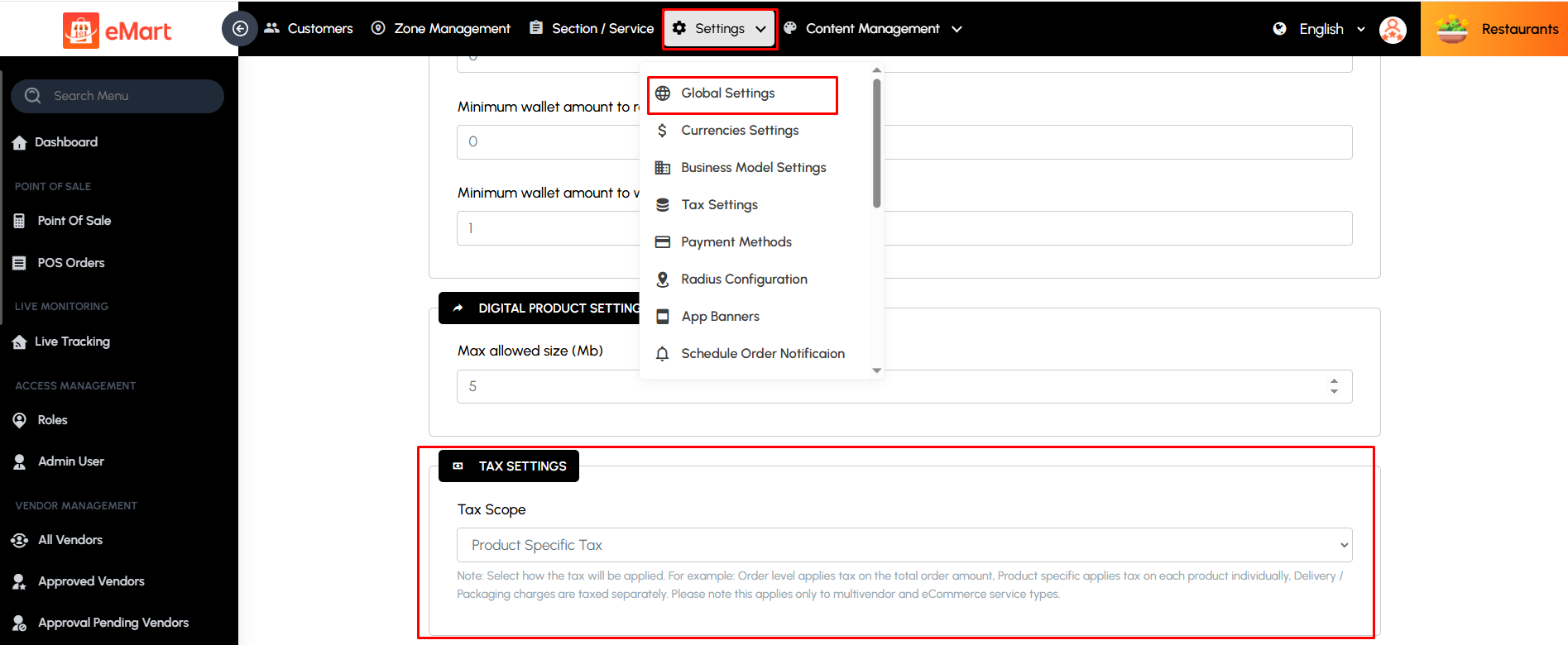
The Tax Settings page allows administrators to configure taxes applicable across all services. Admins can define tax types such as GST, VAT, or other local taxes and specify rates for each service category. This page ensures that all fare calculations include accurate tax amounts, maintains compliance with local tax regulations, and provides transparency for customers and drivers. Proper tax configuration also helps in generating accurate financial reports and simplifies accounting and regulatory reporting. Now supports scope options: Product Level, Order Level, Tax on Delivery Fee, Tax on Packing Charge, and Tax on Platform Fee, along with country-wise tax.
Please Note:
Admin Commission Tax and Vendor Subscription Tax is used only for admin tax reports to calculate taxes on income.

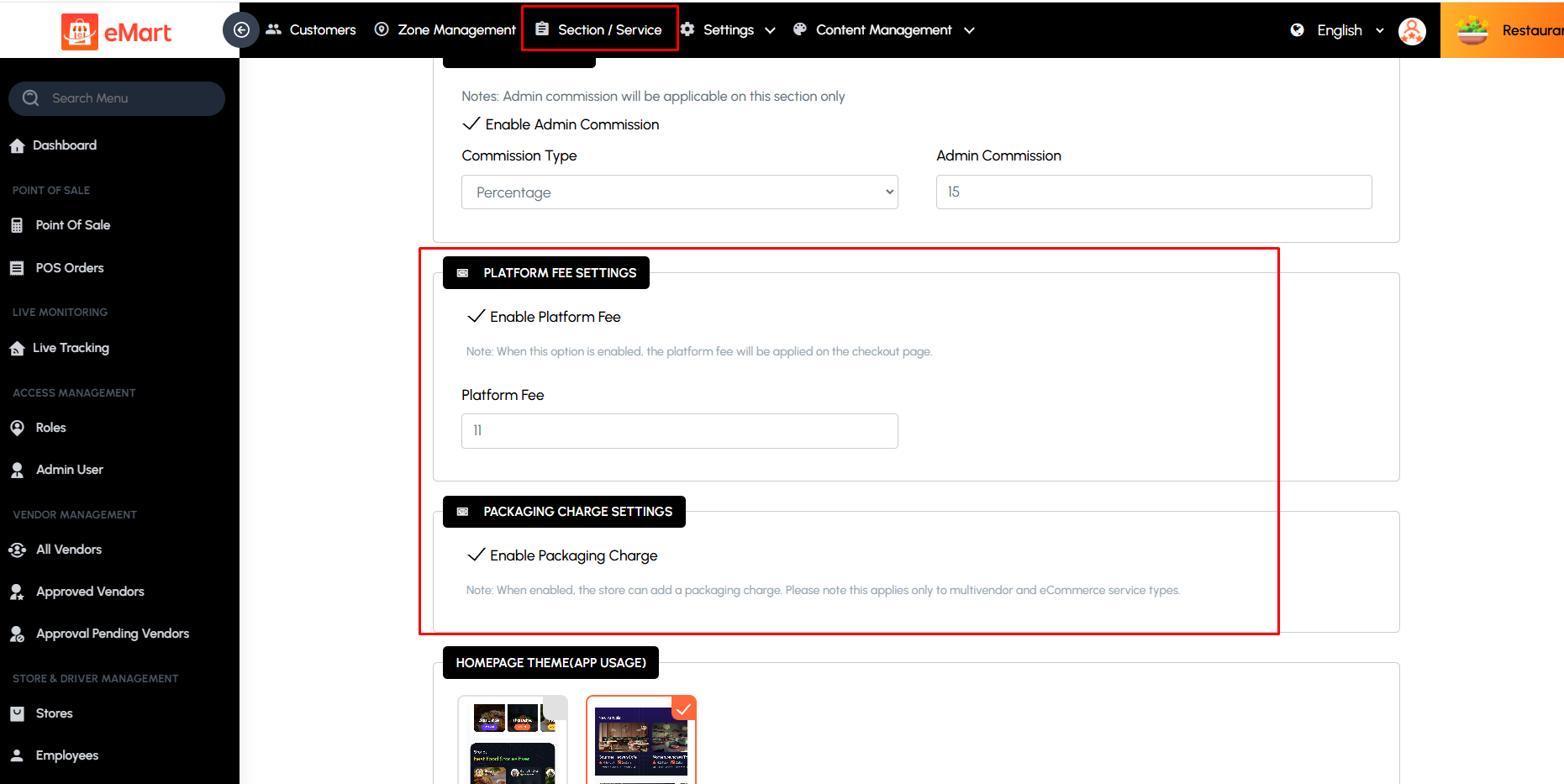
Admins can also select which tax scope applies for users, allowing flexibility to apply taxes at either the product level or order level. Also Platform Fee and Packing Charge is enabled, the configured tax will also apply to these components.
Please Note:
Packing & Platform tax setting located under Section & Tax Scope setting located under Settings > Global Settings
Payment Method
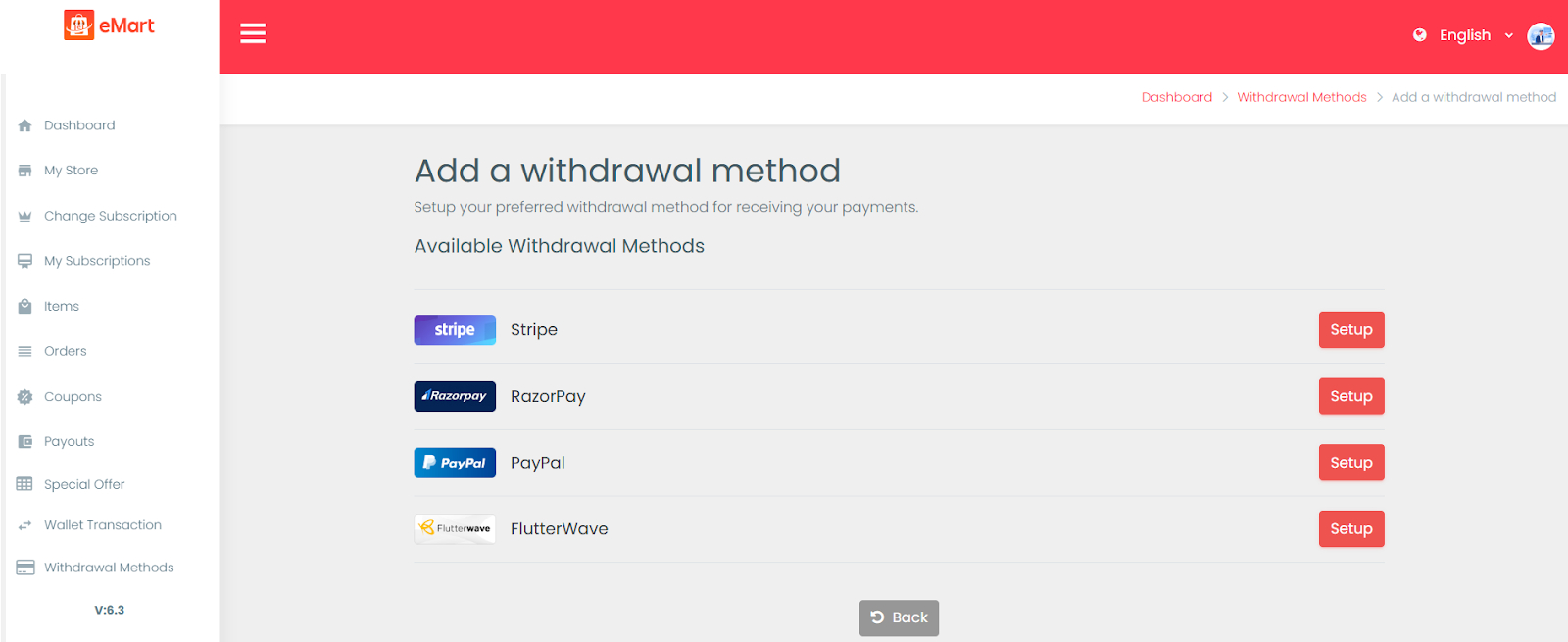
Used to configure available payment gateways and methods (like Stripe, PayPal, Razorpay, COD). The admin can enable or disable specific gateways and manage related credentials.

Radius Configuration
Used to define service and delivery radius limits for vendors and drivers. This ensures that orders or rides are assigned within specific distance boundaries for efficient service.

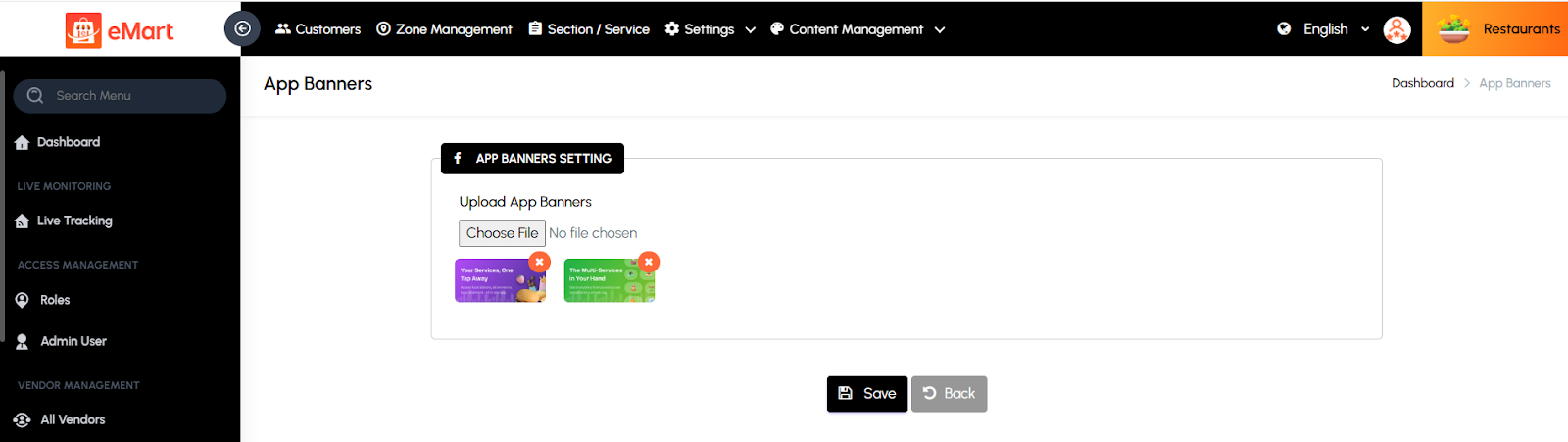
App Banners
Used to manage promotional banners displayed in the app or website. The admin can upload banner images, set redirection links, and control their display order or duration.
Schedule Order Notification
Used to configure automatic notifications for scheduled orders or deliveries. The admin can set time intervals and message templates for reminders and updates.

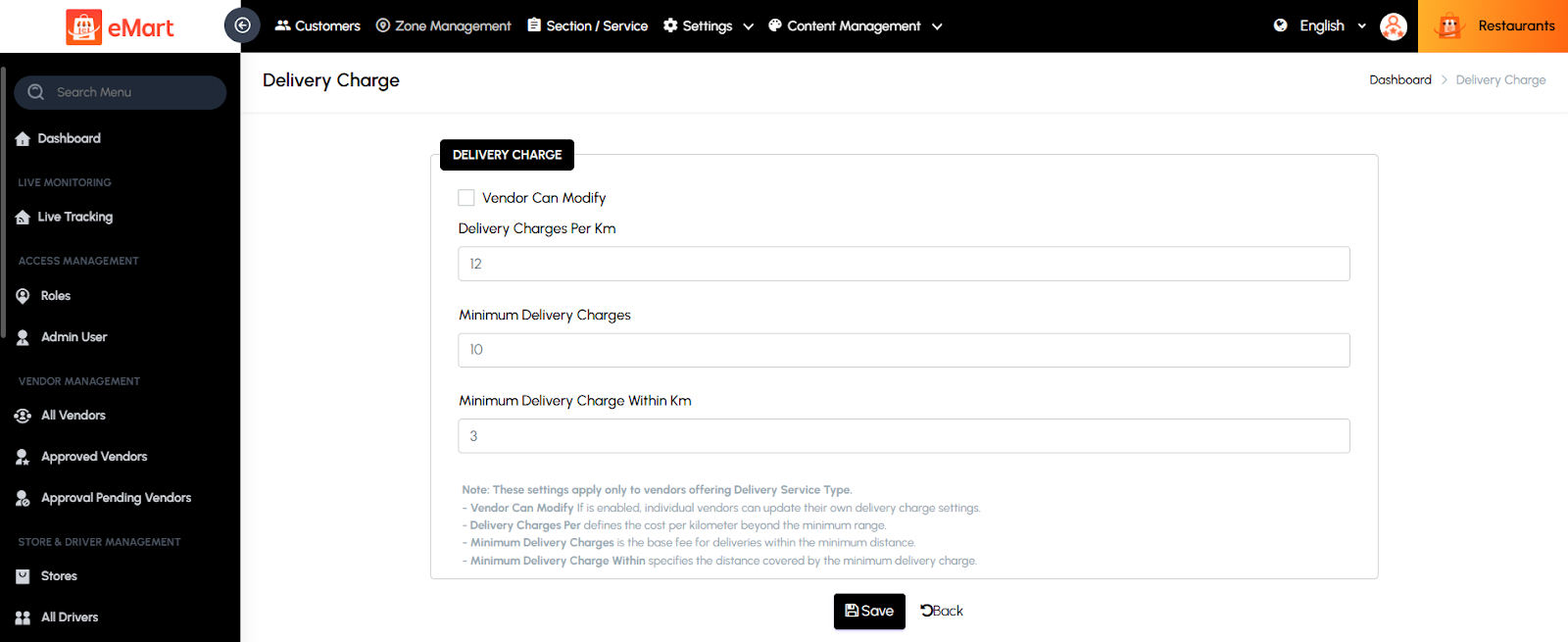
Delivery Charges
Used to set up and manage delivery fee rules. The admin can configure base charges, per-kilometer or per-mile rates, and free delivery thresholds.
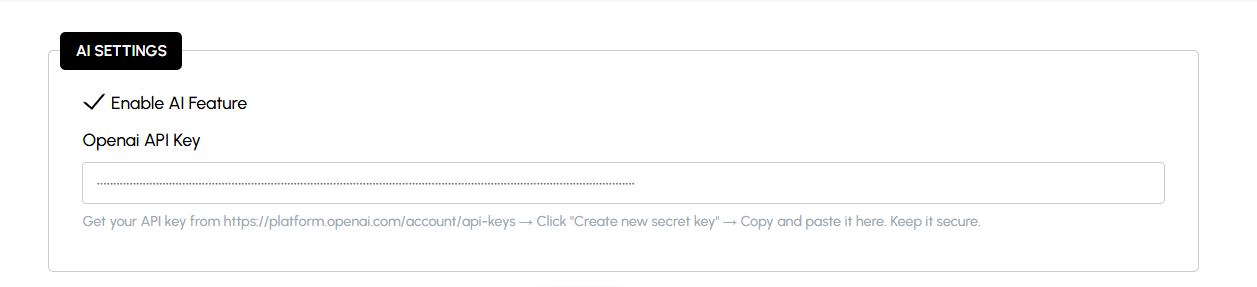
AI Settings
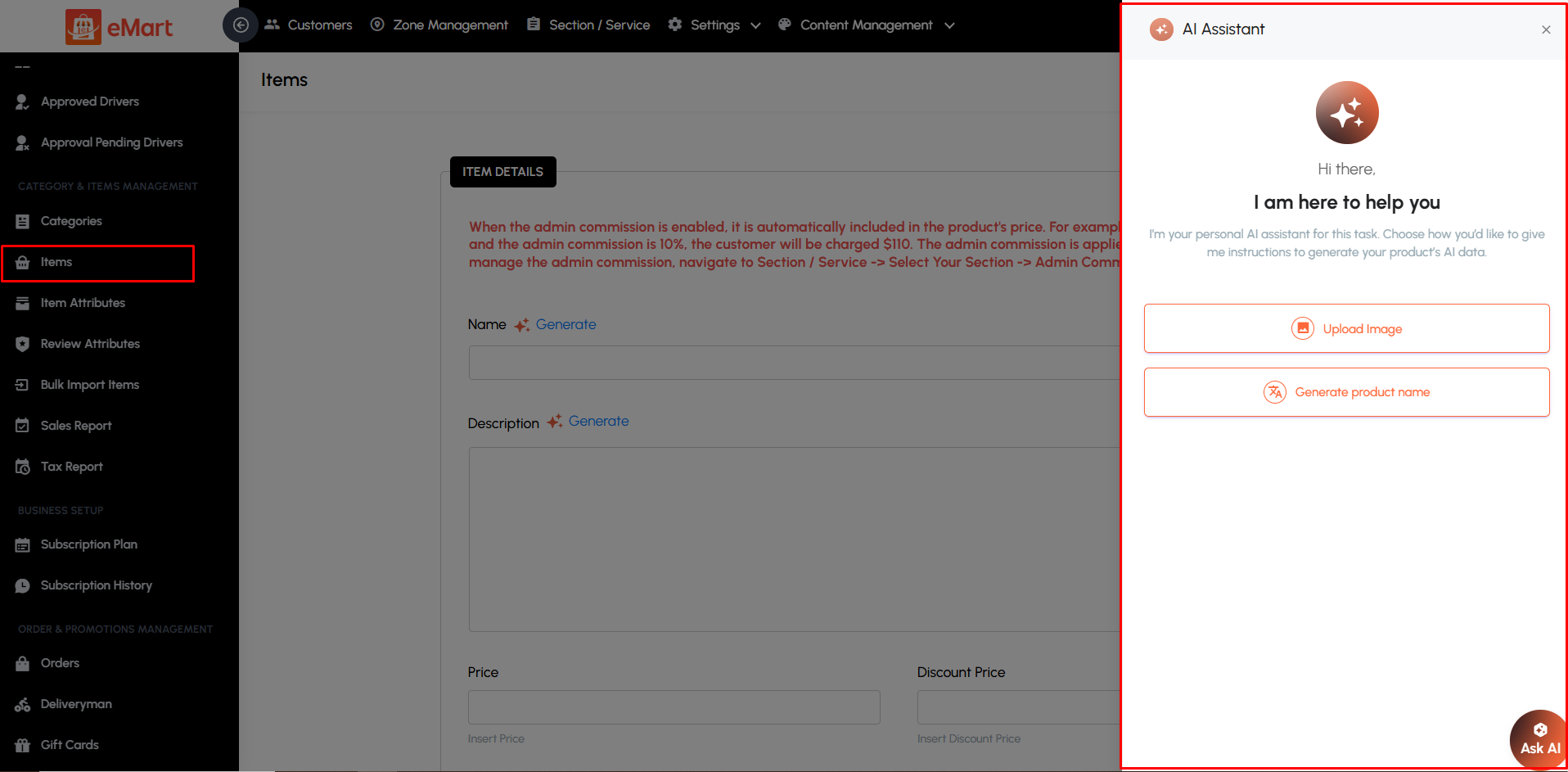
This section allows administrators to manage AI-powered features integrated into the platform using OpenAI. It enables the automatic generation of complete product details — including descriptions, keywords, and specifications — based on the product title and an uploaded image. Admins can configure the API key, control AI usage limits, and adjust feature availability. This feature streamlines the product creation process, saving time for vendors while ensuring high-quality and consistent product data across the platform.
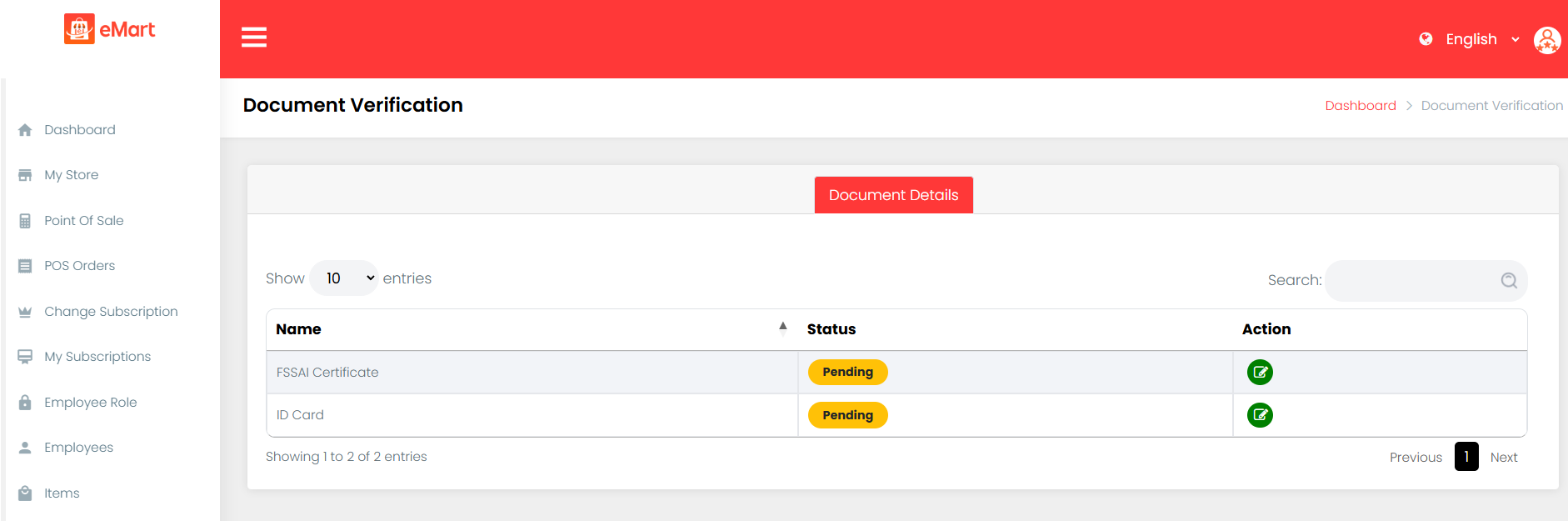
Document Verification
Used to manage required documents for user verification, such as IDs for drivers, vendors, or owners. The admin can define mandatory fields, document types, and approval processes.

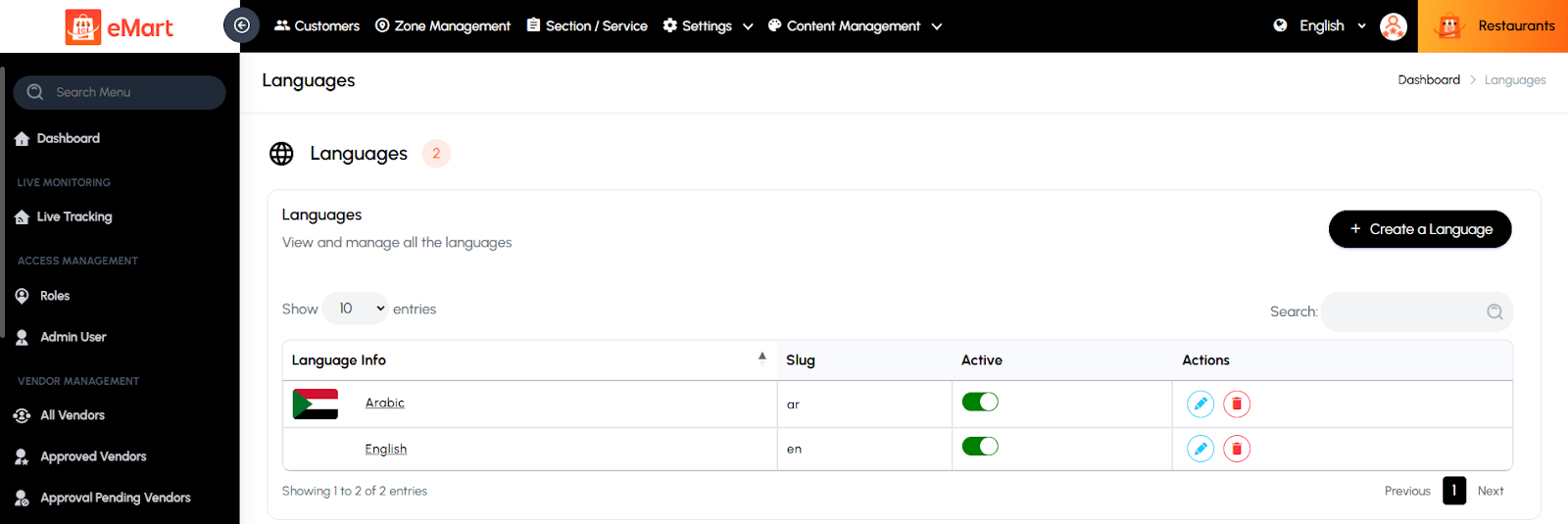
Languages
Used to manage language options for multi-lingual support. The admin can add or update languages and upload translation files for the user and admin interfaces.
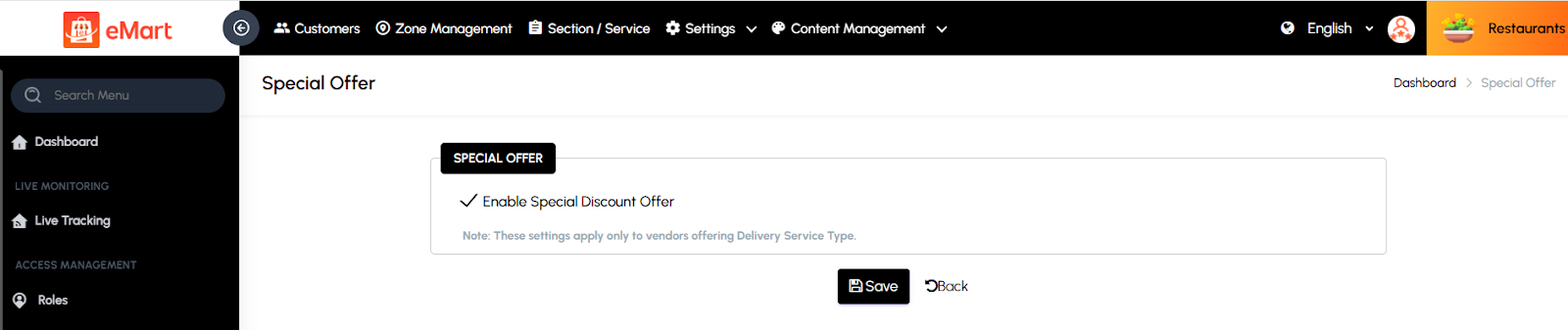
Special Offer
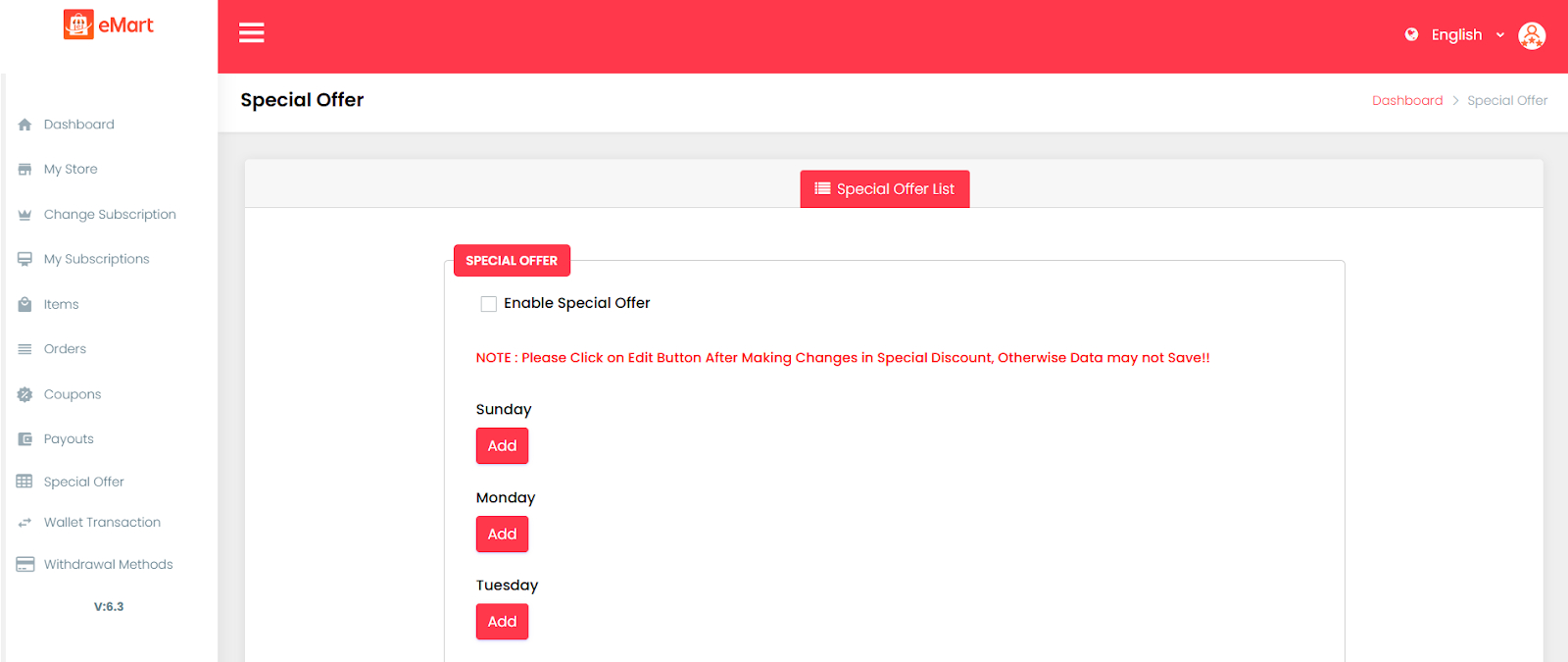
Used to create and manage platform-wide promotional offers or limited-time discounts to attract users and boost sales.
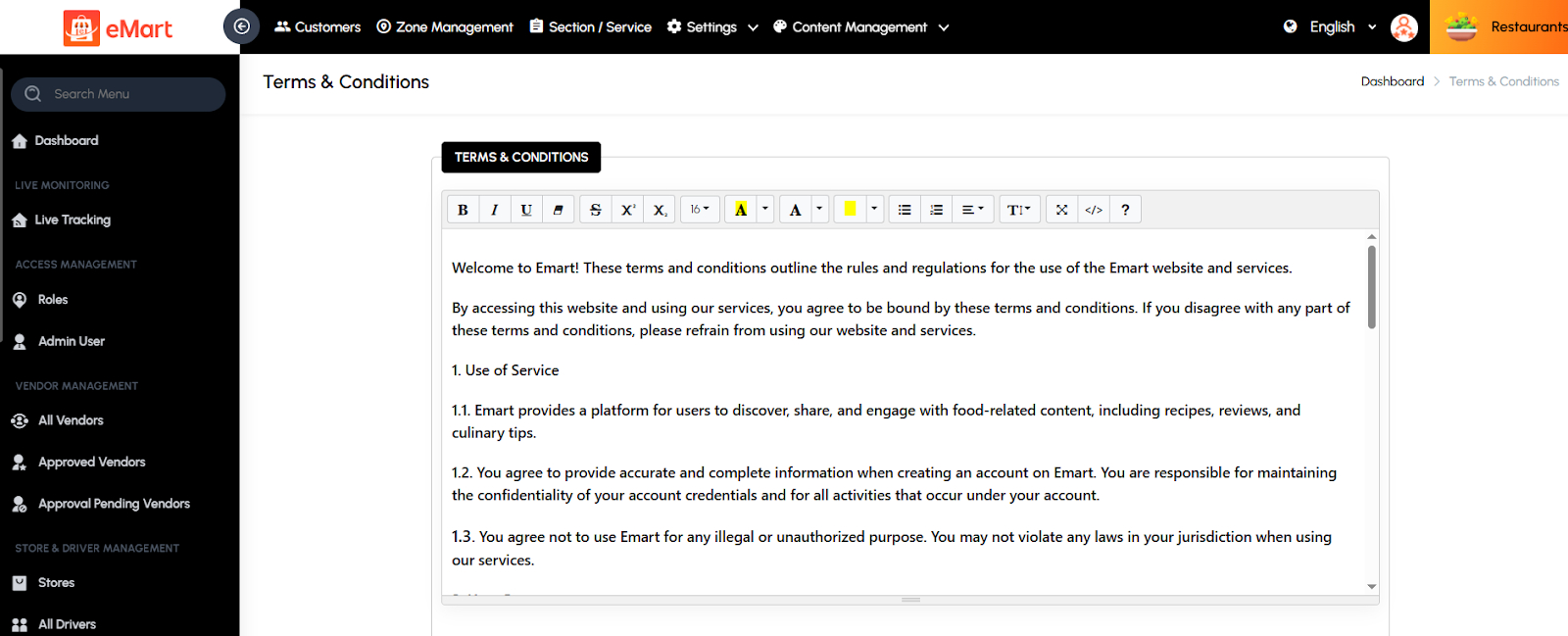
Terms & Conditions
Used to update and maintain the platform’s official terms of service, ensuring users understand the rules and responsibilities when using the application.
Privacy Policy
Used to define and manage the platform’s privacy and data protection policies, explaining how user data is collected, used, and secured.

Landing Page Template
Used to design and manage the structure and content of the website’s landing page. The admin can configure banners, sections, and promotional content to enhance presentation.

Footer Template
Used to customize the footer section of the website or app. The admin can add quick links, contact details, social media handles, and copyright information for branding consistency.

5.11. Content Management
Used to manage all visual and informational content displayed in the app and website. This section helps the admin control banners, static pages, onboarding screens, and email templates to ensure consistent branding, user engagement, and communication throughout the platform.
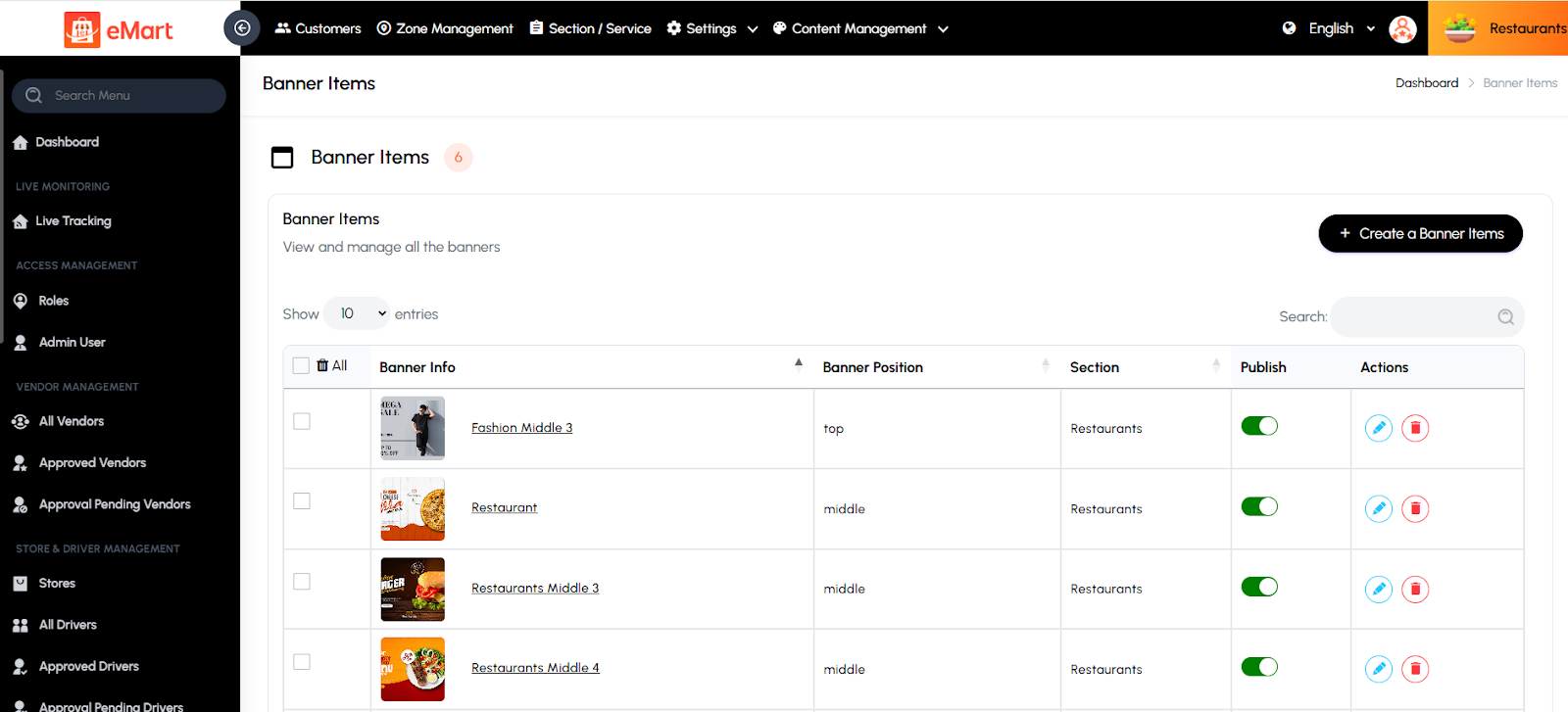
Banner Items
Used to create and manage promotional or featured banners displayed in various sections of the app or website. The admin can upload images, set redirect links, define display order, and schedule banners for specific time periods or service types.
CMS Pages
Used to manage static content pages such as About Us, Help Center, or Refund Policy. The admin can create, edit, and publish pages without modifying the code, ensuring quick updates to informational content.

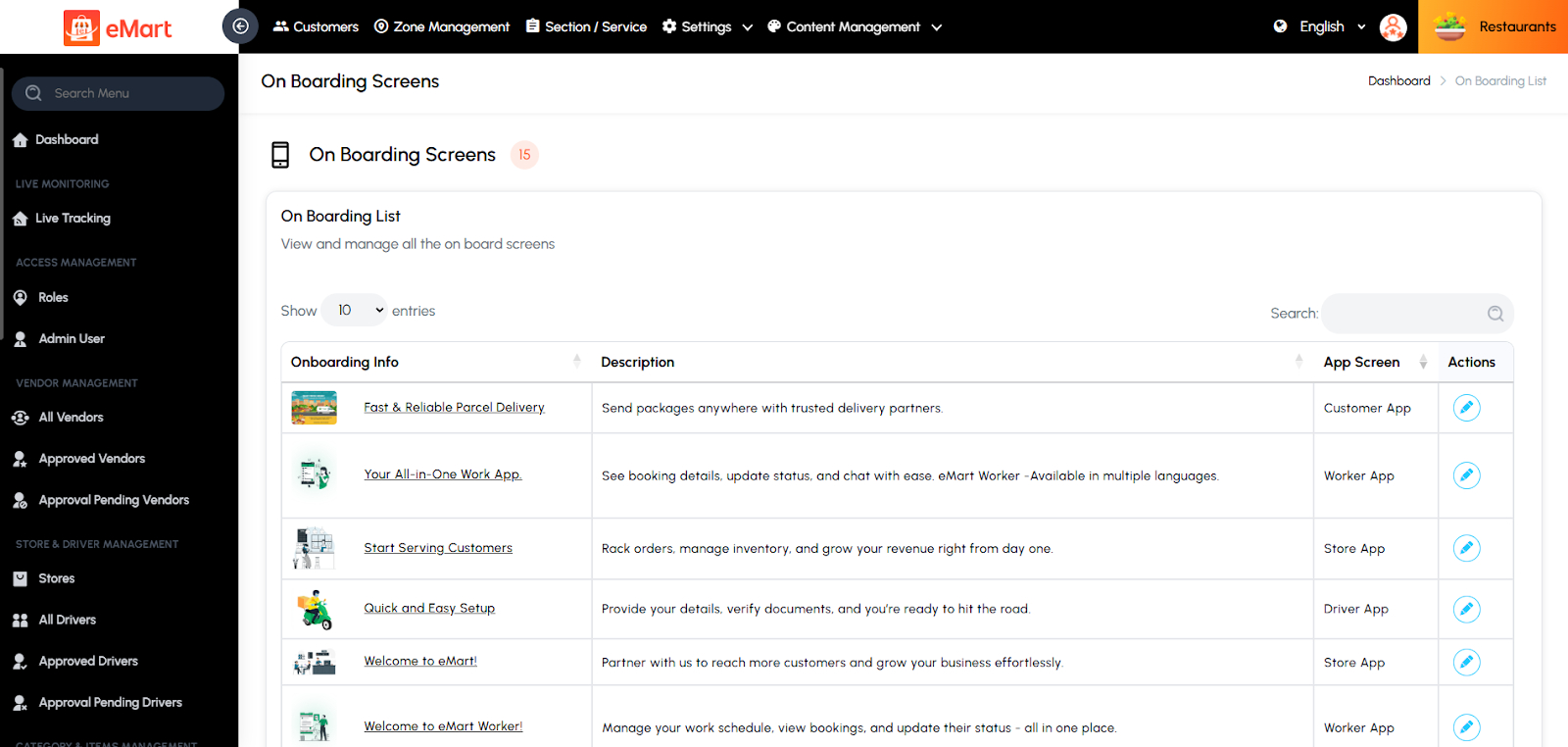
Onboarding Screens
Used to manage the introductory screens displayed when users first open the app. The admin can set up multiple slides with titles, descriptions, and images to guide new users through the platform’s key features and benefits.
Email Templates
Used to create and customize automated email templates for system notifications, such as registration, order confirmation, password reset, or promotional campaigns. The admin can edit content, design, and placeholders to match the brand’s tone and style.

5.12. Category & Items Management
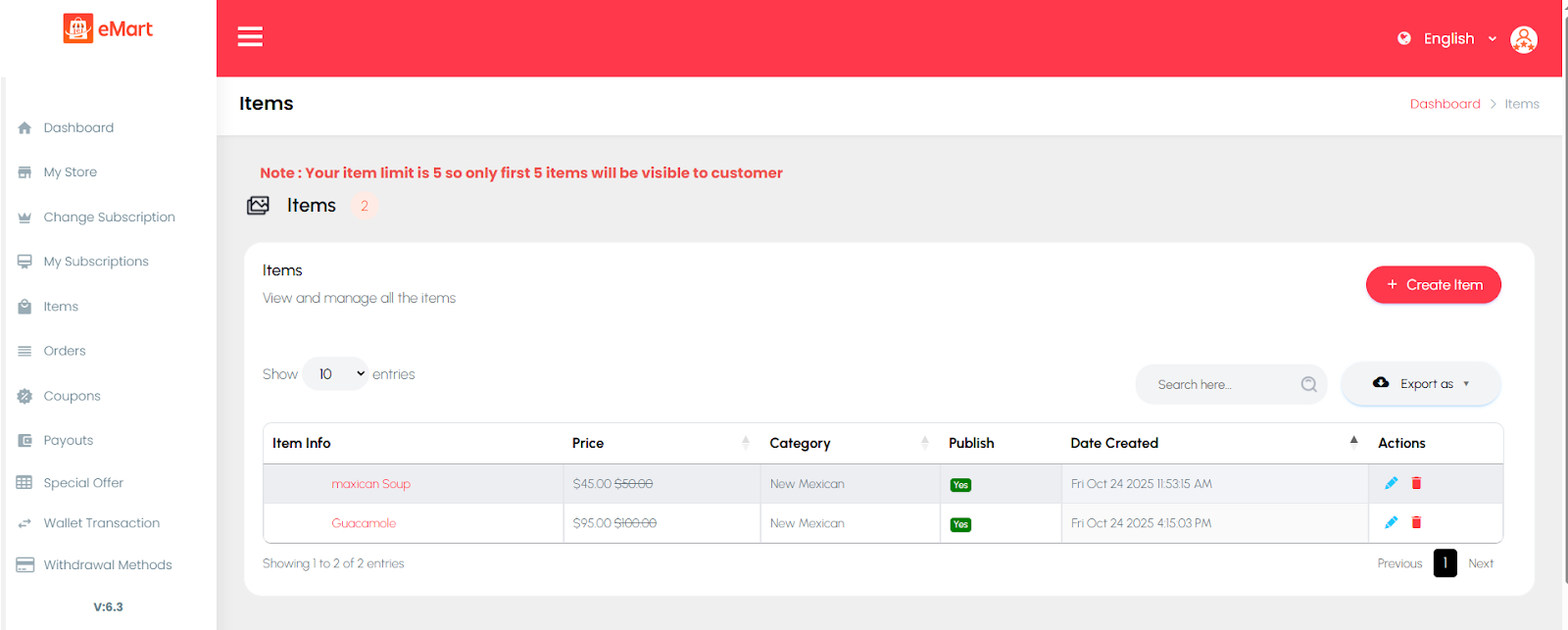
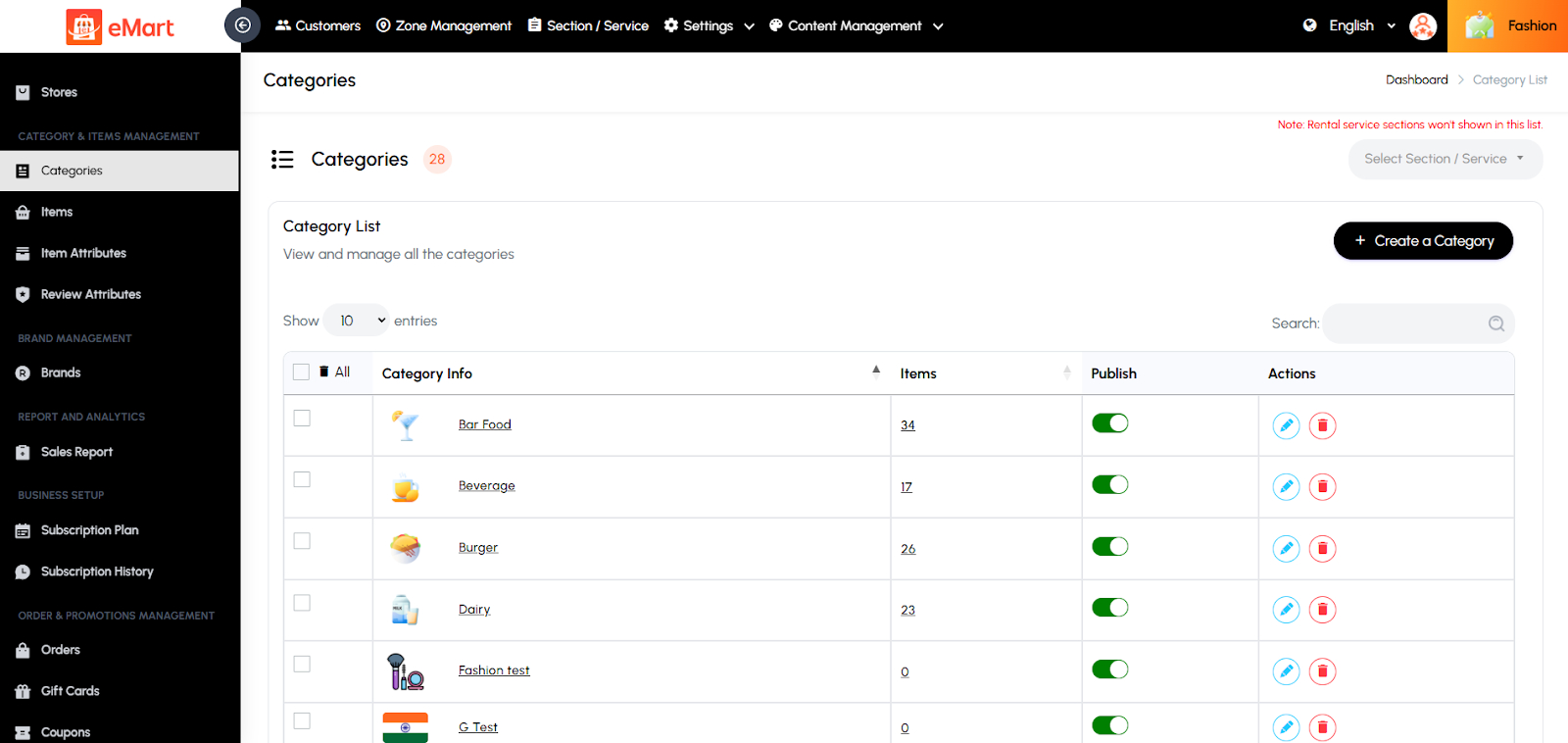
Used to manage all product or service categories and the items listed under them. From this section, the admin can create, edit, or delete categories, assign subcategories, and manage items with details like name, price, description, and images. It helps organize the platform’s catalog so users can easily browse and purchase or book products and services under the correct categories.
5.13. Brand Management
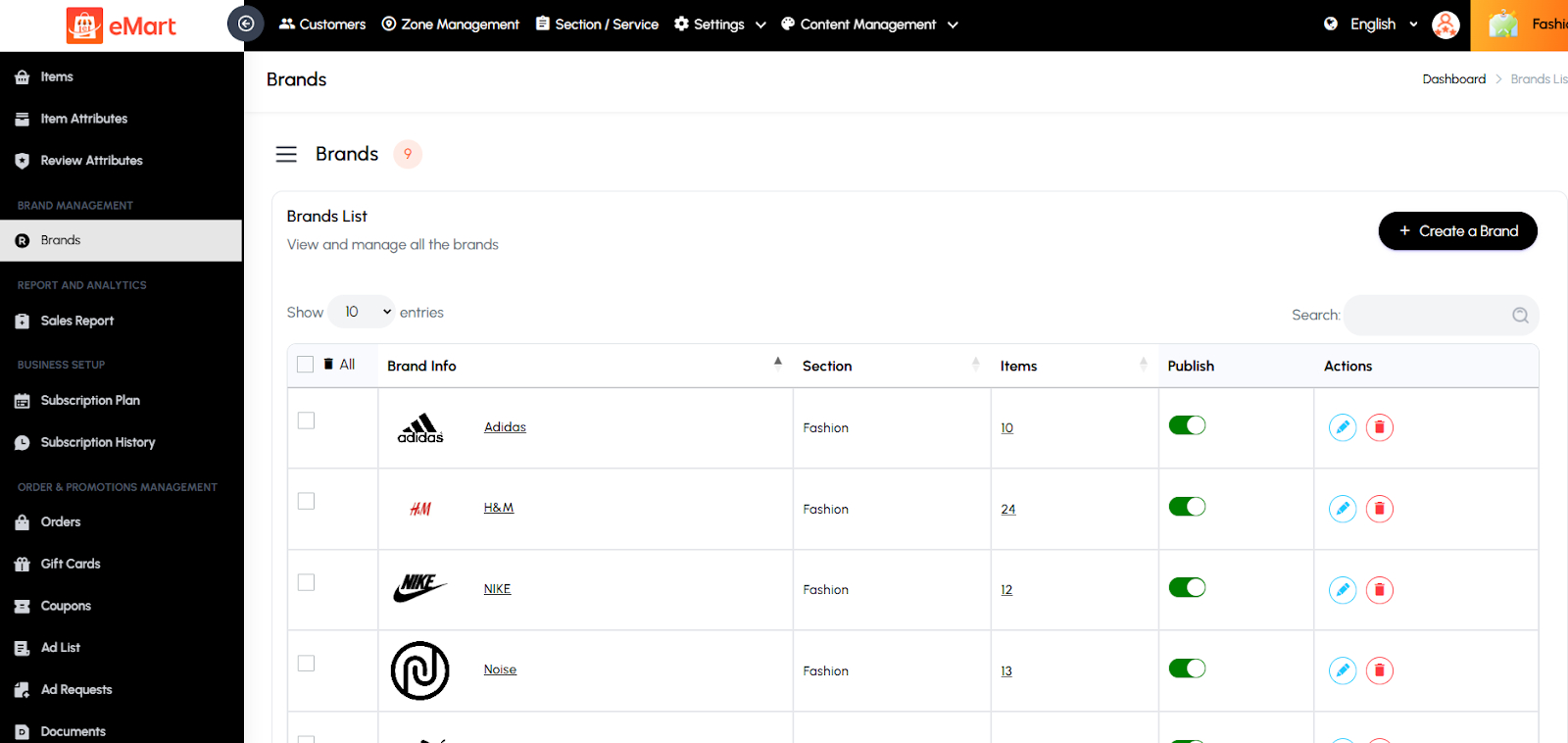
Used to manage all brands available on the platform. From this section, the admin can add new brands, update existing brand details such as name, logo, and description, and associate brands with relevant products or categories. It helps maintain a structured catalog and allows users to filter or search items by specific brands for a better shopping experience.
5.14. Report and Analytics
Reports
The Reporting and Analytics section in the admin panel provides comprehensive insights into platform activity, allowing administrators to monitor performance, make data-driven decisions, and identify trends. Reports can be customized using various filters and options to generate precise and actionable information. Key options include:
Store: Filter reports by the store.
Driver: Filter reports by the driver.
Date Options: Quickly generate reports based on preset time frames like Today, This Week, This Month, or This Year.
File Format: Export reports in multiple formats such as CSV, or PDF for offline analysis, record-keeping, or sharing with stakeholders.
Sales Reports
This section provides a detailed overview of the platform’s sales performance and transaction history. Administrators can track total orders, revenue, commissions, and payment summaries over specific date ranges. Reports can be filtered by vendor, customer, or delivery type for deeper insights. It helps analyze business trends, monitor growth, and identify top-performing vendors or menu items. The data can also be exported for accounting or financial analysis, ensuring complete transparency and accurate record-keeping.

Tax Reports
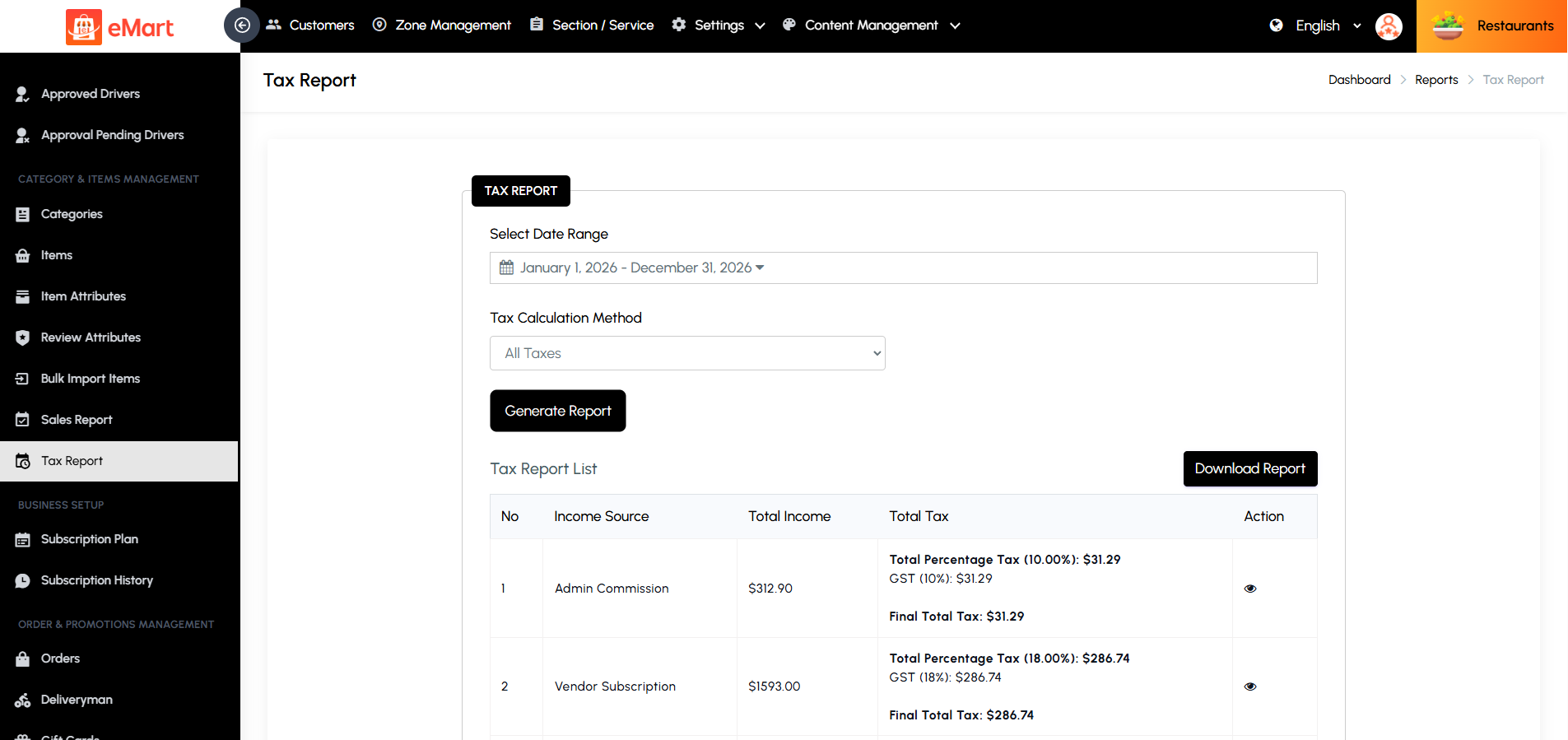
This section provides a comprehensive overview of all taxes collected across the platform. Administrators can track taxes on orders, products, delivery fees, packing charges, platform fees, admin commissions, and vendor subscriptions over specific date ranges. Reports can be filtered by tax type for more detailed insights. It helps analyze tax liabilities, monitor compliance, and ensure accurate calculation of taxes owed for admin income. The data can also be exported for accounting or regulatory reporting, providing complete transparency and precise record-keeping.
5.15. Business Setup
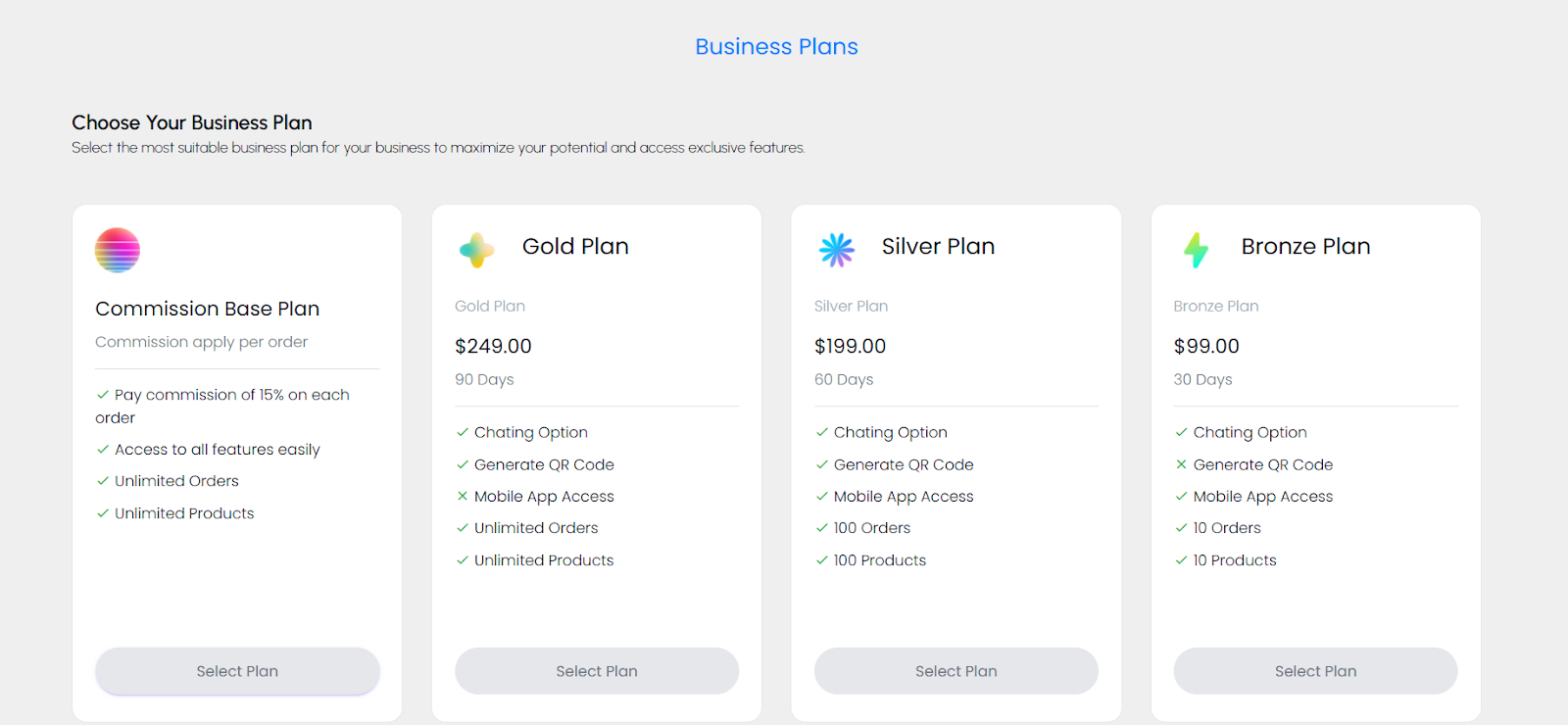
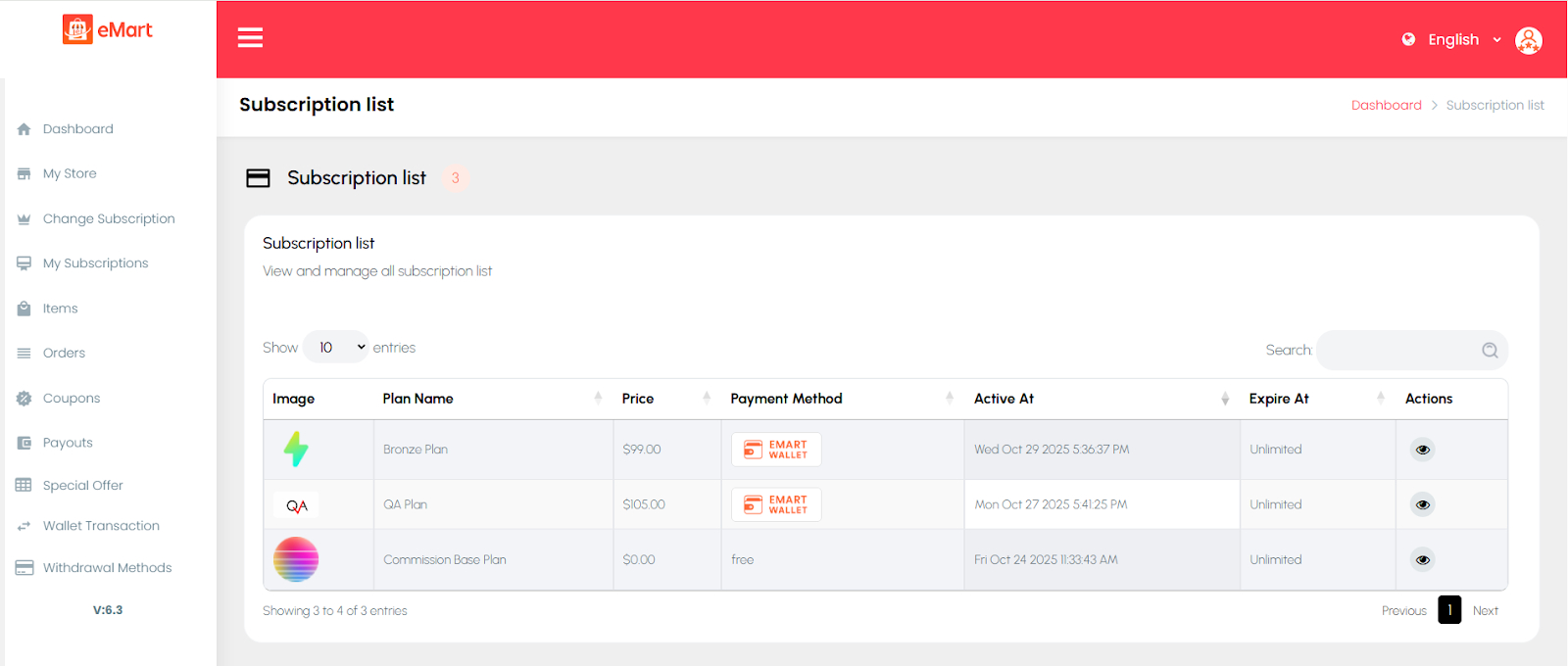
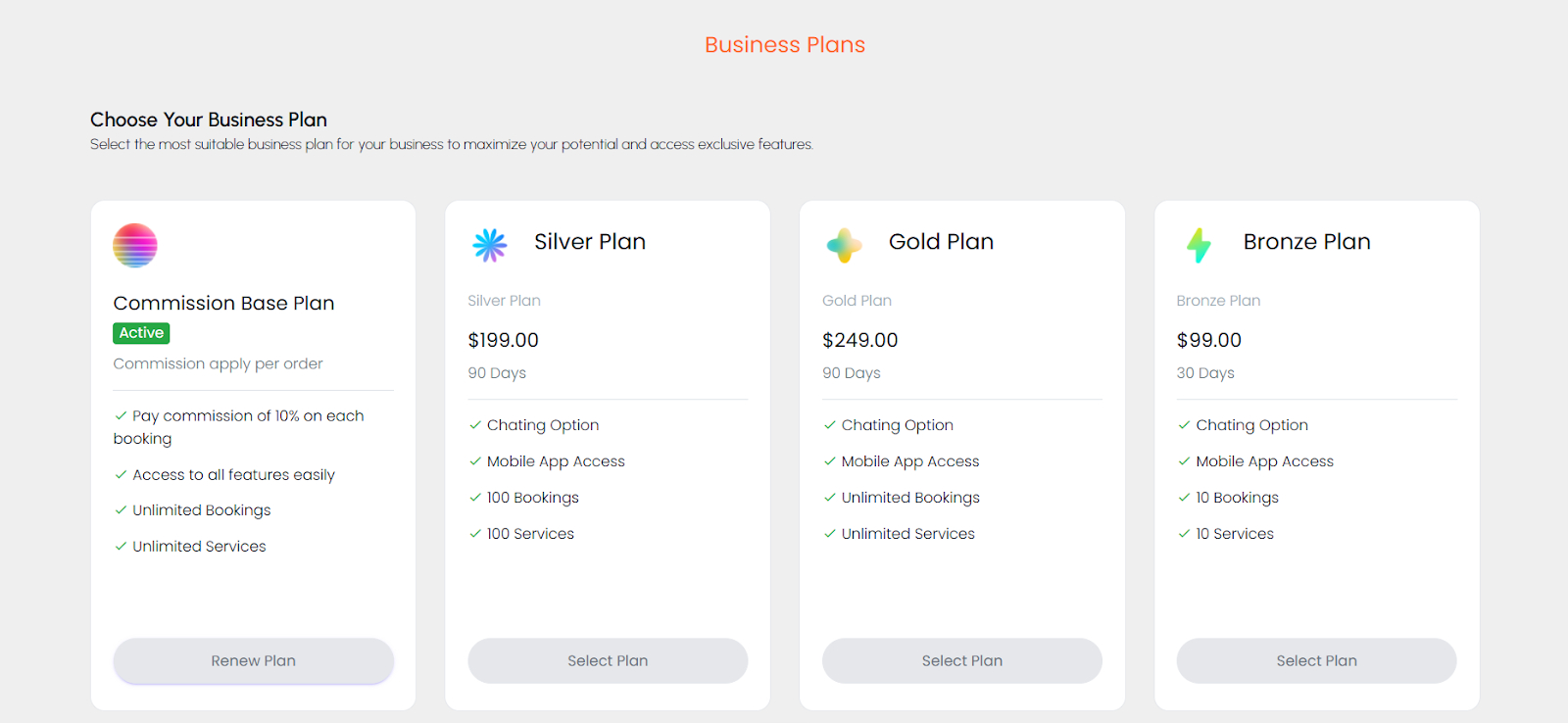
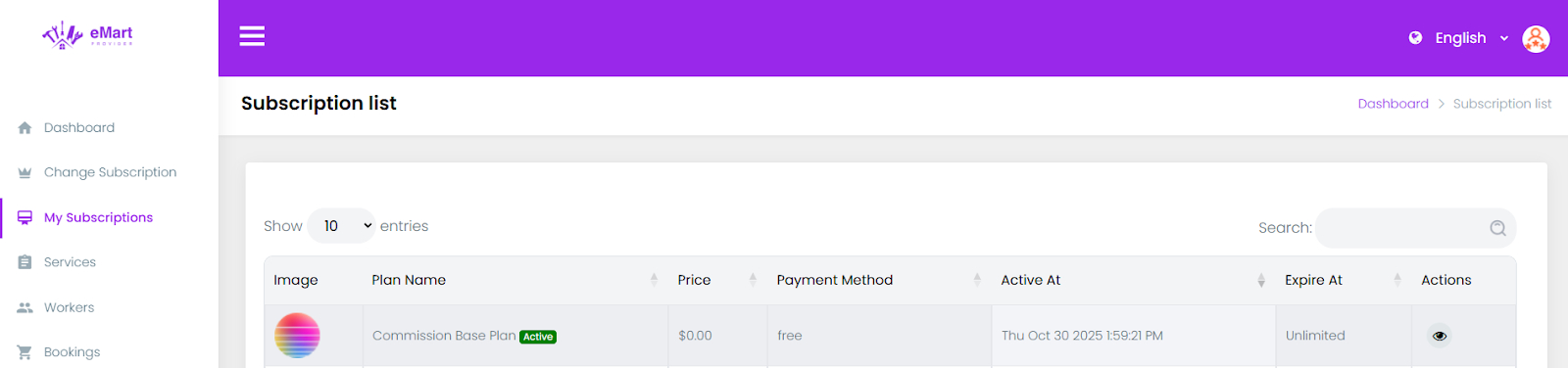
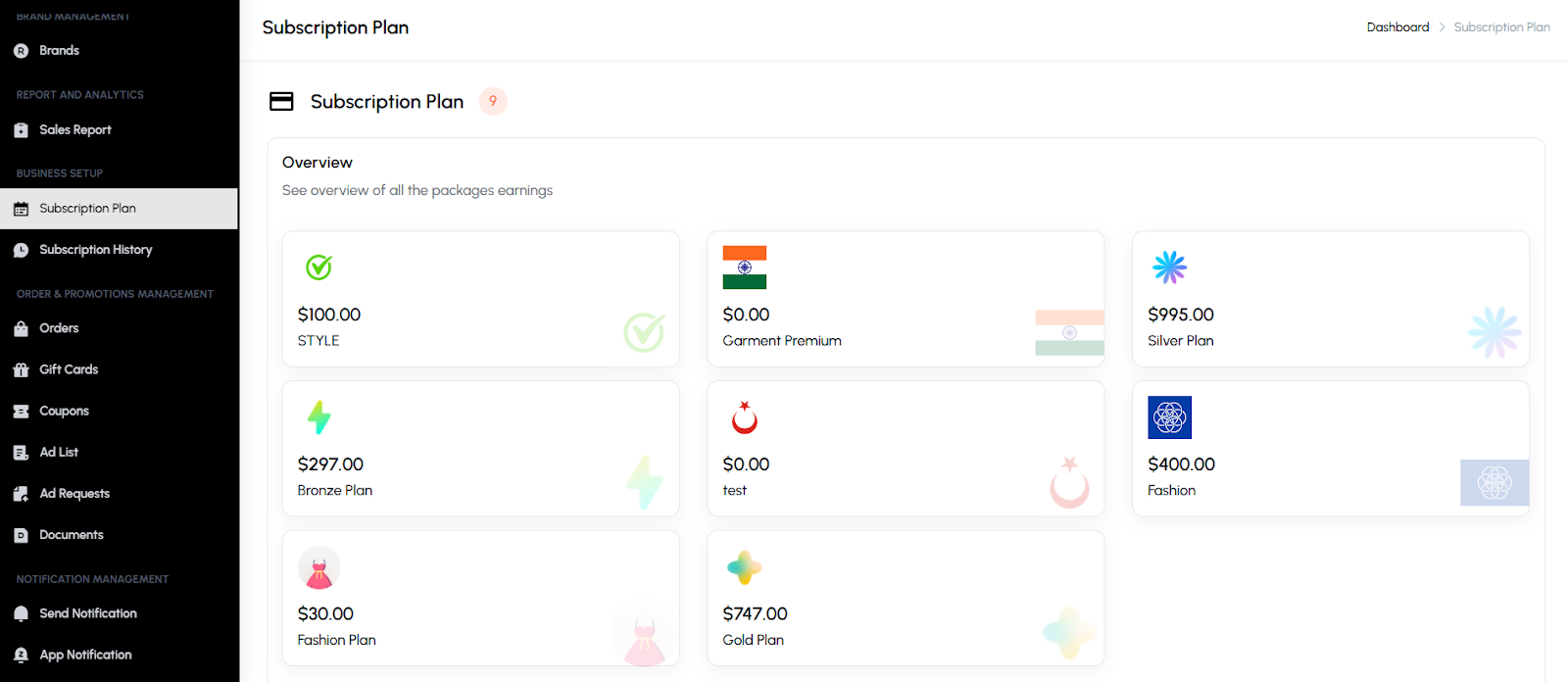
Used to manage the platform’s subscription system for vendors or service providers. From this section, the admin can create and configure various subscription plans by defining their duration, price, and included features. It also allows tracking of all subscription activities, including active, expired, or cancelled plans, payment history, and renewals. This helps ensure smooth monetization management and clear visibility of each vendor’s subscription status.
5.16. Order & Promotions Management
Used to manage all customer orders and promotional activities across the platform. From this section, the admin can track, update, and manage orders along with handling promotional tools like gift cards, coupons, and advertisements. It also includes document verification features for user approvals, ensuring compliance and authenticity.
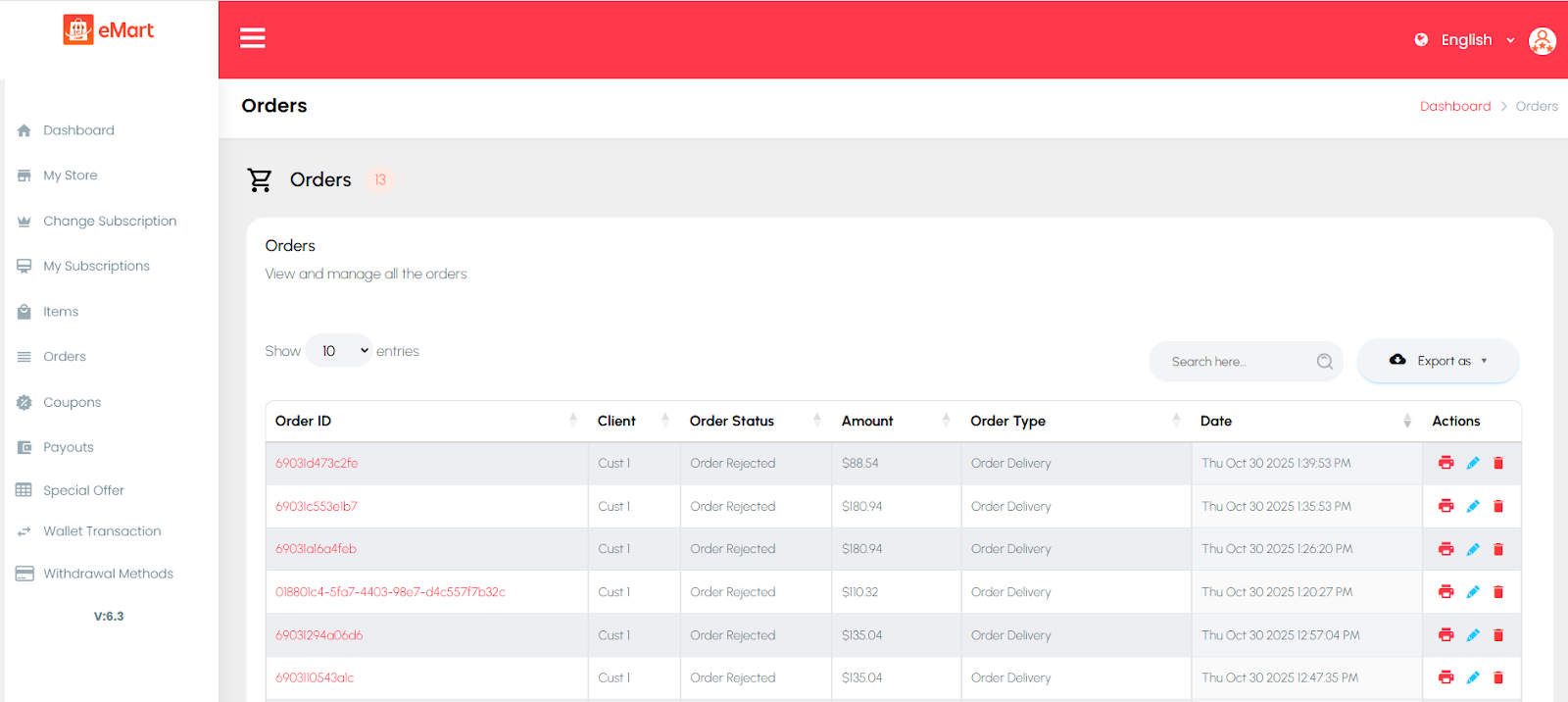
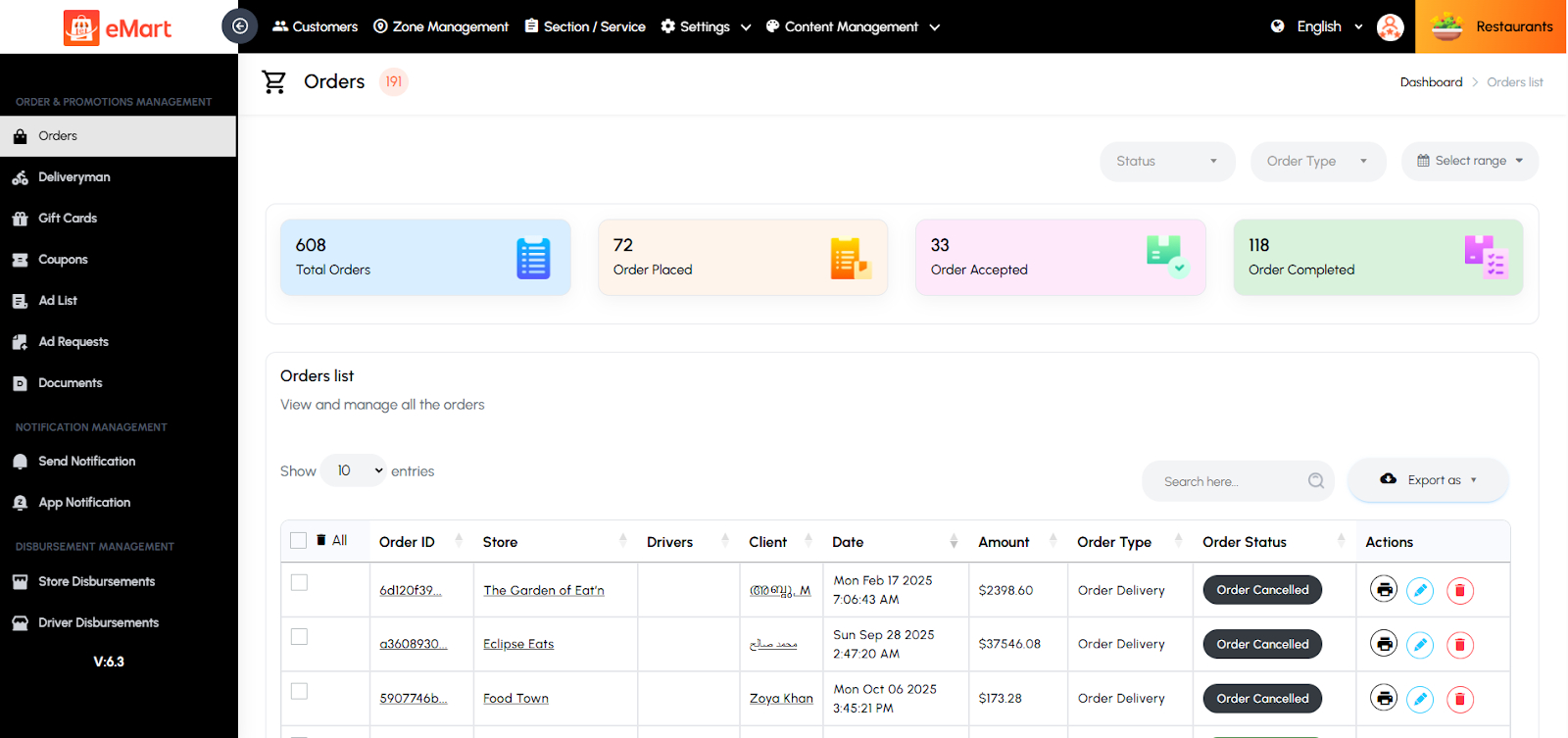
Orders
Used to view and manage all orders placed on the platform. The admin can check order details, update statuses (pending, confirmed, delivered, cancelled), and monitor payment and delivery progress across different service types.
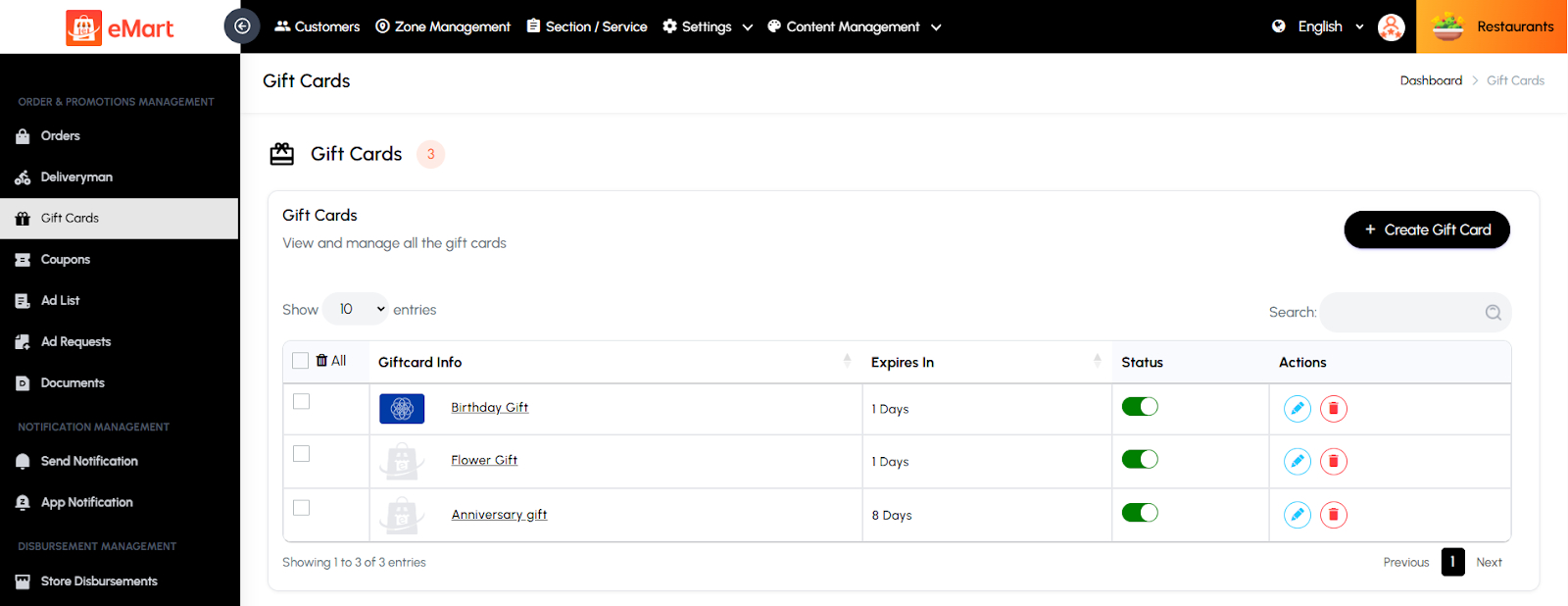
Giftcard
Used to create and manage digital gift cards that customers can purchase or redeem. The admin can define card values, usage limits, and validity periods to boost customer engagement and sales.
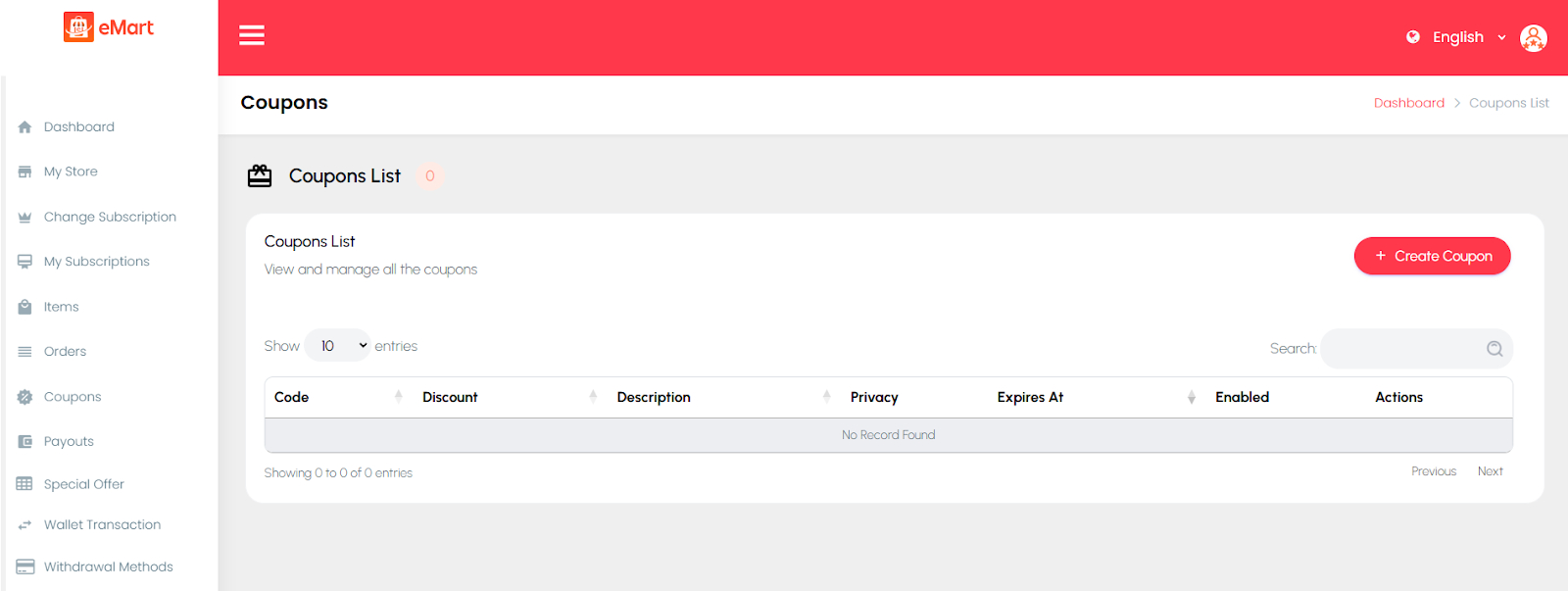
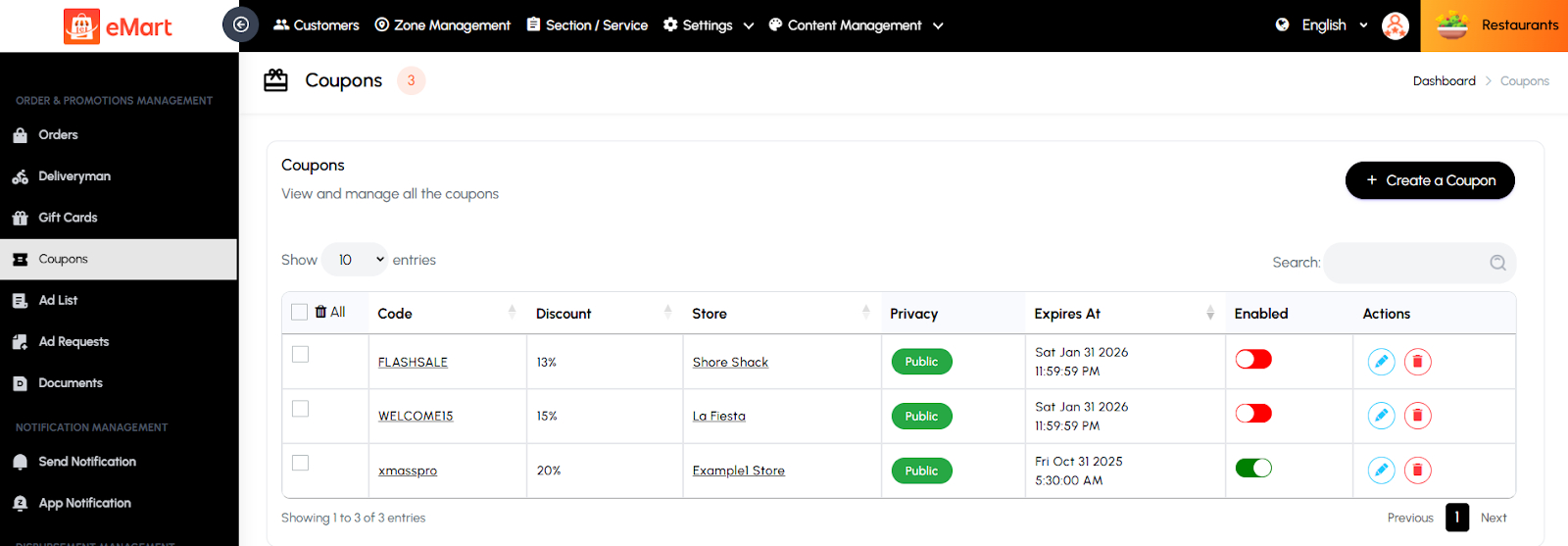
Coupons
Used to manage discount coupons available on the platform. The admin can create, edit, or disable coupons, set discount types (percentage or fixed), and apply usage conditions like minimum order value or category restrictions.
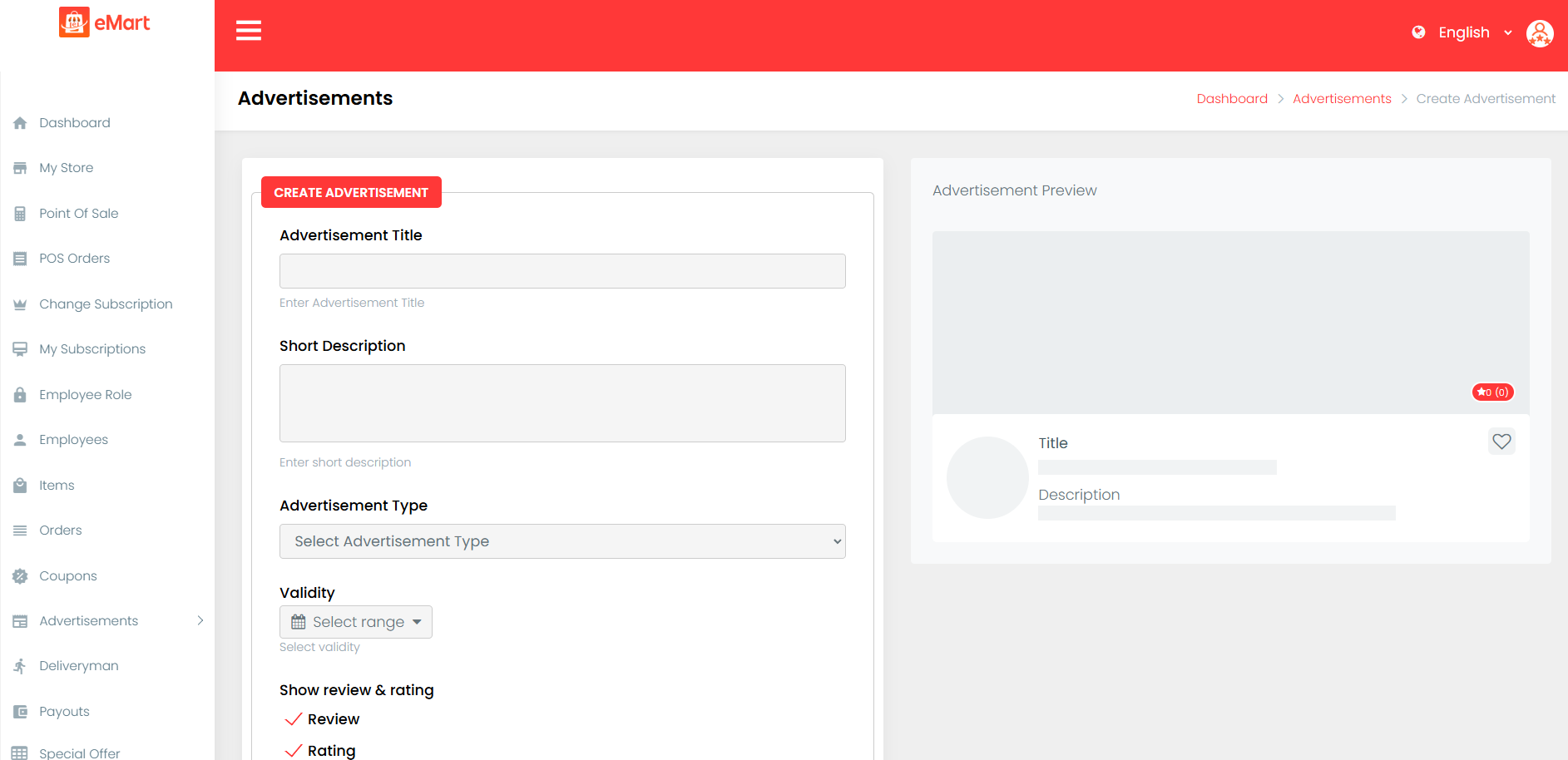
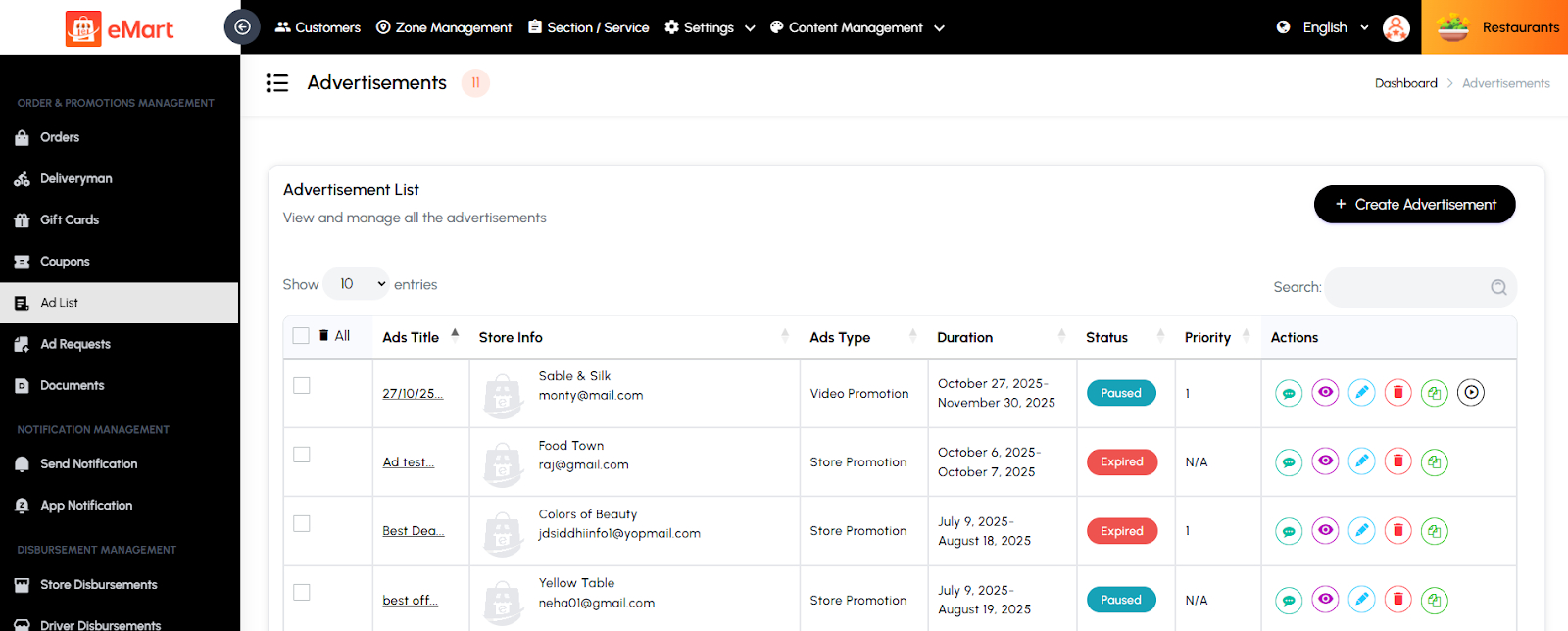
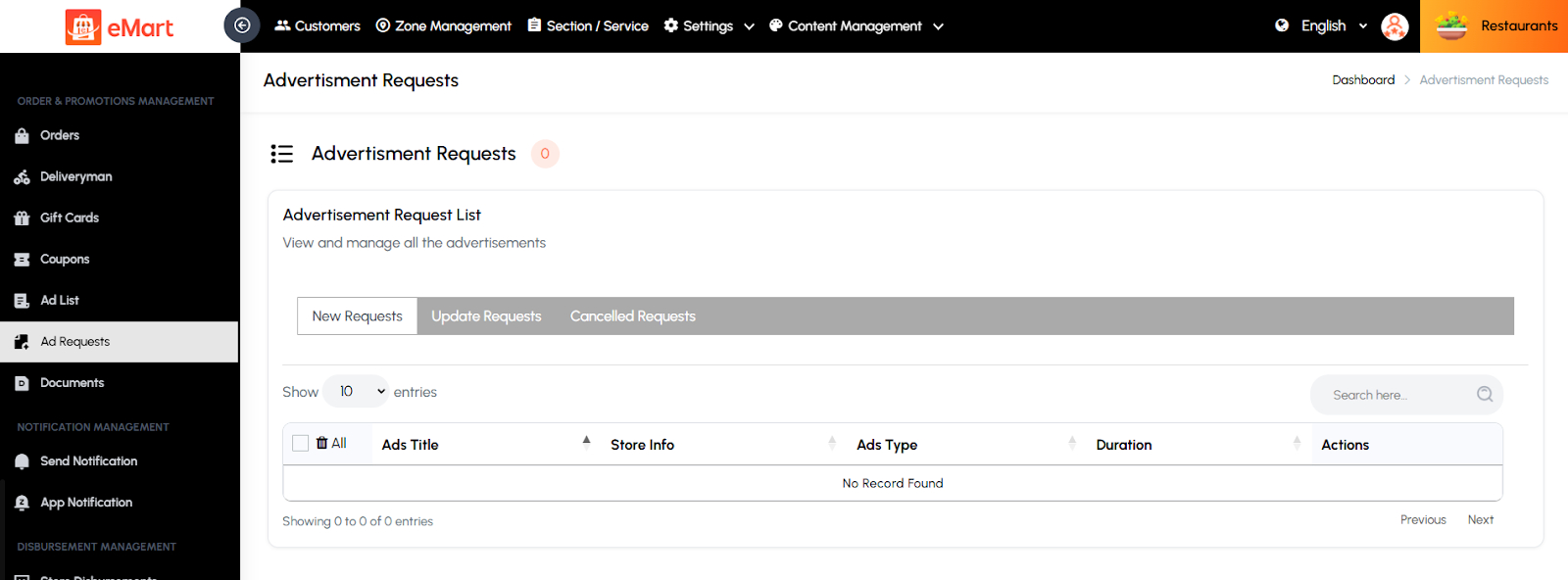
Ad List
Used to manage all active and past advertisements displayed on the platform. The admin can view, edit, or remove ads and monitor their performance or expiration status.
Ad Request
Used to handle advertisement requests submitted by vendors or businesses. The admin can review, approve, or reject these ad requests based on compliance, duration, and payment.
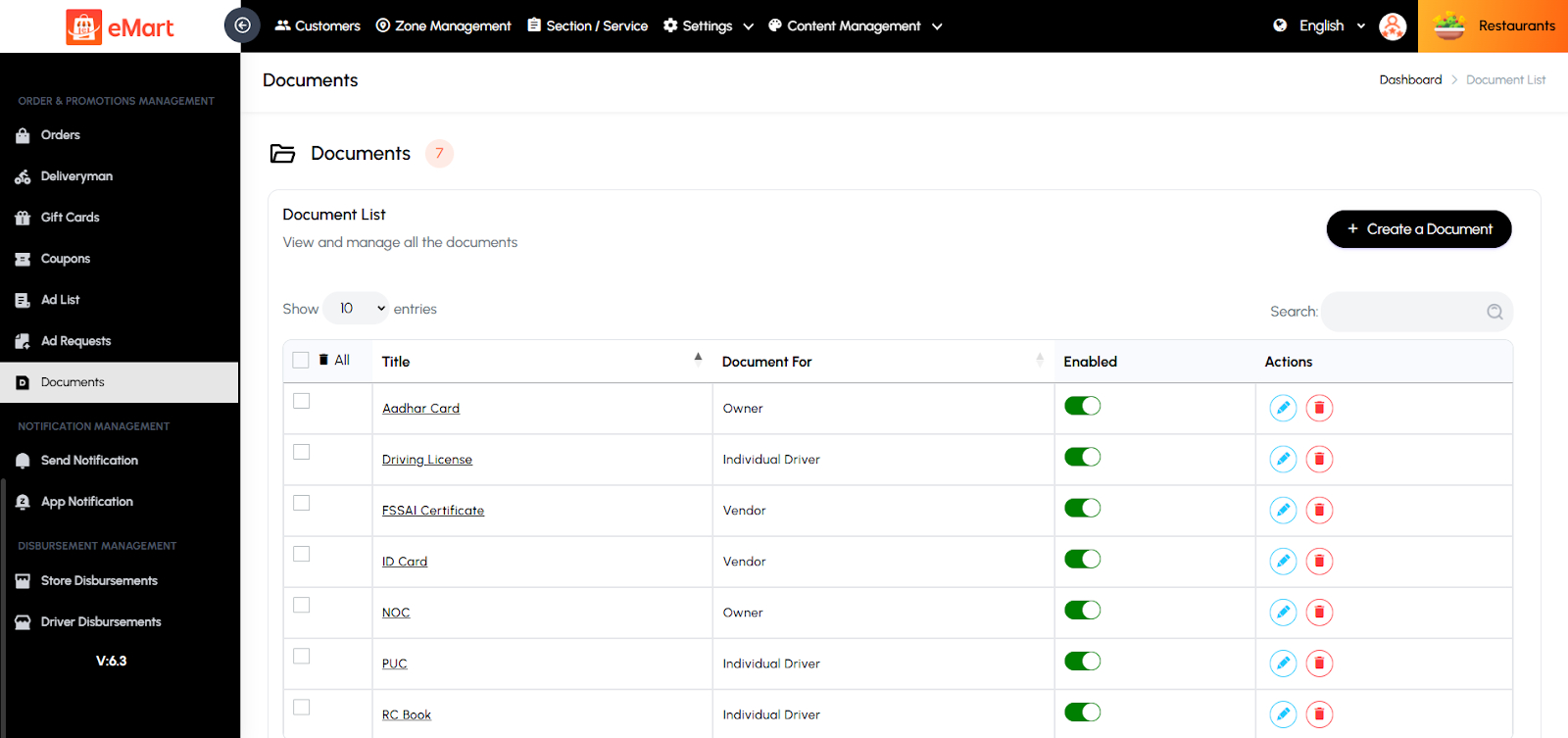
Documents
Used to manage and verify required documents submitted by owners, drivers, and vendors. The admin reviews and approves identity, business, or vehicle documents to ensure all users meet platform verification and safety standards.
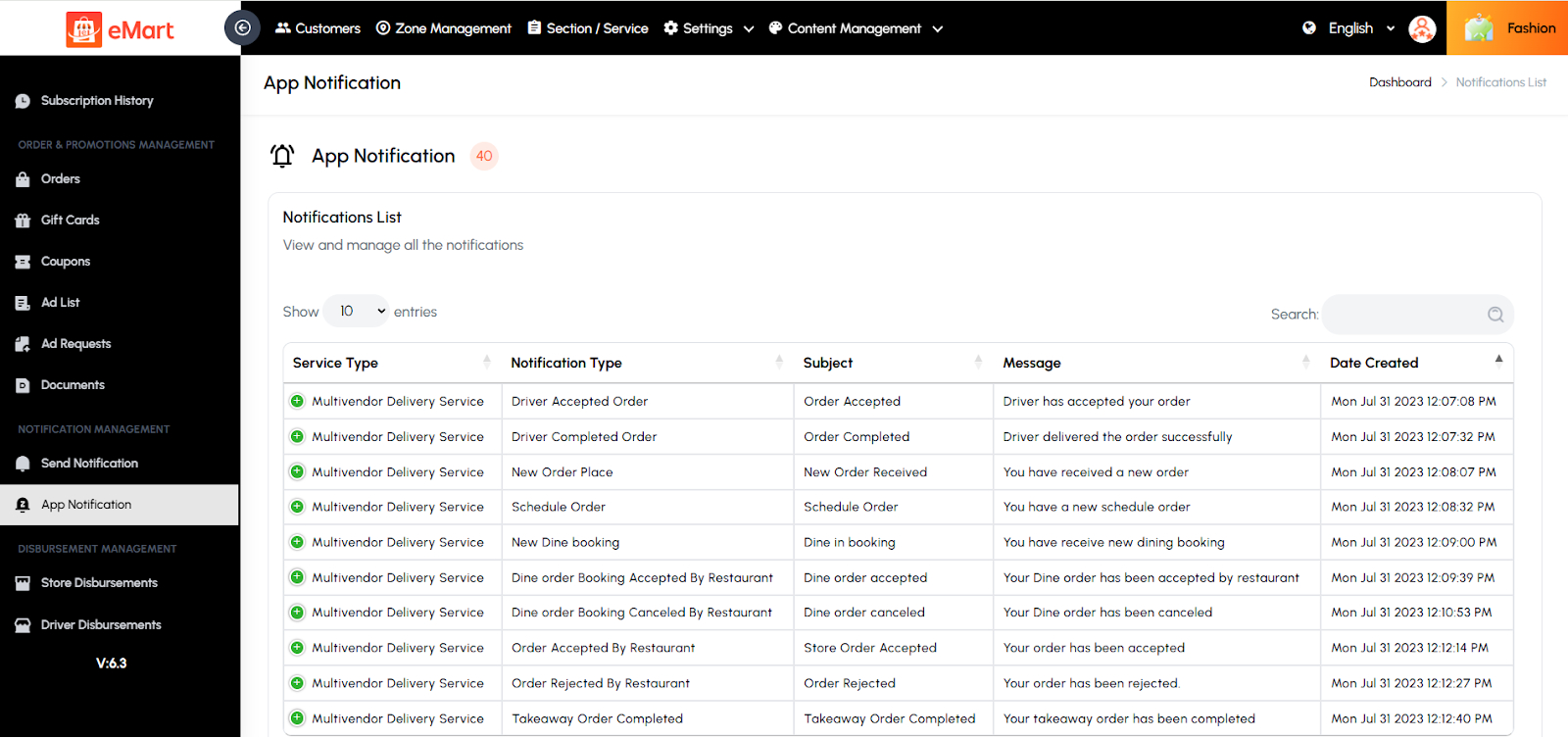
5.17. Notification Management
Used to manage all types of notifications sent through the platform. From this section, the admin can create, schedule, and send push notifications or in-app alerts to users, vendors, or drivers. It allows customizing notification titles, messages, and target audiences based on service type or user group. This helps in sharing important updates, promotions, or alerts to keep users informed and engaged.
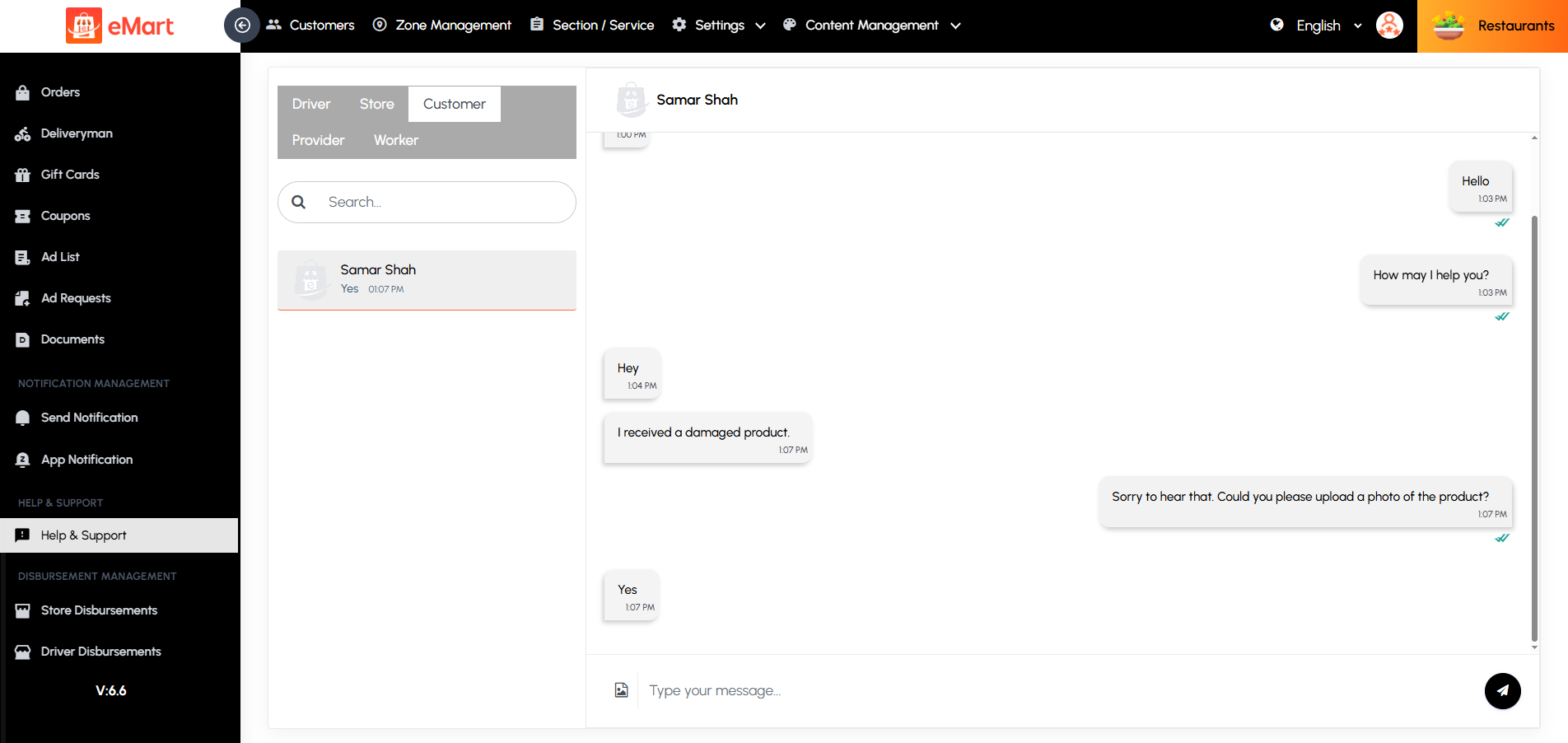
5.18. Help & Support
This section provides a centralized space for managing user inquiries, complaints, and support requests. Admins can view, respond to, and resolve tickets submitted by customers, vendors, drivers, providers & workers. It may include categories such as general queries, order issues, payments, or technical assistance. The system helps track the status of each request to ensure timely resolutions. This feature enhances user satisfaction by maintaining effective communication and reliable customer support across the platform.
5.19. Disbursement Management
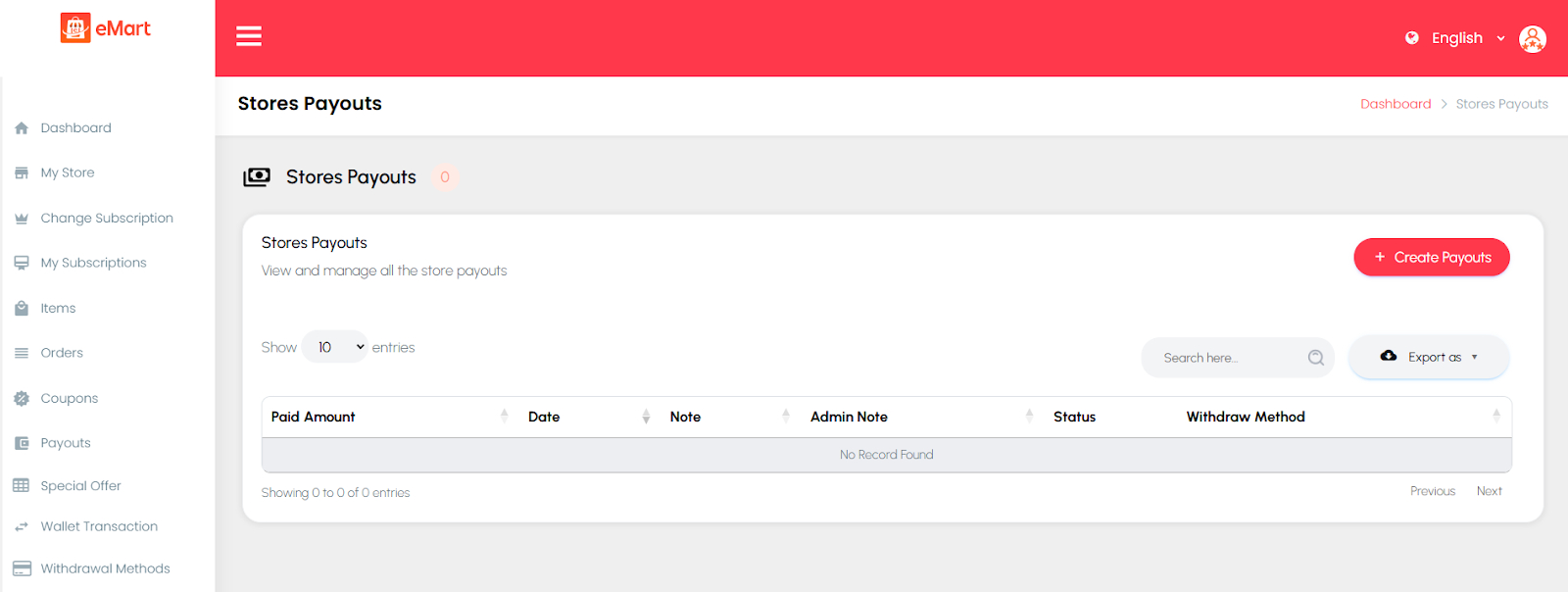
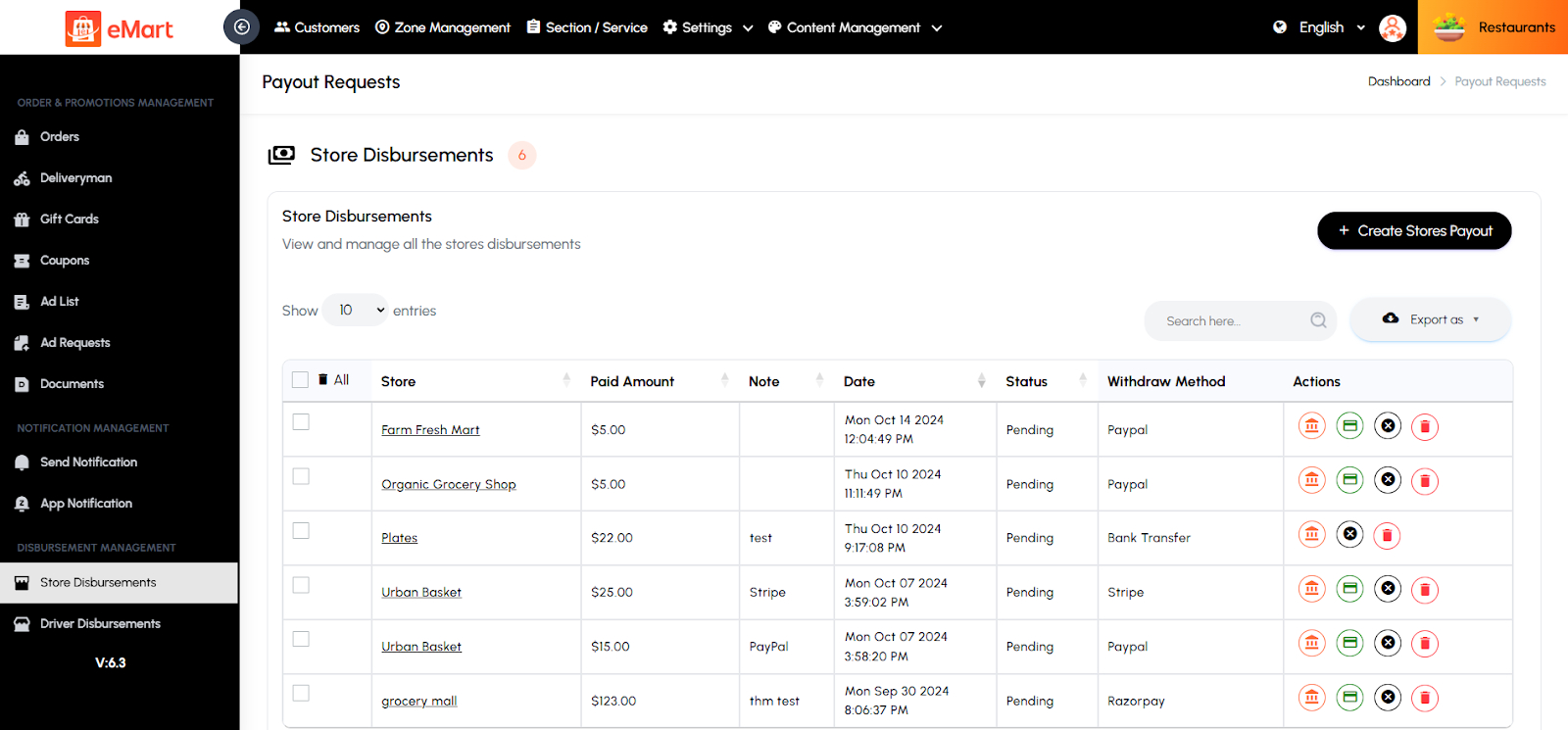
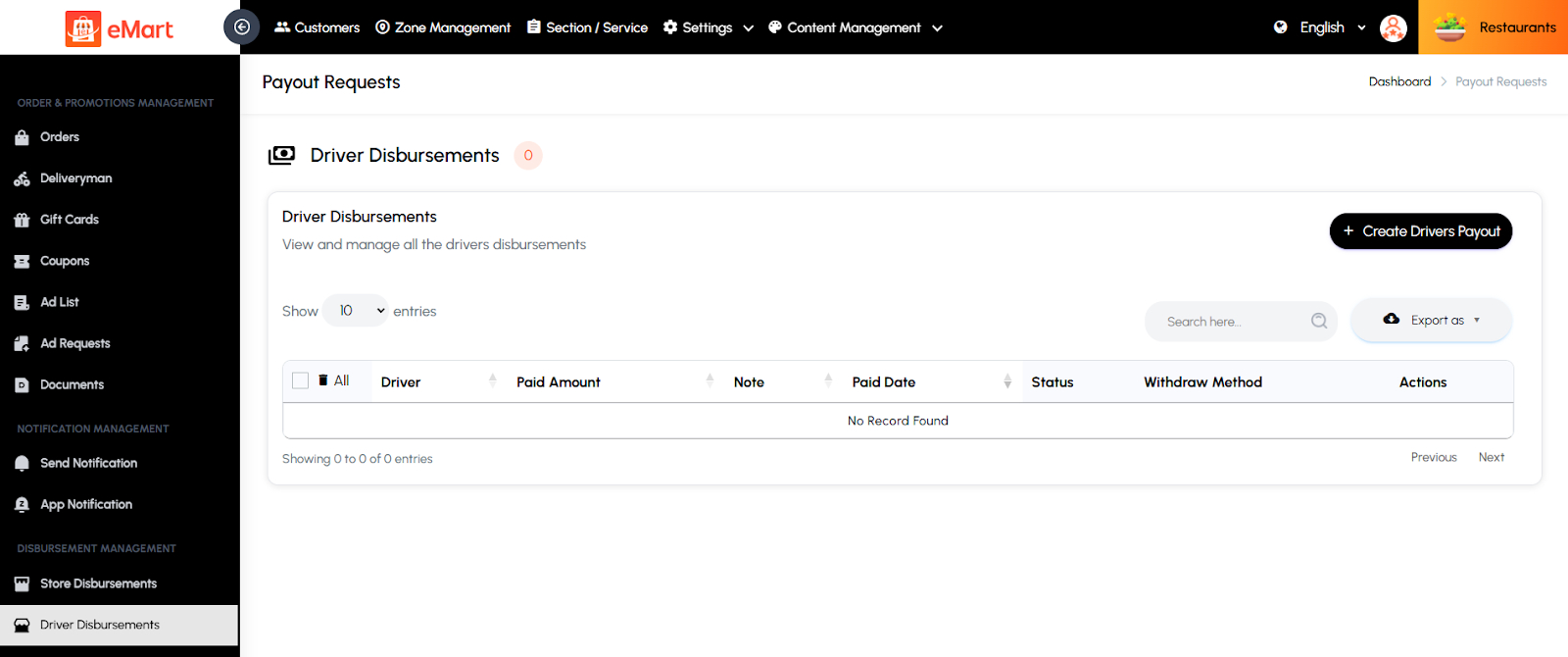
Used to manage all payout and commission settlements across the platform. From this section, the admin can track and release payments to vendors, store owners, and drivers based on completed orders or services. It ensures transparent and accurate financial transactions between the platform and its partners.
Store Disbursement
Used to view and process payouts related to individual stores. The admin can review earnings, commissions, and pending payments, and manually or automatically release funds to store accounts.
Driver Disbursement
Used to manage payments to drivers for completed deliveries or rides. The admin can verify trip earnings, adjust commissions, and process driver payouts efficiently.
Provider Disbursement
Used to handle payouts for service providers. The admin can track total earnings, deduct applicable fees or commissions, and disburse the remaining balance to ensure timely and accurate settlements.

5.20. Live Tracking
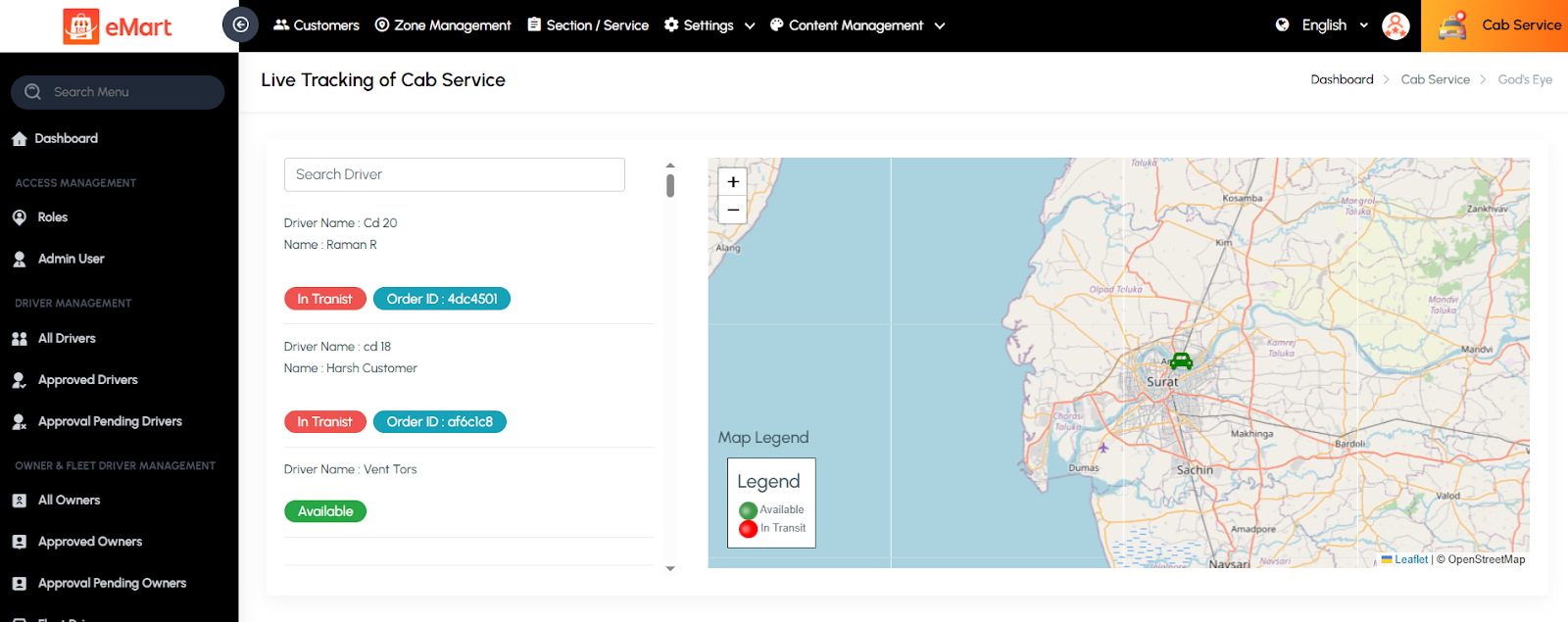
Used to monitor active delivery orders in real time. The admin can view the live locations of drivers, check delivery progress, and track the status of orders from pickup to drop-off. This feature ensures timely deliveries, improves customer satisfaction, and allows quick intervention in case of delays or issues.
5.21. Cab Service Management
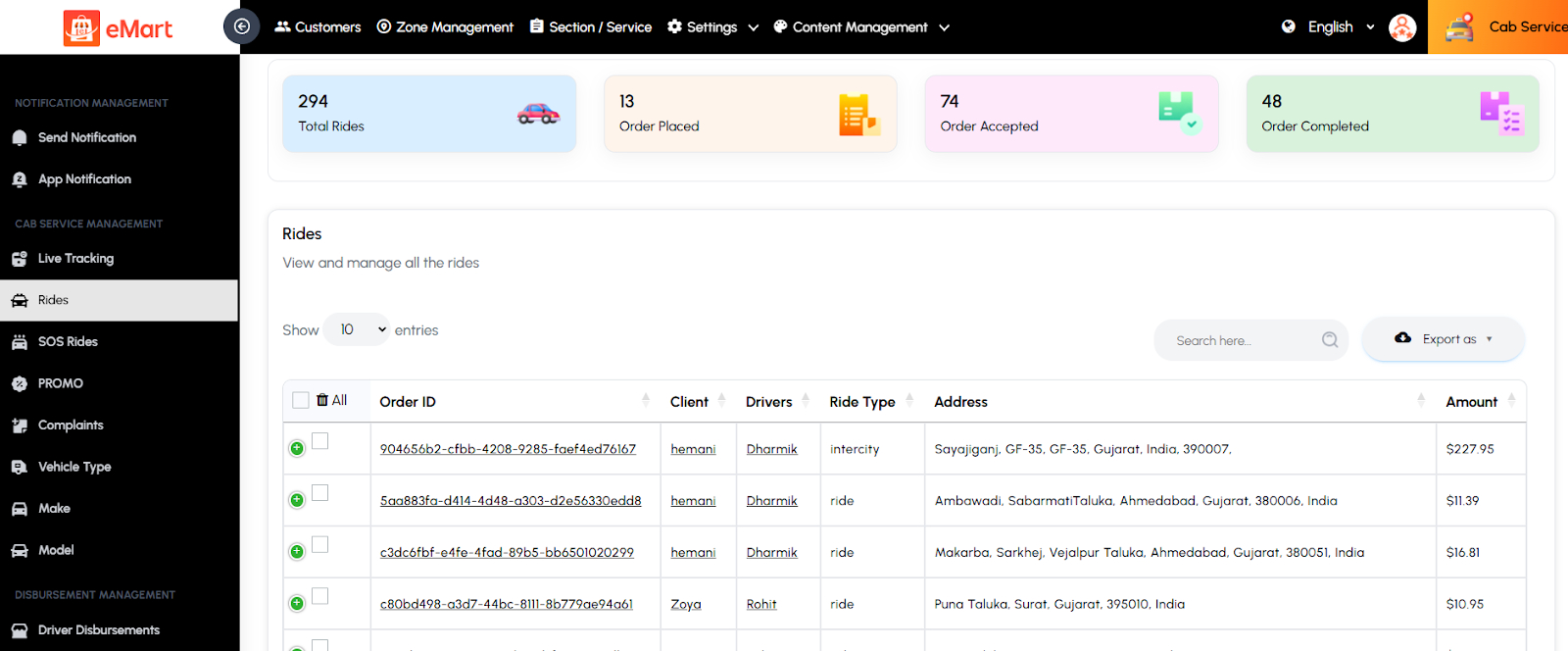
Used to manage all operations related to the cab or ride-hailing service within the platform. This section allows the admin to monitor rides in real time, manage vehicles and drivers, handle user safety alerts, and configure promotions and vehicle details for smooth and secure transportation services.
Rides
Used to manage all cab ride records on the platform. The admin can view ride details, update statuses, check payments, assign drivers, and resolve ride-related issues.
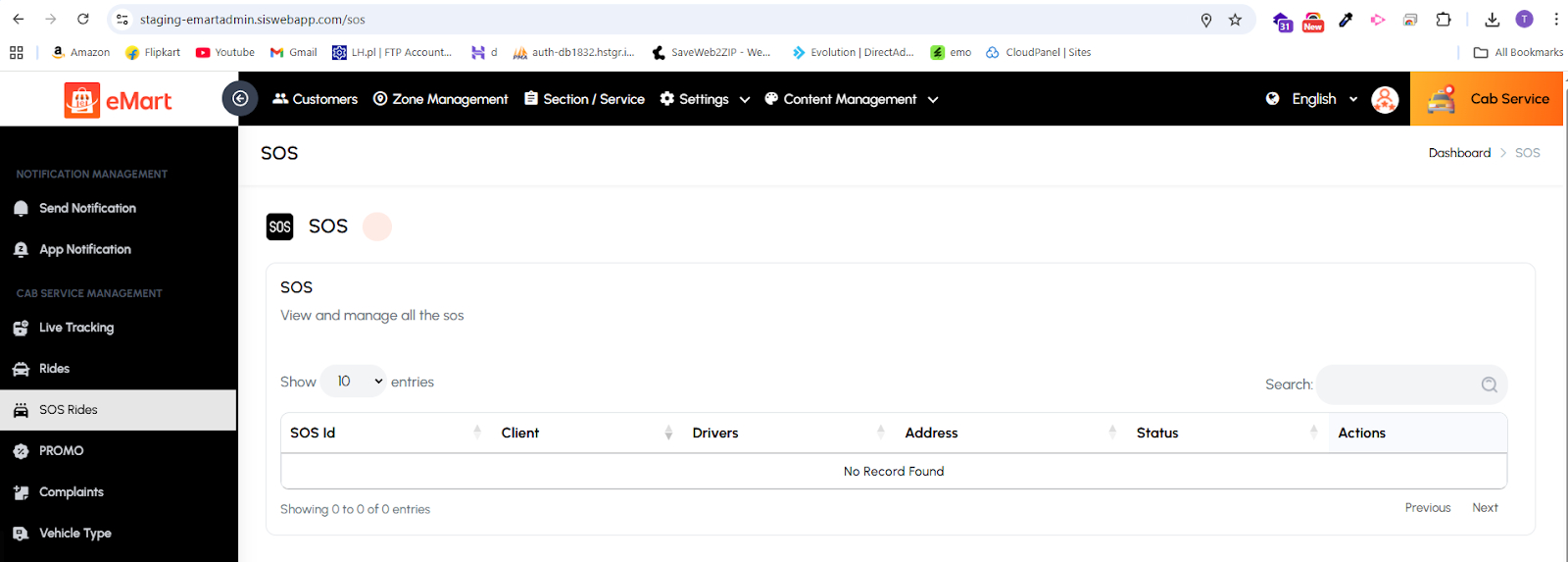
SOS Rides
Used to handle emergency alerts triggered by users or drivers during a ride. The admin can view SOS details, contact relevant users or authorities, and ensure safety actions are taken promptly.
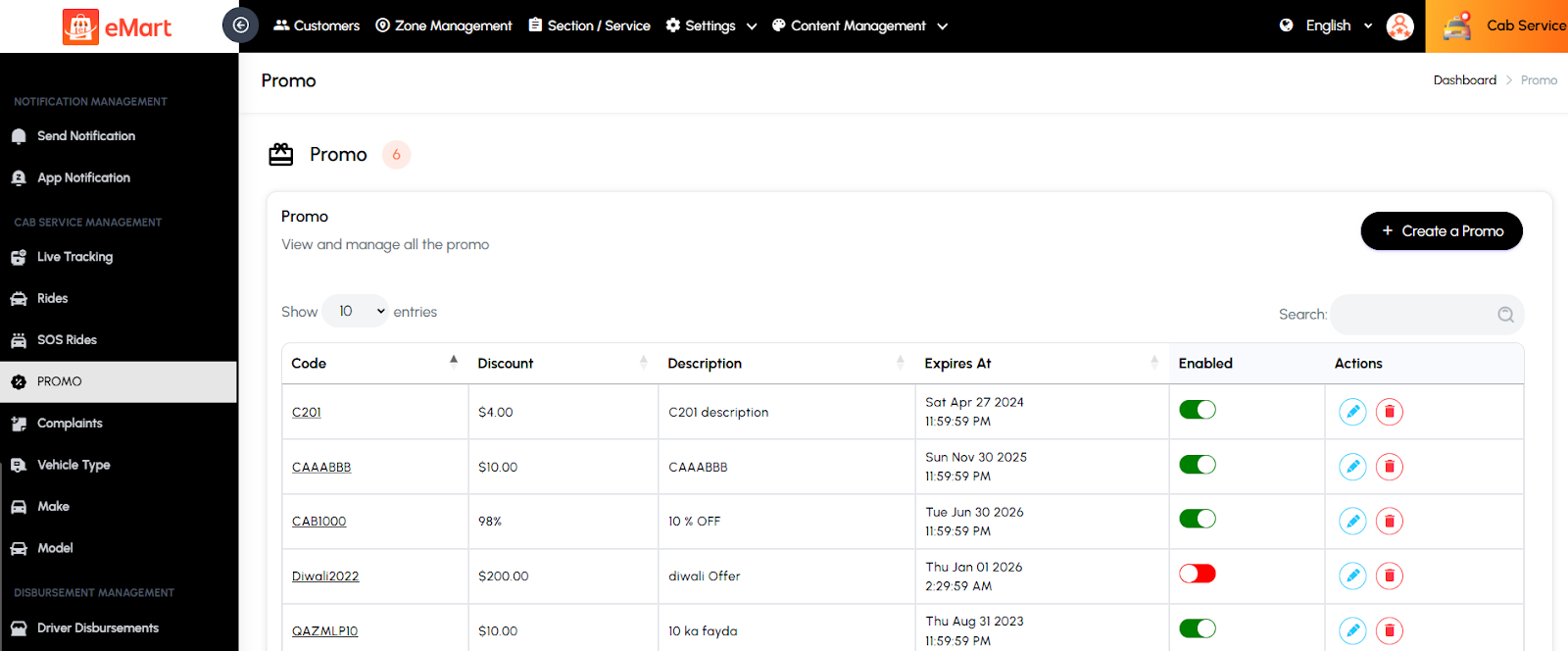
Promo
Used to create and manage promotional offers or discounts specific to cab rides. The admin can define promo codes, set validity periods, and monitor their usage to boost bookings.
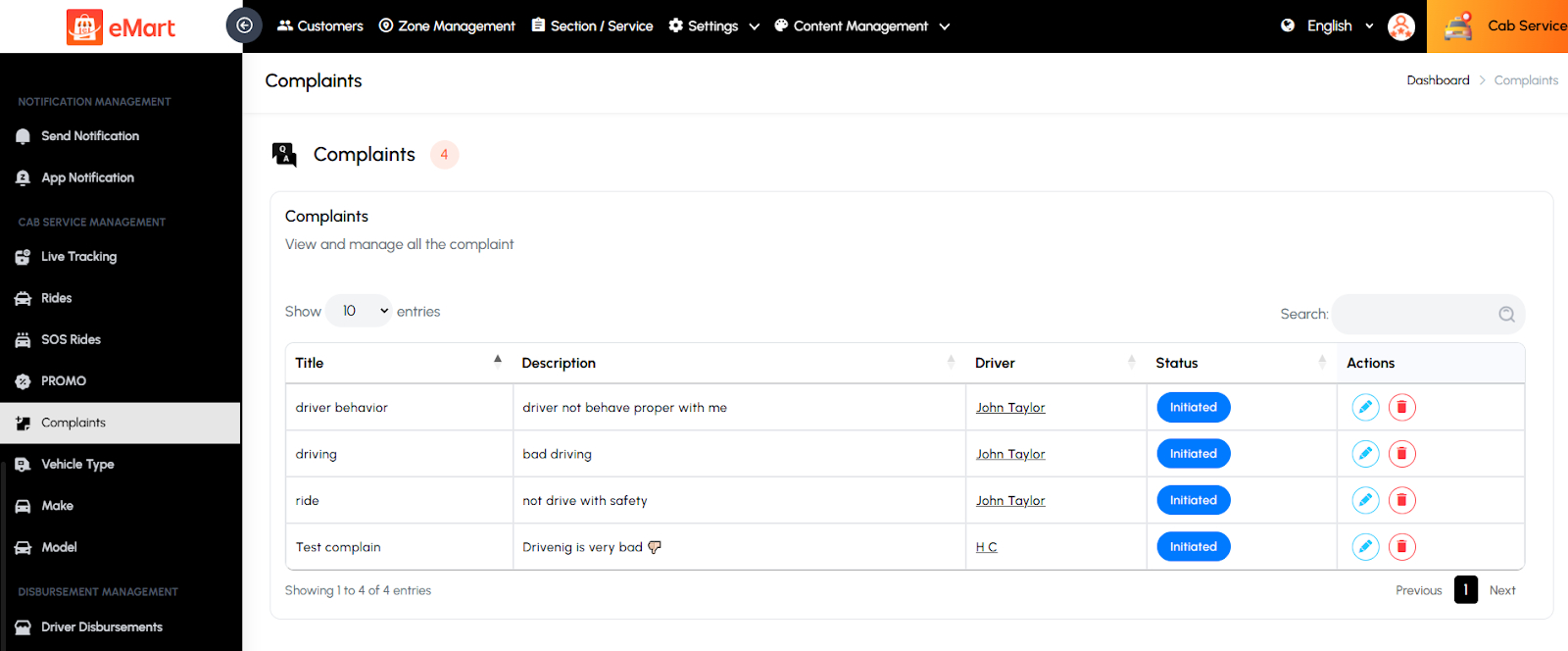
Complaints
Used to review and resolve complaints raised by customers or drivers related to cab rides. The admin can track issue types, communicate with involved parties, and take necessary action to maintain service quality.
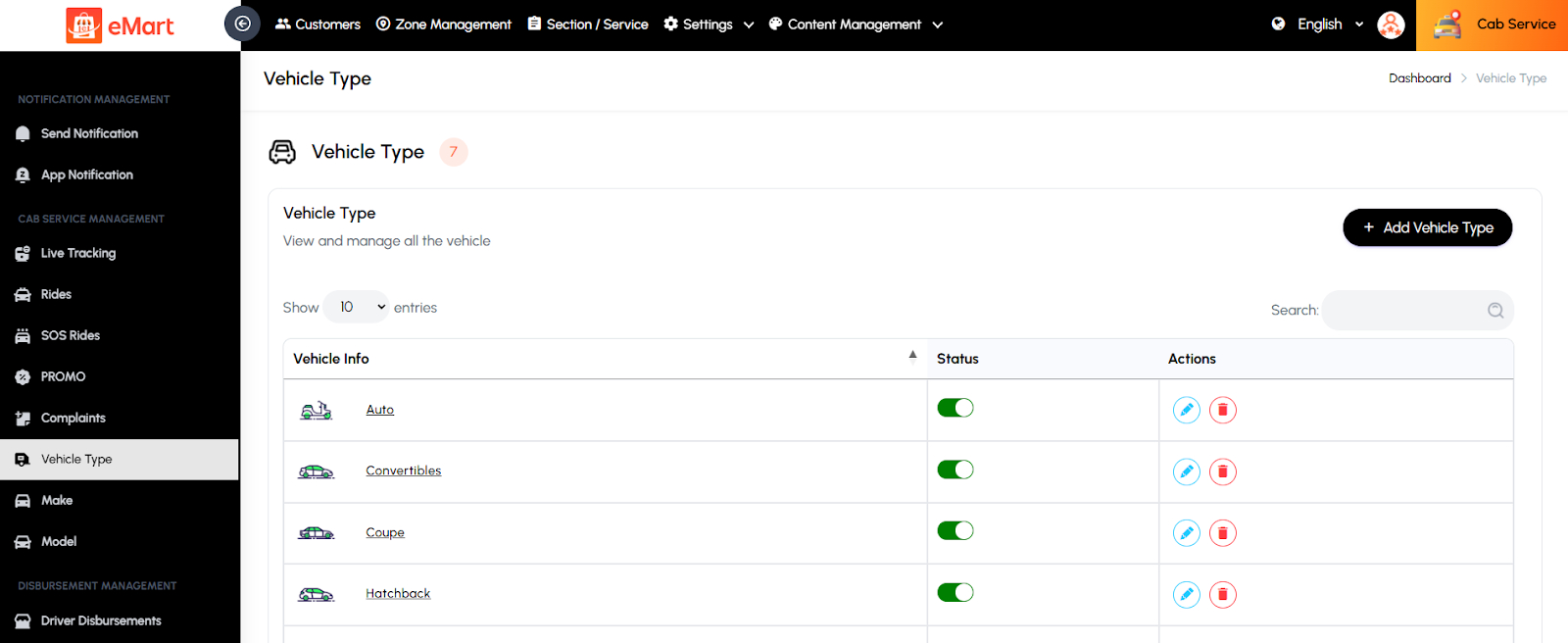
Vehicle Type
Used to define and manage various vehicle categories such as Sedan, SUV, Mini, or Luxury. Each type can have its own pricing structure and capacity.
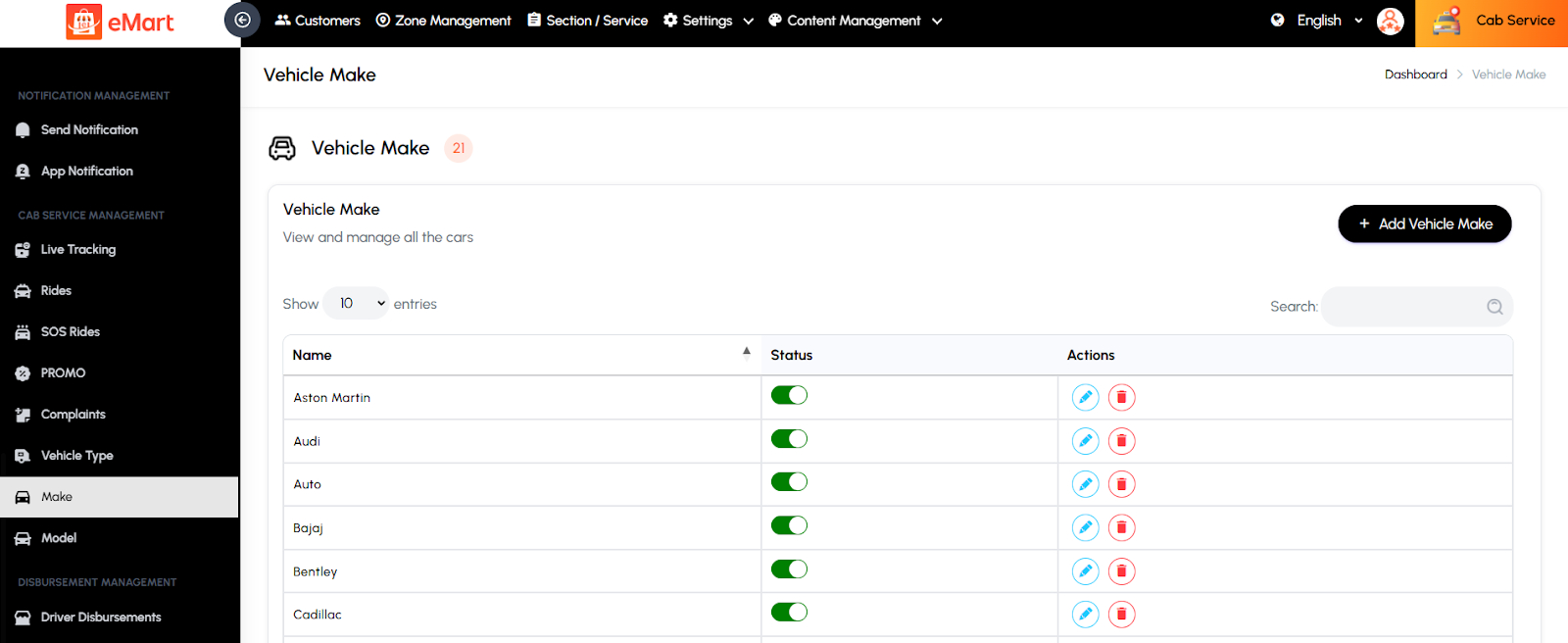
Make
Used to manage the list of vehicle manufacturers (e.g., Toyota, Honda, Tesla) available for cab registration. It helps standardize vehicle data across the system.
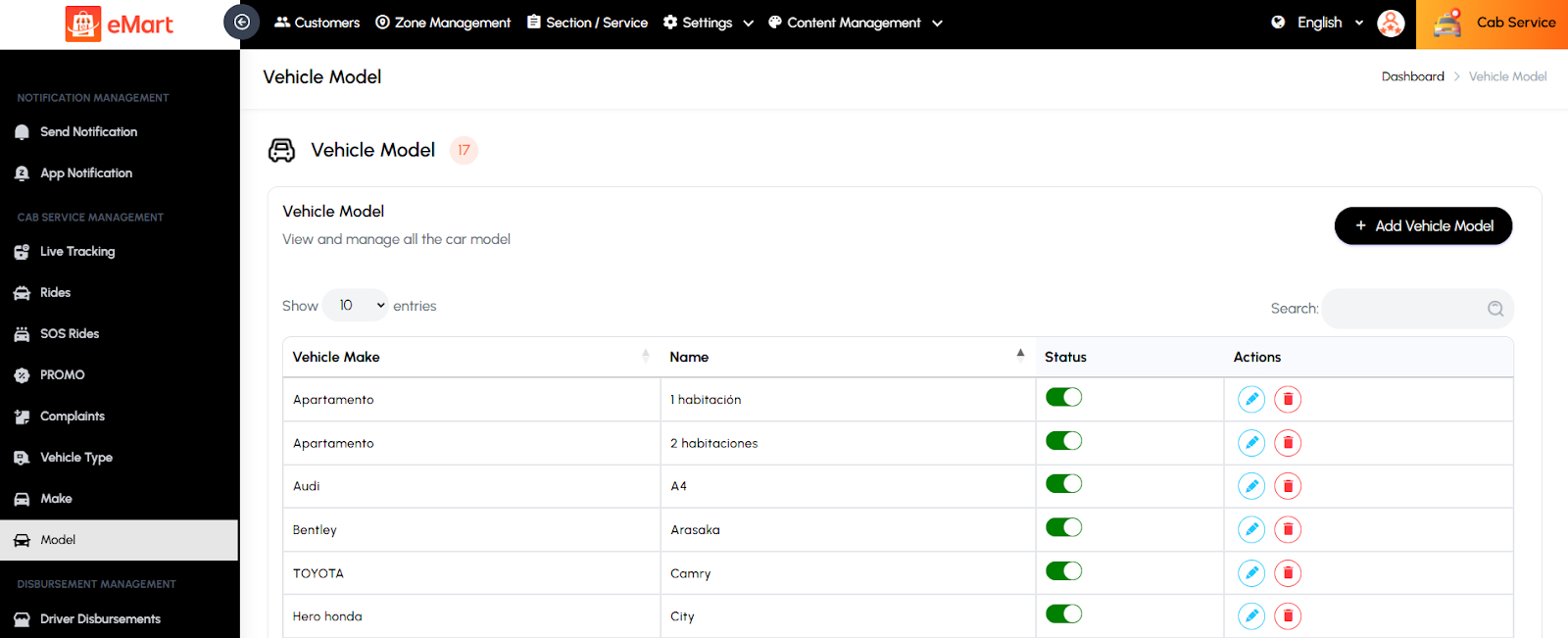
Model
Used to manage specific vehicle models under each make (e.g., Toyota Corolla, Honda City). This ensures accurate identification and classification of vehicles in the fleet.
5.22. On-Demand Service Management
Used to manage all operations related to on-demand services such as home cleaning, beauty, repair, or other professional services. This section helps the admin oversee service providers, service listings, workers, and bookings to ensure efficient service delivery and customer satisfaction.
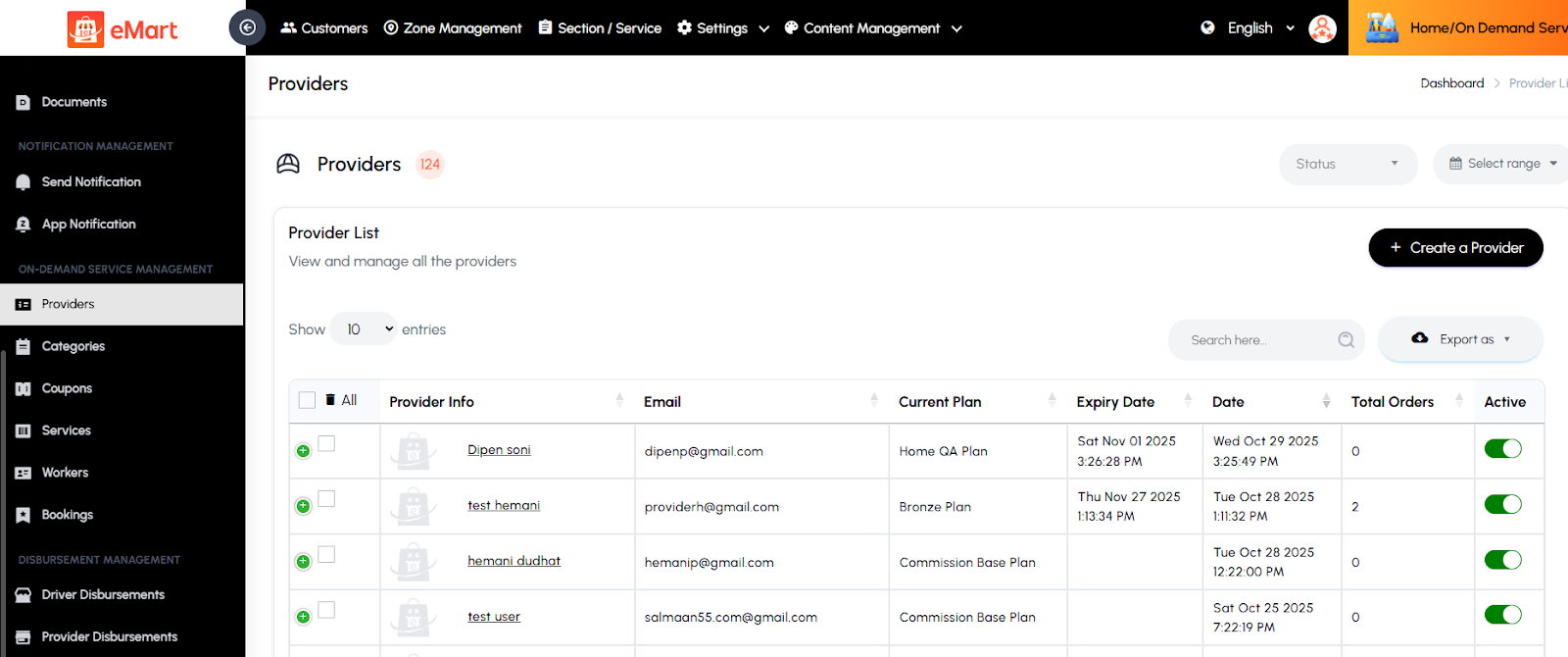
Providers
Used to manage all service providers registered on the platform. The admin can view provider profiles, verify documents, approve or reject applications, and monitor their performance and earnings.
Categories
Used to organize and manage various service categories (e.g., Cleaning, Plumbing, Beauty). The admin can create, edit, or delete categories to structure the service catalog effectively.

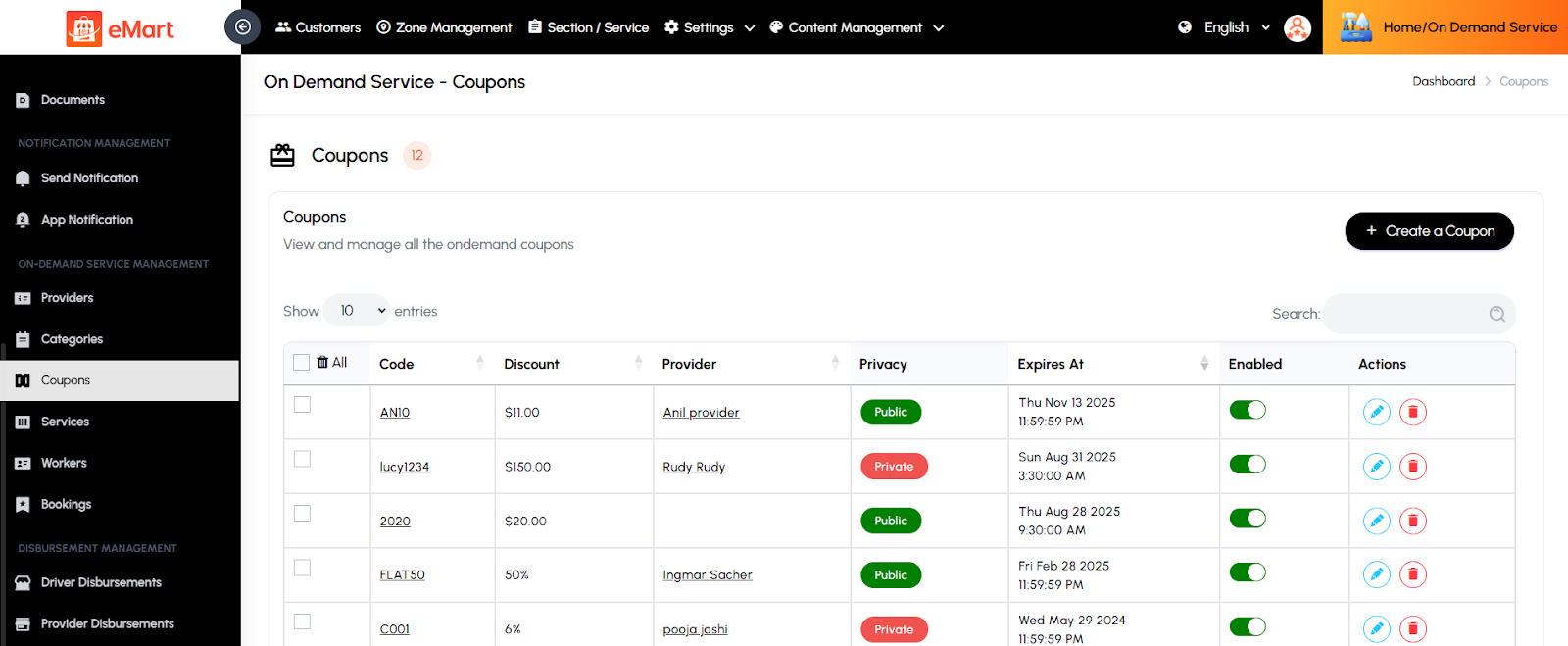
Coupons
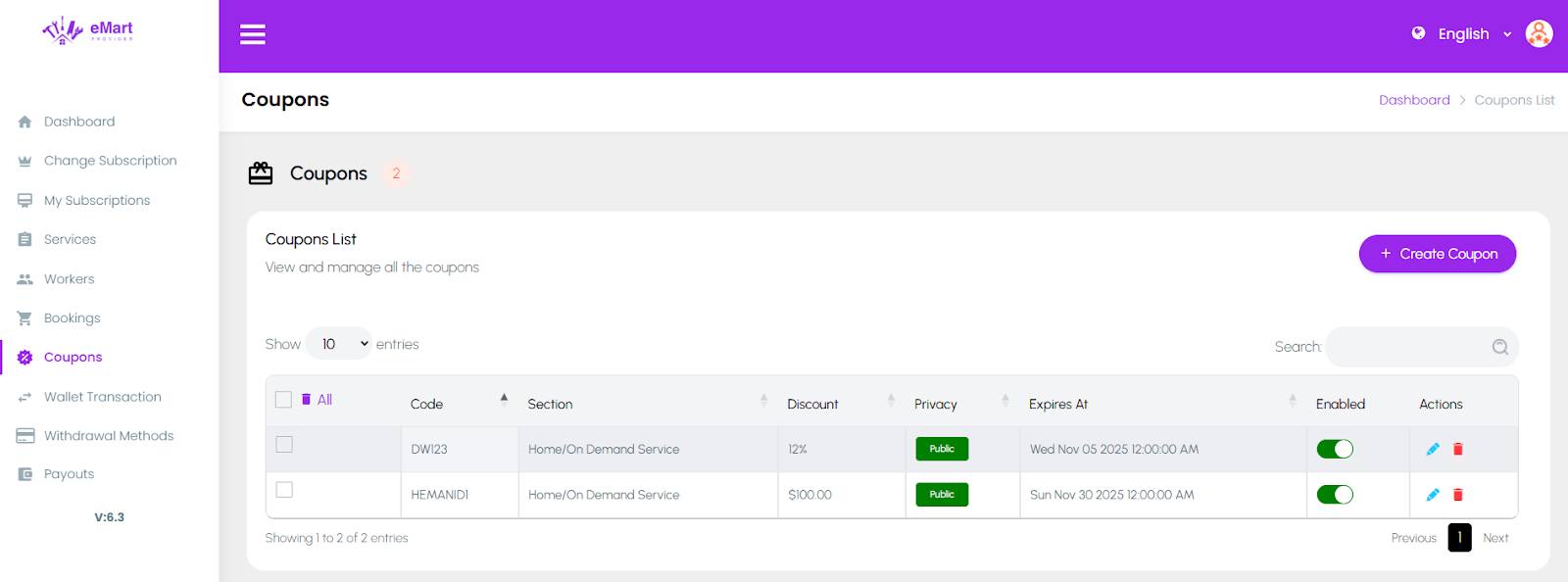
Used to create and manage discount coupons specific to on-demand services. The admin can define coupon codes, discount amounts, usage limits, and validity periods to attract and retain customers.
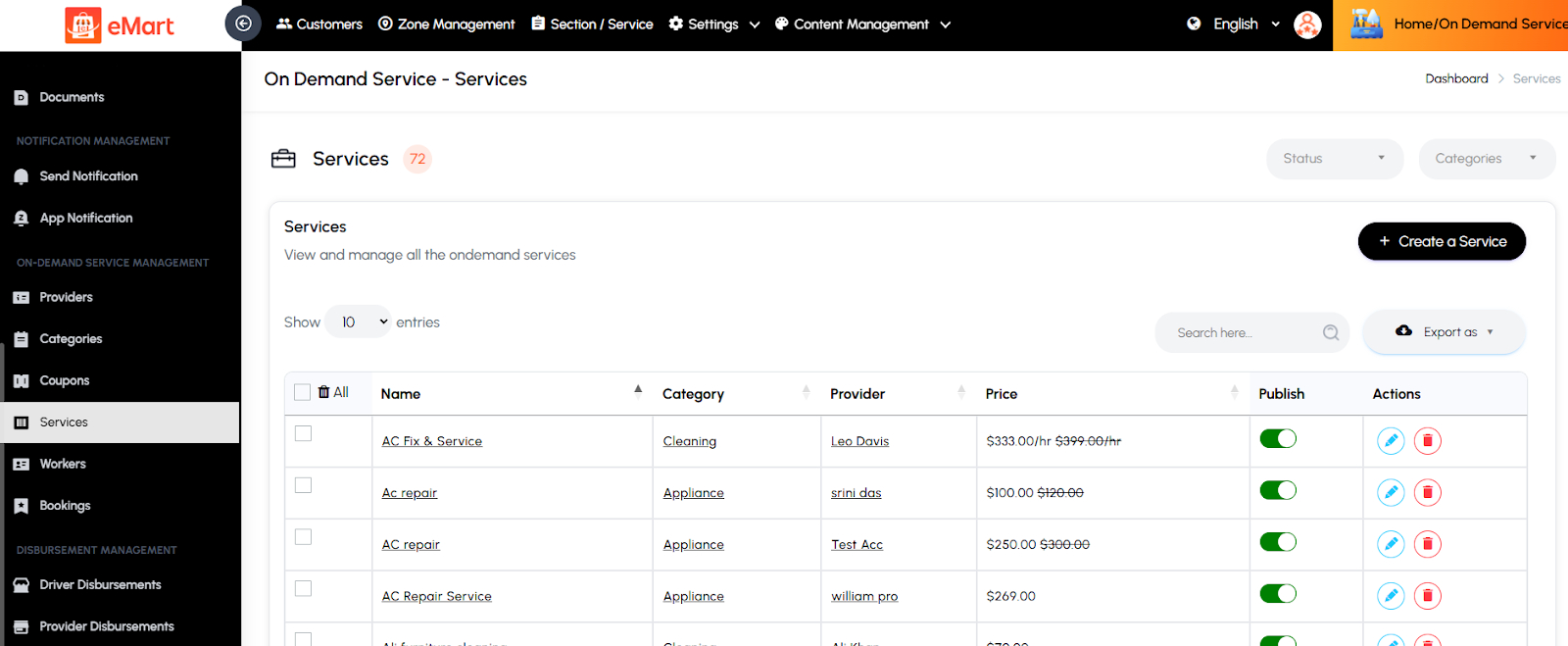
Services
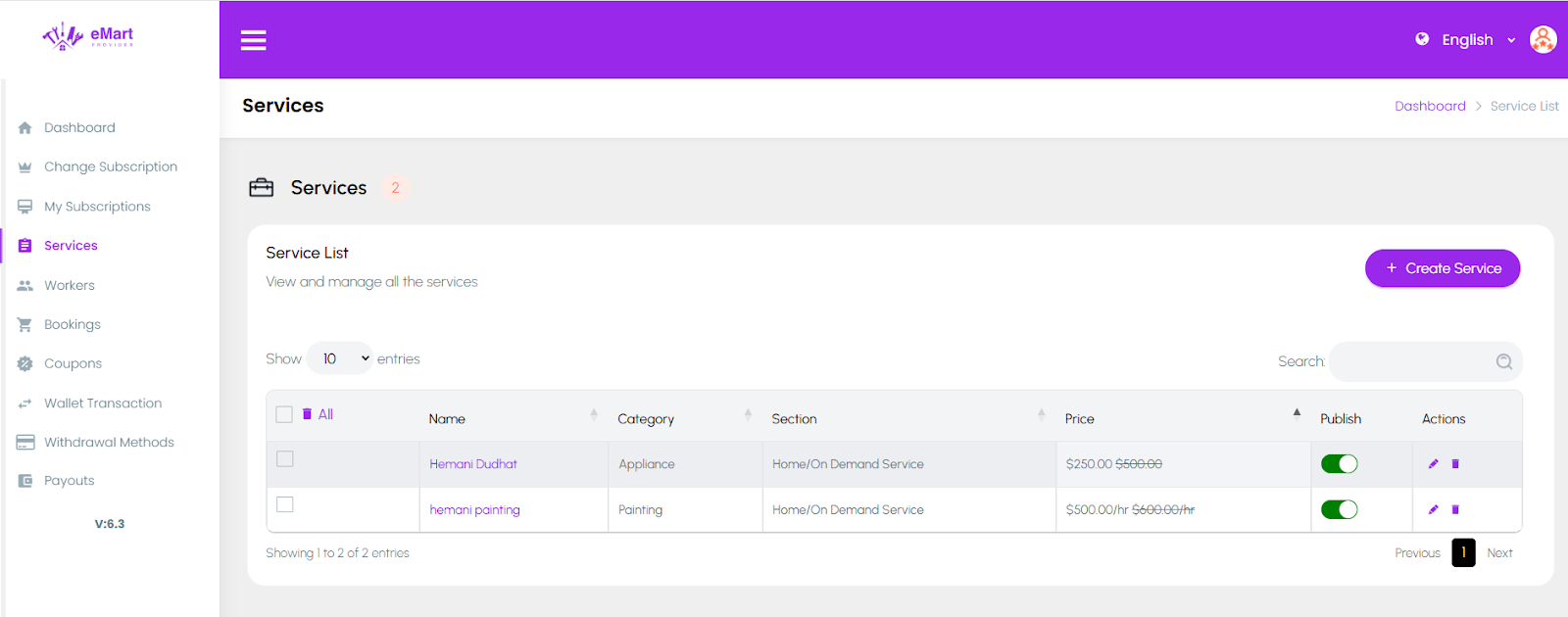
Used to manage individual service listings under each category. The admin can add or edit service details such as name, description, pricing, duration, and availability.
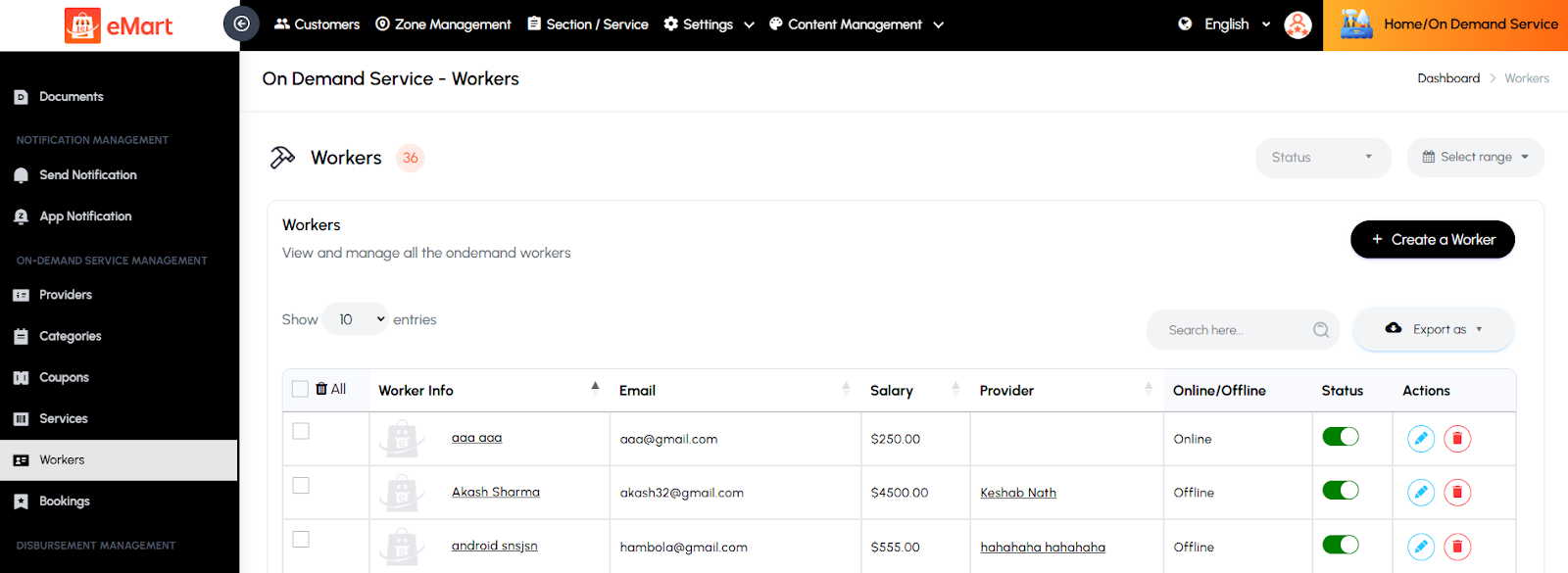
Workers
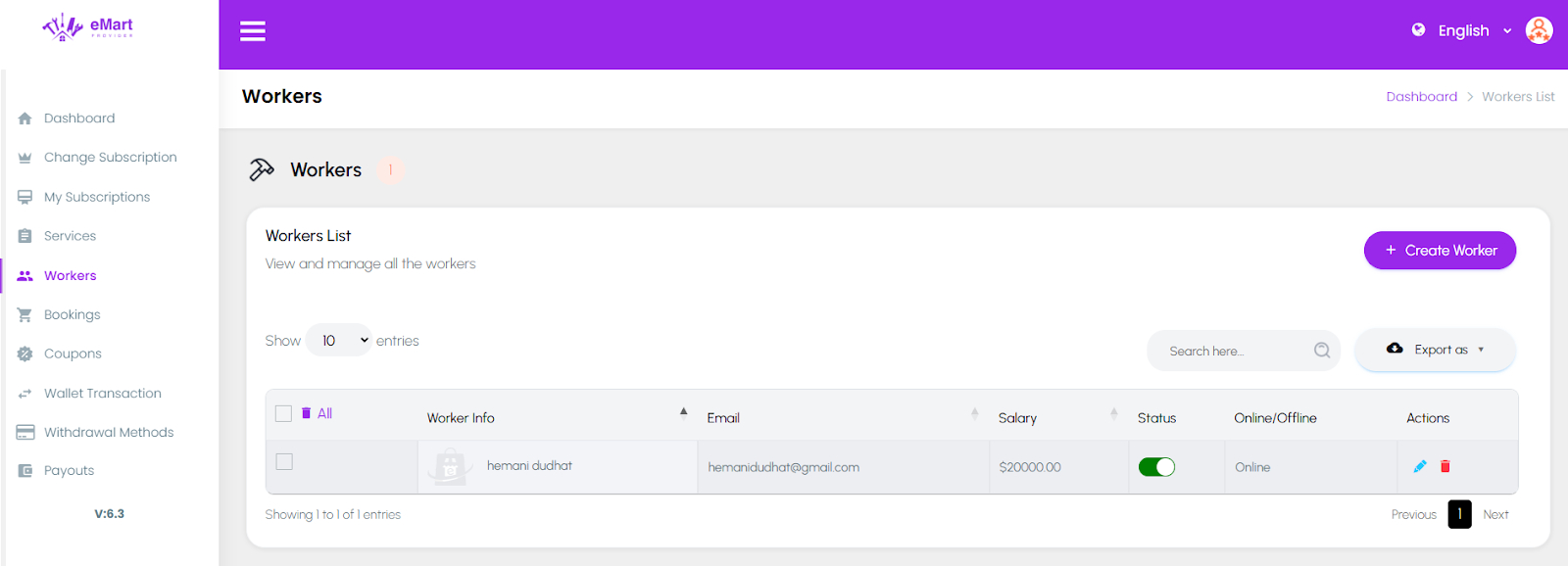
Used to manage workers associated with service providers. The admin can view worker details, assign them to providers, verify their documents, and track their service performance and availability.
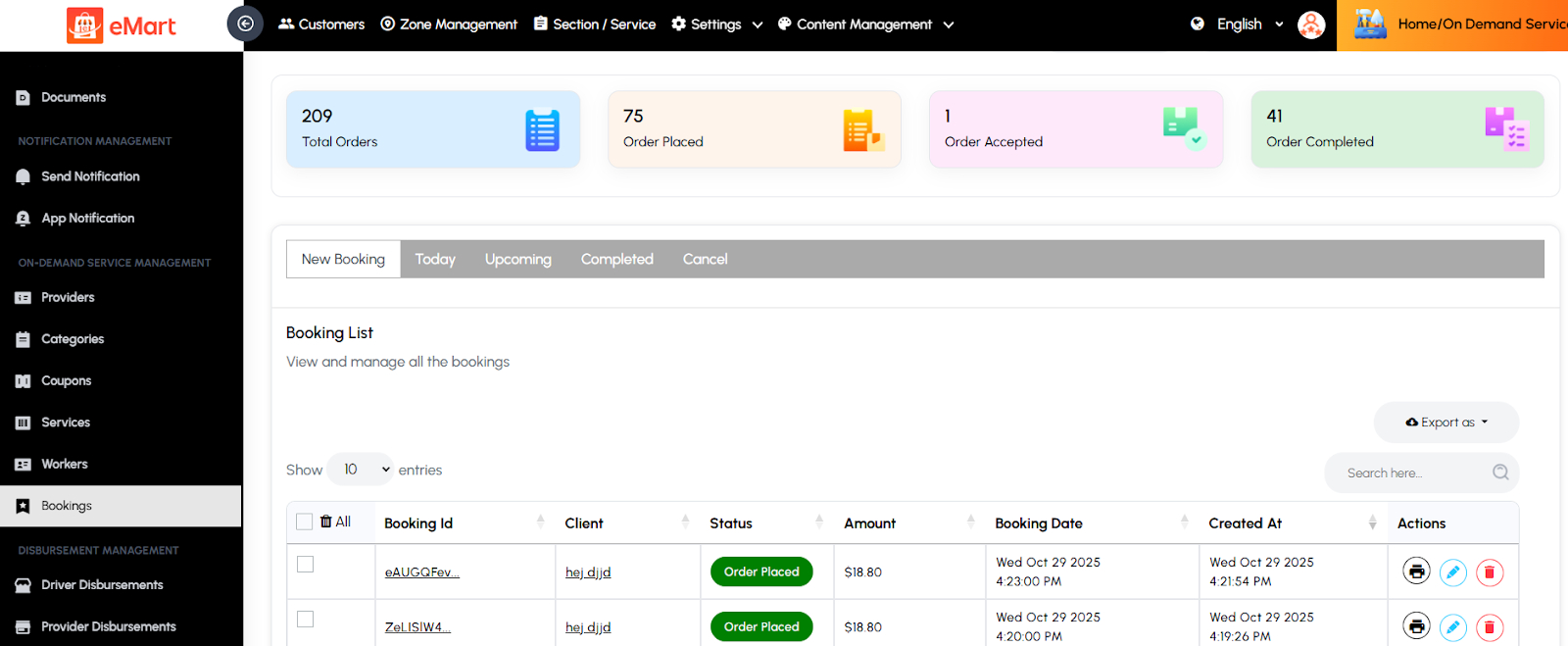
Bookings
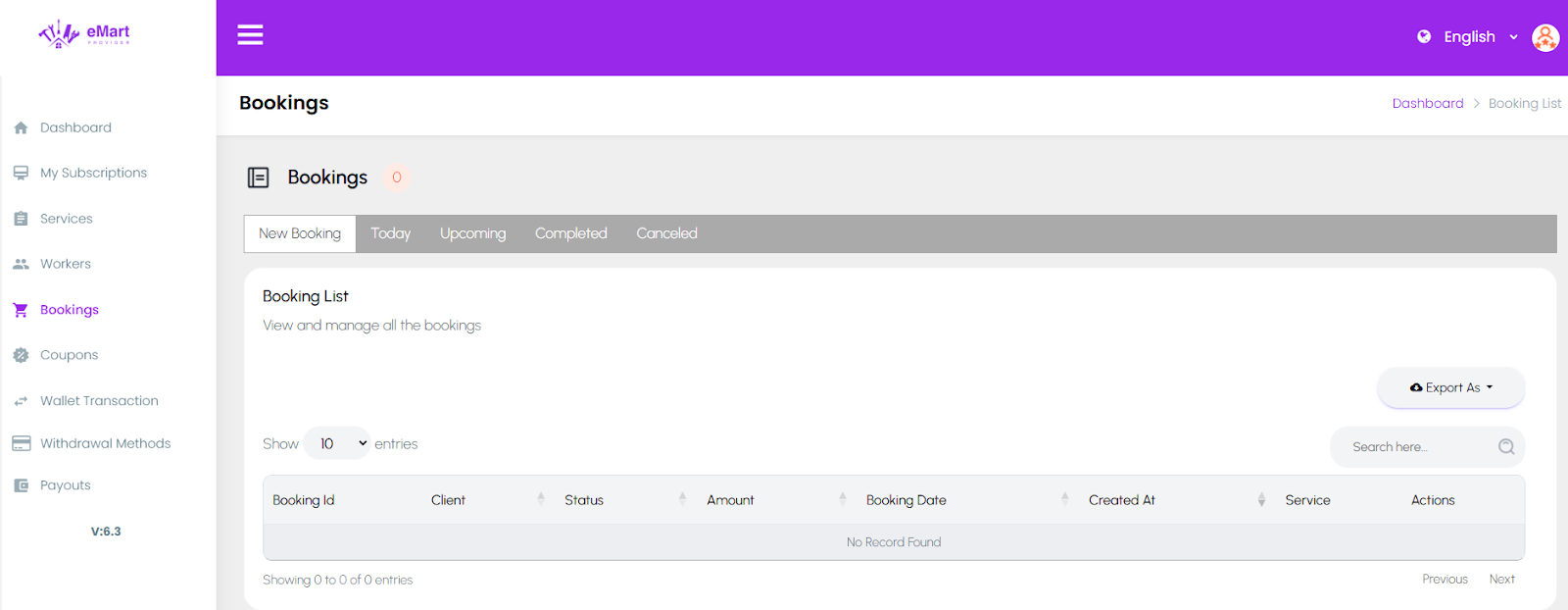
Used to view and manage all service bookings made by customers. The admin can track booking statuses, assign providers or workers, update schedules, and handle cancellations or customer issues.
5.23. Parcel Service Management
Used to manage all operations related to parcel pickup and delivery services. This section allows the admin to monitor active parcel deliveries, manage parcel types and weights, handle discount coupons, and track order statuses to ensure smooth and timely deliveries.
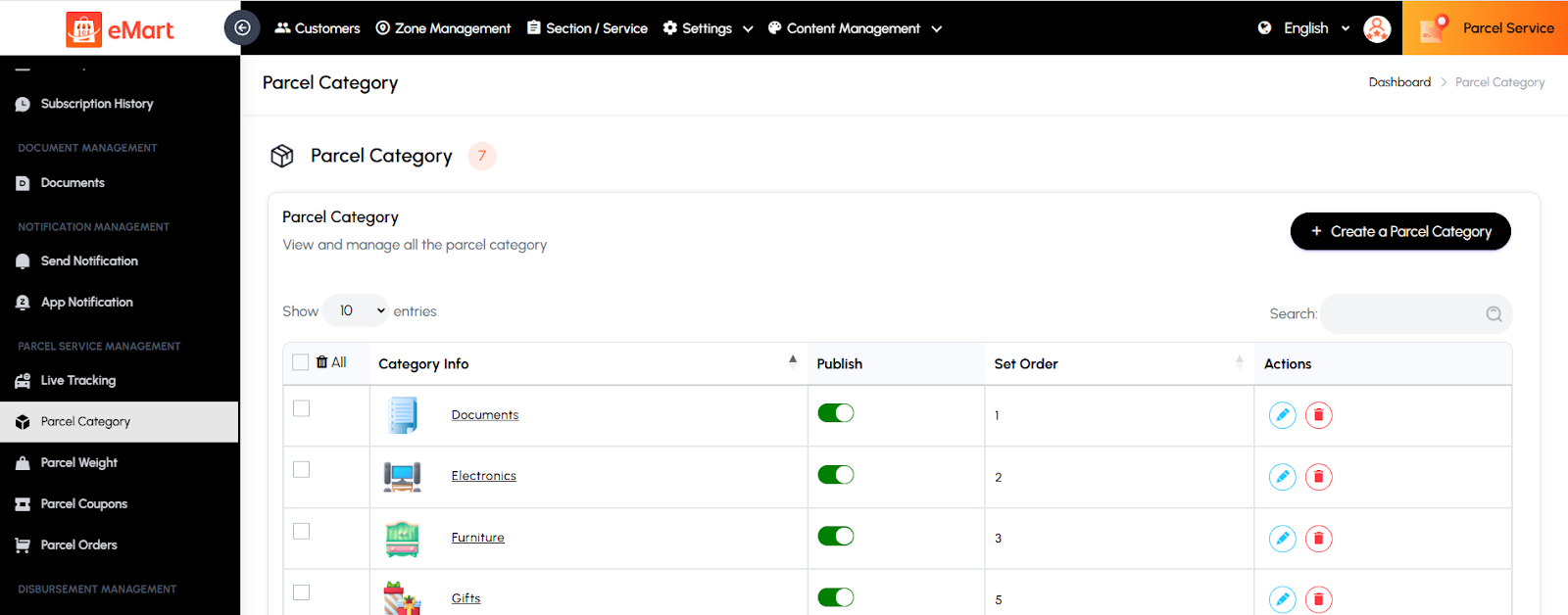
Parcel Category
Used to create and manage parcel categories based on the type or size of items (e.g., Documents, Electronics, Fragile Items). This helps in applying appropriate delivery charges and handling requirements.
Parcel Weight
Used to define and manage different weight ranges for parcels. The admin can set pricing rules and delivery fees based on parcel weight to maintain accurate billing.

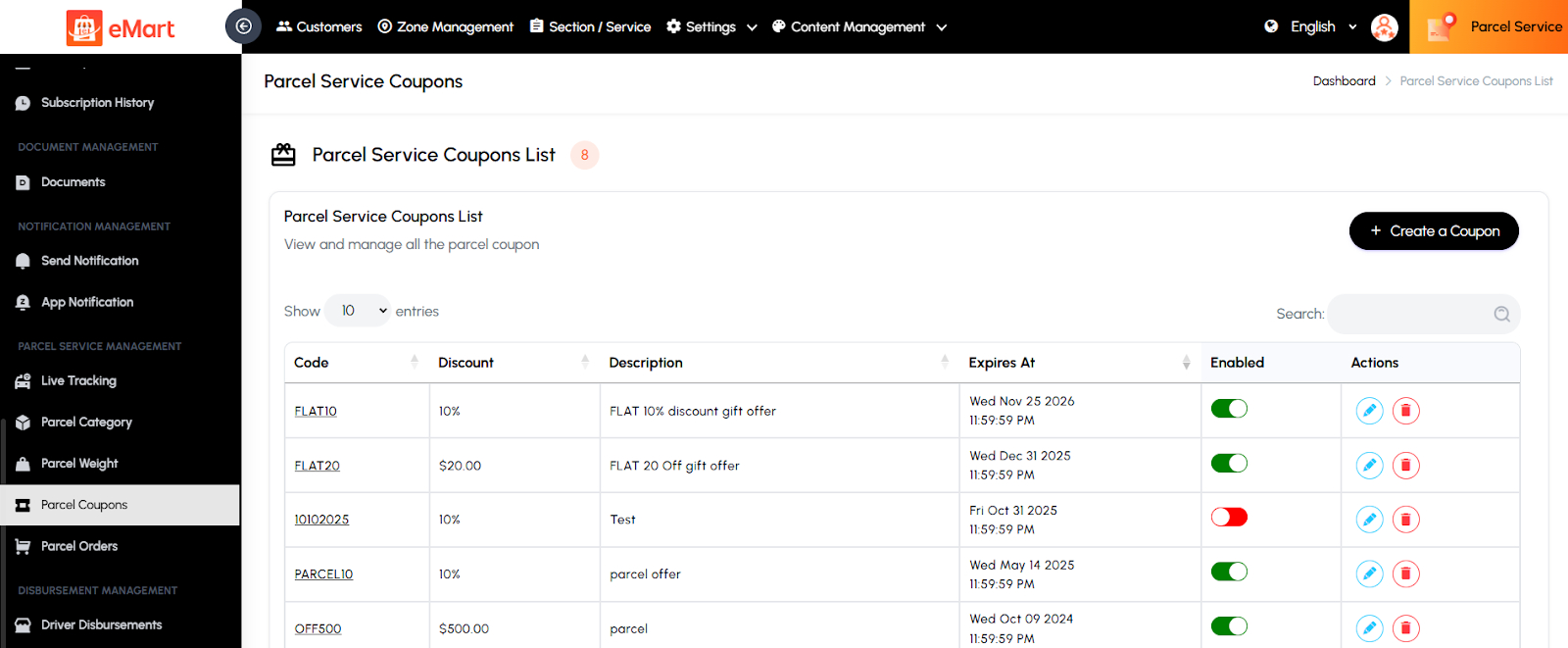
Parcel Coupons
Used to create and manage discount coupons specific to parcel delivery services. The admin can set coupon details such as code, discount amount, usage limit, and validity period.
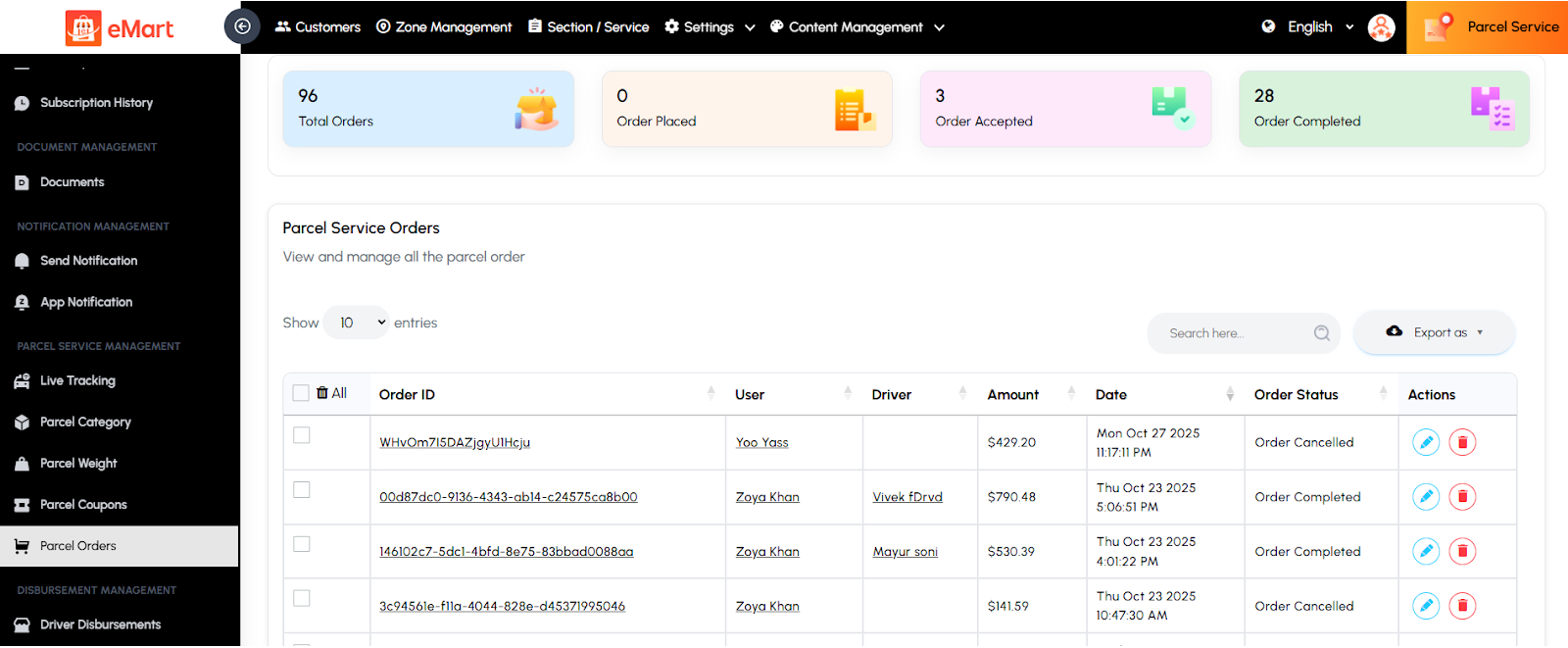
Parcel Orders
Used to view and manage all parcel delivery orders. The admin can monitor order details, pickup and drop-off locations, driver assignments, payment status, and delivery progress.
5.24. Rental Service Management
Used to manage all activities related to the vehicle rental services on the platform. This section helps the admin oversee vehicle listings, rental orders, discounts, and packages to ensure a smooth and efficient rental experience for users and vendors.
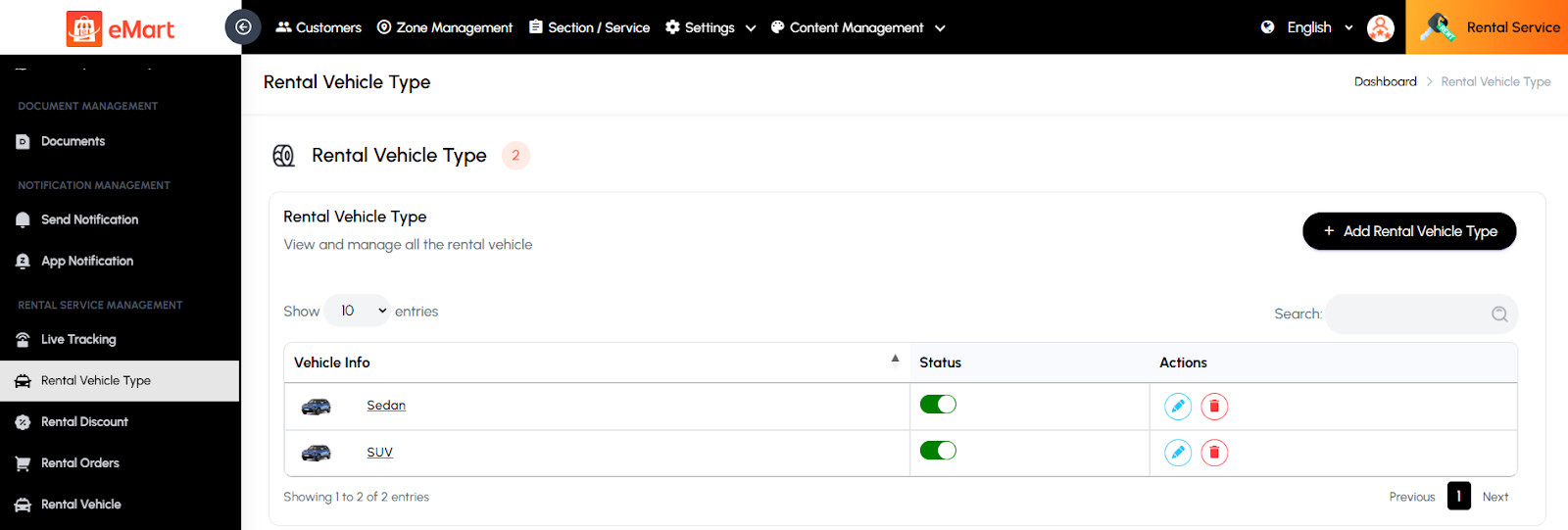
Rental Vehicle Type
Used to define and manage various types of vehicles available for rent (e.g., Cars, Bikes, Scooters, Vans). Each type can have its own pricing, features, and capacity settings.
Rental Discount
Used to create and manage promotional discounts or special offers specific to rental services. The admin can define discount codes, percentage or fixed value discounts, and their validity period to attract more users.

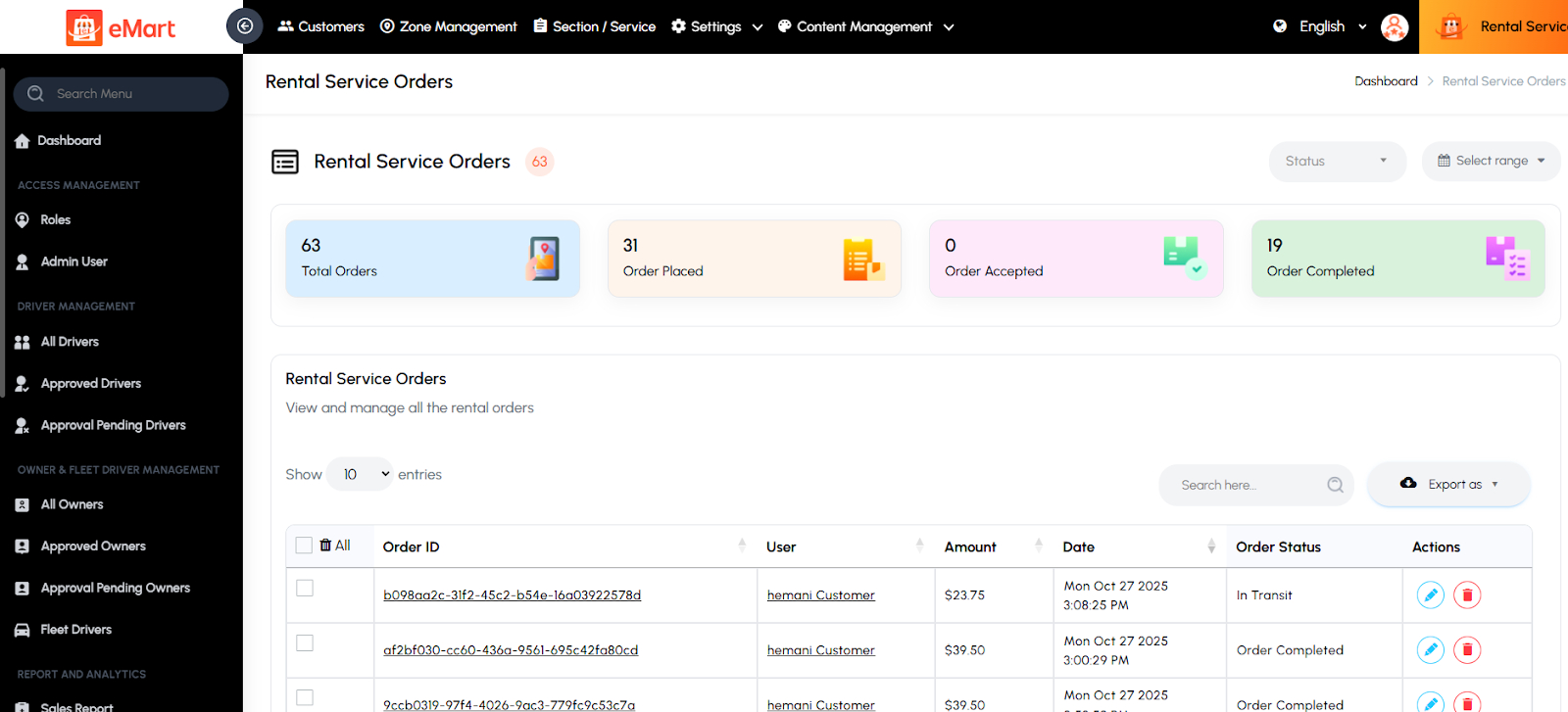
Rental Orders
Used to view and manage all rental bookings made by customers. The admin can check booking details, vehicle availability, payment status, and track rental durations or extensions.
Rental Vehicle
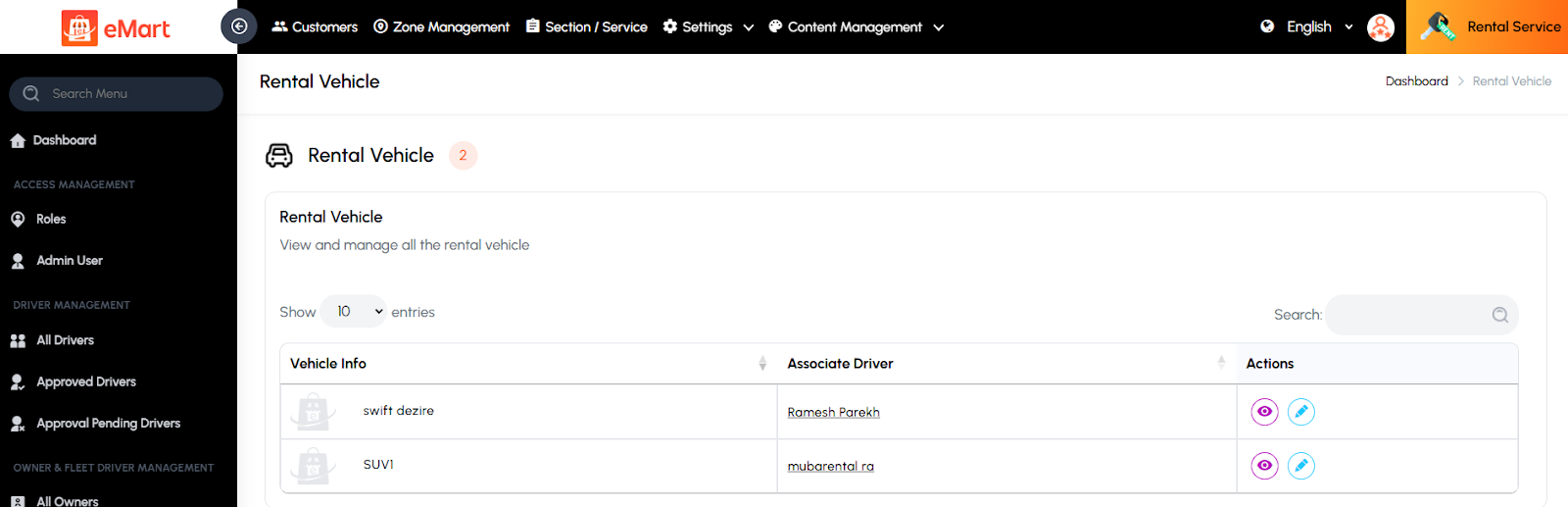
Used to manage all vehicles listed for rent on the platform. The admin can add or update vehicle details such as model, registration number, condition, pricing, and availability status.
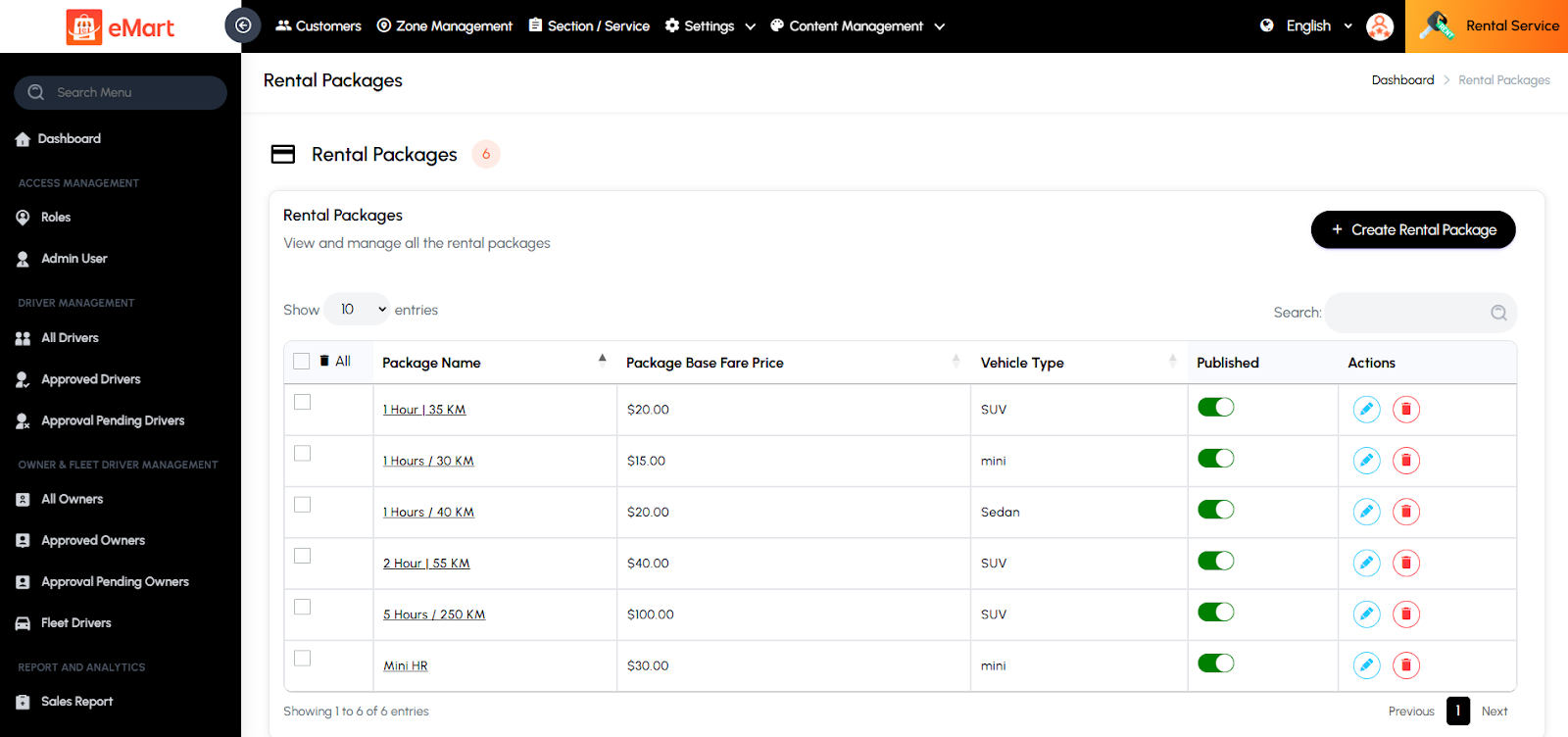
Rental Packages
Used to create and manage predefined rental plans or packages (e.g., hourly, daily, weekly). The admin can set rates, duration, mileage limits, and terms for each package to offer flexible rental options to customers.